



SleepyKevin
Members
-
Joined
-
Last visited
Everything posted by SleepyKevin
-
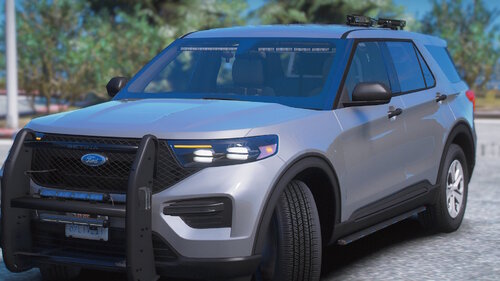 glad to see more people adding a pushbars
 -
-
 Been using your car packs for a bit here now im excited to see the DLS update
 -
.thumb.png.b9e18d9931090871b064059f2c315cf8.png) im excited to see this get a update it was one of the first mods i used when i first started.
im excited to see this get a update it was one of the first mods i used when i first started.- 704 comments
- 24 reviews
-
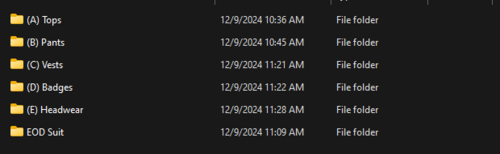 i think this is neat, i like to edit my EUP textures and this makes it easier to find what I'm looking for
 -
well you will have LSSD spawn in the city cause i think they have a PD in the city aswell so im not sure how to change that
-
you can try PEDS Overhaul by Alex_Ashfold
-
 im having a issue GP was working fine last week no issue but all of a sudden it wont recognize my voice and i didn't change anything
- 1,366 comments
- 87 reviews
-
-
-
-
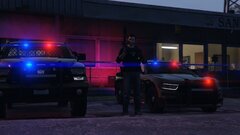 NewSheriffToys.jpg
-
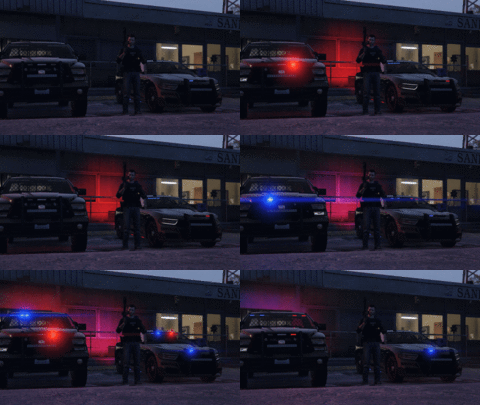 newtoys.gif
-
 test1.png
-
.gif.0adc66adfb63c40e0c11e52c2760aada.gif) lights
lights
-
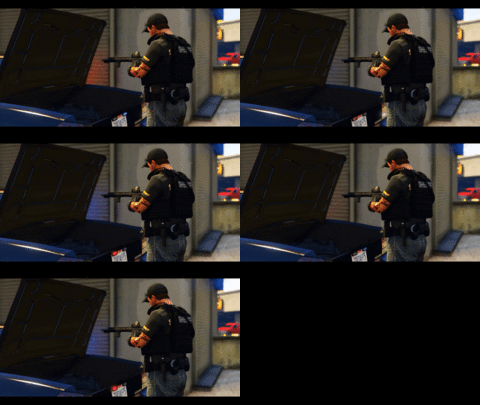 Untitled-ezgif.com-video-to-gif-converter.gif
-
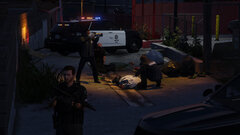 holdingscene.jpg
-
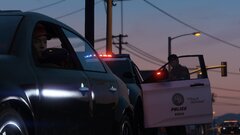 GTA5_UIfMaDR9Kv.jpg
-
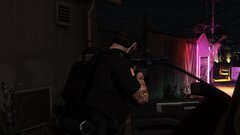 GTA5_BIgYjKChNM.jpg
-
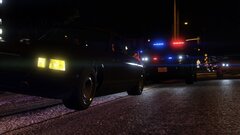 GTA5_EUfX8ZROrc.jpg
-
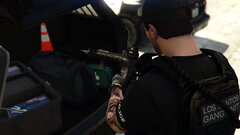 GTA5_xMMtrP7PYz.jpg
-
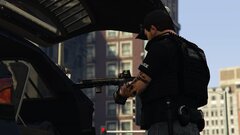 GTA5_cFTQIrOUf5.jpg
-
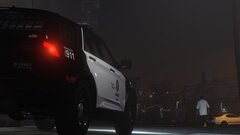 GTA5_iTblBpkzKq.jpg
-
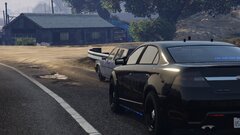 GTA5_L3qlV0ymKG.jpg
-
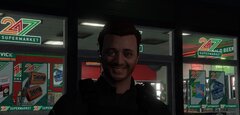 End of shift face
-
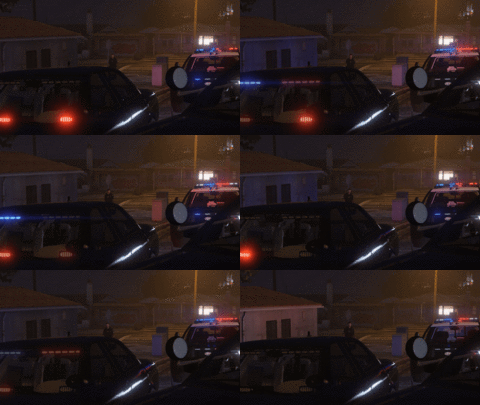 Untitled-ezgif.com-video-to-gif-converter.gif
-
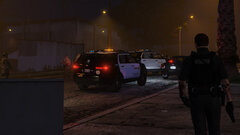 backup.jpg
-
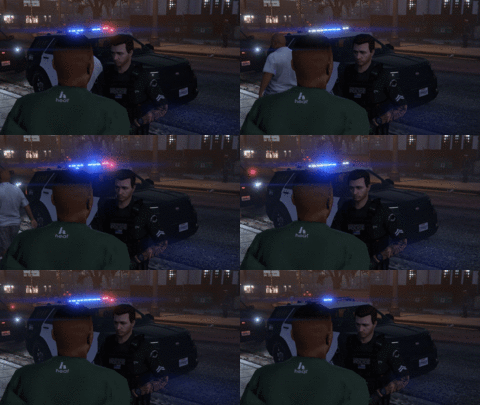 SnitchGif.gif
-
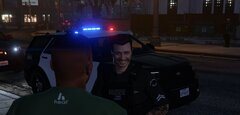 When they want to snitch
-
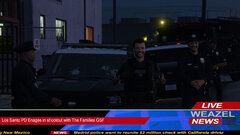 lspdgangshootout.jpg
-
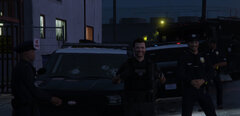 lspdwin.jpg
-
-
From the album: LSPDFR Pics
-
-
 dam was hoping it was 3 stages thanks for the reply
 -
question for johns scouts is it 3 stages of ELS or just one set of lights that come on cause ive been waiting for someone to convert his to ELS
-
-
-
-
-
-
From the album: LSPDFR Pics
-
dam thought that would of fixed it another thing is maybe make sure multiplayer maps are enabled in your trainer if you have one
-
i had a problem with clothing stores not opening while having open interiors check your lspdfr and make sure Main.DisableAmbientScriptHooks = false is false that seemed to fix my door issues it might for you to
-
-
try getting Open All Interiors should help the issue


.thumb.png.b9e18d9931090871b064059f2c315cf8.png)



.gif.0adc66adfb63c40e0c11e52c2760aada.gif)

