
BEModsV
Members
-
Joined
-
Last visited
Everything posted by BEModsV
-
then definetly C!
-
Depends, if you mean by making a lore-friendly version that uses the new and improved holsters i'd def say (c) otherwise (a)
-
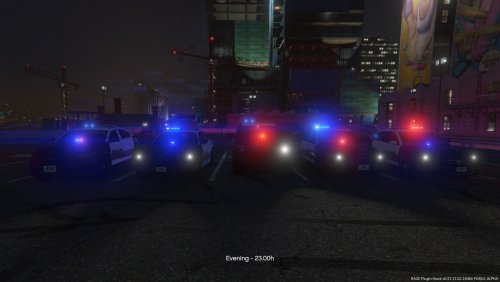 From an objective point of view I say those skins are very well out together but my personal opinion would be to add a local emblem to the sides of the vehicles like the LSPD shield or something you design yourself
- 13 comments
- 4 reviews
-
mods/update/update.rpf/x64/eup
-
-
-
-
-
-
-
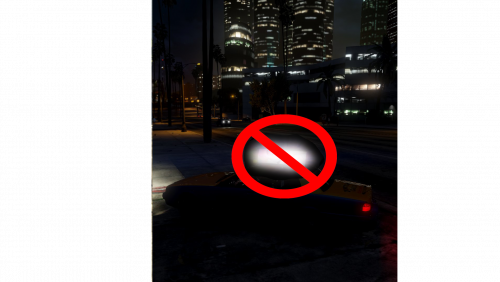 What I did is remove the sign completely instead of lowering the brightness of the ads if that's what you think
- 5 comments
- 2 reviews
-
I have made a tiny edit to the stock taxi in order to remove the way too bright sign if you have a visual mod installed with bright lights
- 5 comments
- 2 reviews
-
 i always use the captain14 lspd pack for my cars since it has from police to police7 @BradM The ineredge glass covers up the lights on the unmarked vehicles so they can't be seen anymmore. This is a bug i think. EDIT: it was just a texture mixup trying to make them all blue
- 147 comments
- 65 reviews
-
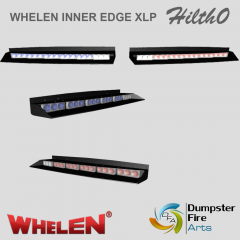 where can i get this?
 -
-
-
-
-
-
-
-
it's actually an attack pose and it happens automatically when you shoot or fight someone And that does not yet look like an EUP 7.5 vest
-
-
-
They can't ban you from offline