Skip to content
View in the app

A better way to browse. Learn more.

LCPDFR.com

A full-screen app on your home screen with push notifications, badges and more.

To install this app on iOS and iPadOS
  1. Tap the Share icon in Safari
  2. Scroll the menu and tap Add to Home Screen.
  3. Tap Add in the top-right corner.
To install this app on Android
  1. Tap the 3-dot menu (⋮) in the top-right corner of the browser.
  2. Tap Add to Home screen or Install app.
  3. Confirm by tapping Install.

Officer Elliott

Members
  • Joined

  • Last visited

    Not going to lie, for your first skin, it is not half bad. Nice badge, American flag on side, plates properly placed. Obviously, it could use some work in terms of the font and placement of text, and the plate says "State Police", but not half bad for your first skin release. 2 stars for design, 3 for effort.
    Can't say it's bad, because it's not. Just, a little bit weird. Sort of a fan though.
    Ctrl+C Ctrl+V And you still managed to make it backwards.
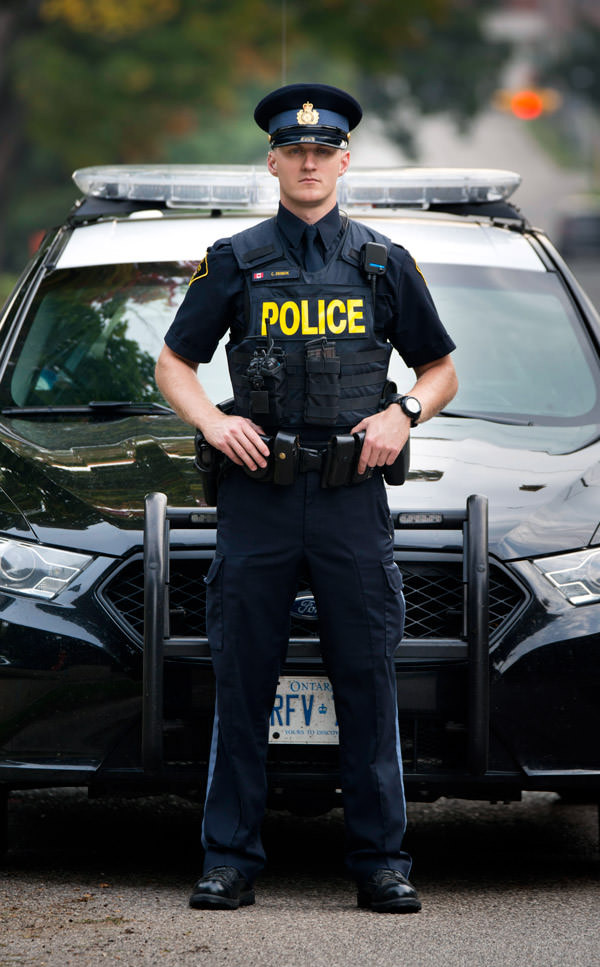
    As an O.P.P Enthusiast, thank you. Loud, crisp, and clear.
    Never stop making peds! Bloody beautiful.
  1. Beat me to it! Either way, bloody beautiful.
  2. Images added to a gallery album owned by Officer Elliott in GTA IV Galleries
    Grand Theft Auto 4 Screenshots.

Account

Navigation

Search

Search

Configure browser push notifications

Chrome (Android)
  1. Tap the lock icon next to the address bar.
  2. Tap Permissions → Notifications.
  3. Adjust your preference.
Chrome (Desktop)
  1. Click the padlock icon in the address bar.
  2. Select Site settings.
  3. Find Notifications and adjust your preference.