.jpg.e891f29aa7e4ee9b573d99a5dfa67c58.jpg)
Prophet
Members
-
Joined
Everything posted by Prophet
-
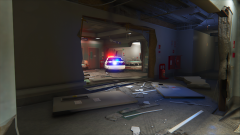
From the album: San Andreas
-
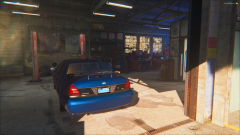 She is :c
 -
From the album: San Andreas
-
-
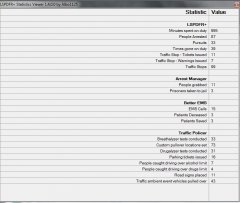 99 Traffic stops... 11 tickets? What..
 -
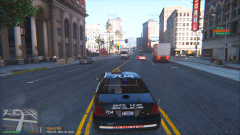 Tomorrow boys! Hopefully.
 -
No; just the way reshade effect everything on the screen. Currently working on a workaround.
-
From the album: San Andreas
-
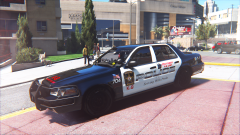
From the album: San Andreas
-
-
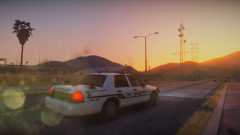
From the album: San Andreas
-
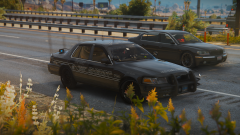 It's lighting has been reworked since this video, but yes.
 -
72 hours boy
-
Very.. Very Soon.
-
From the album: San Andreas
-
I just want to squash all the "when will it be released", "It's never gonna come out" and "It will be coming soon" comments. Currently there is NO, absolutely NO, set release date. ELS is not done being worked on, it's framework is not yet where it needs to be. All demonstrations and updates are simply that, demonstrations and updates. ELS could come out tomorrow it could come out 3 months from now WE DON'T KNOW. Please be patient as the development of such a mod takes time and resources. We are not purposely withholding the modification to tease or be selfish, the fact of the matter is, WHEN ITS DONE ITS DONE. With this being said, I want to thank ALL of you, the members of the community, on your continued support and patience during the development. We do this for you; seriously.
-
-
-
-
-
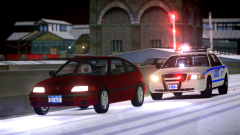
From the album: GTA IV Photos
-
-
-
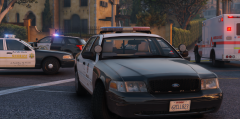 Looks like the LASD is there too c:
 -
.thumb.jpg.f7d19f85fad406630fb24c5fa819cf86.jpg)

.thumb.jpg.1db0be3e377ccefdd47e57a95ec56762.jpg)