.jpg.e891f29aa7e4ee9b573d99a5dfa67c58.jpg)
Prophet
Members
-
Joined
Everything posted by Prophet
-
Just wanna update you guys. Unfortunately, I did not get the green light for the video. However, I just wanna say: the development of ELS is still very strong! I don't want people thinking we are not actively working on ELS for release. As it stands (and always has) there is no definitive release date. I personally hate not being able to release intricate details of the development, but it is better this way in the long run. I thank you all for the continued interest and support of the ELS modification.
-
 Love it!
 -
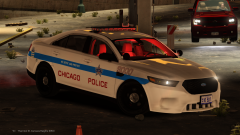
From the album: GTA IV Photos
-
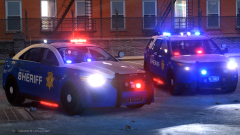 @Mikofiticus Shoot me the model or template c:
 -
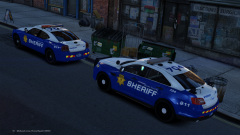 This is a WIP of my Prophets ENB. This is version 3.0; will be coming soon!
 -
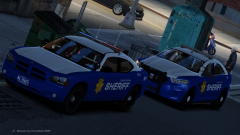
From the album: GTA IV Photos
-
From the album: GTA IV Photos
-
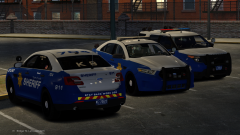 From Scratch bro.
 -
From the album: GTA IV Photos
-
From the album: GTA IV Photos
-
-
Hi! Thank you all for your concern with ELS and its updates/release date. I will be looking to make a complete update/commentary video regarding it. No promises yet, however, if I get the green light, this video will be out this week. I hope to give background information about the modification and issues that plauge its development if possible.
-
-
-
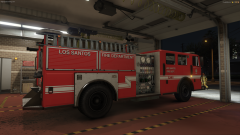 Lt.Caine and Bxbugs123
 -
Should be coming in a lore pack. Interiors need to be redone.
-
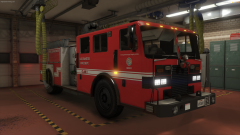
From the album: San Andreas
-
From the album: San Andreas
-
-
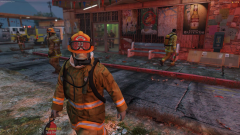
From the album: San Andreas
-
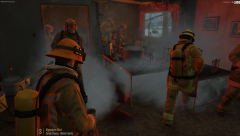
From the album: San Andreas
-
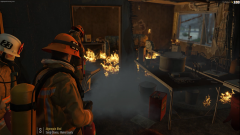
From the album: San Andreas
-
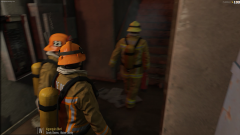
From the album: San Andreas
-
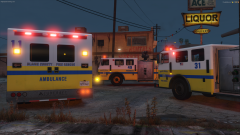
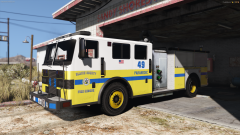 It's based on Ventura County Fire. This livery was created by Lt. Caine. If you read the description of the photo you linked: " Skins by me, based on Caine's"
 -
From the album: San Andreas
.thumb.jpg.f7d19f85fad406630fb24c5fa819cf86.jpg)