Seisuji
Members
-
Joined
-
Last visited
Everything posted by Seisuji
-
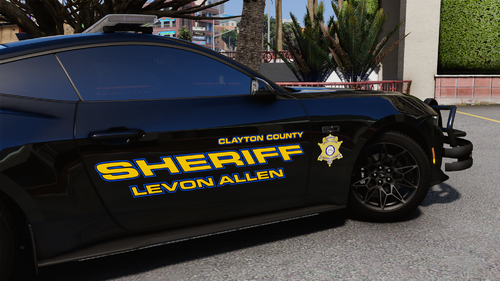 We already spoke about it but amazing work brotha. Had to come back to leave a review for ya
-
Really good work on the car man. Idk what these other people are talking about but the DLC is great out of the file if you don't touch anything. No flipping or troubles, just pure quality.
-
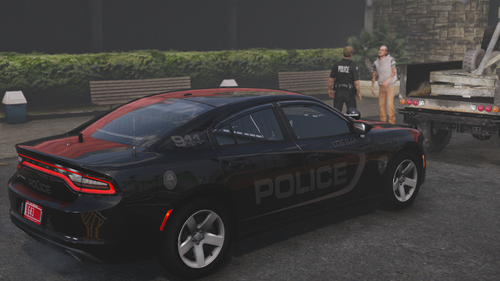 It's made for SP
-
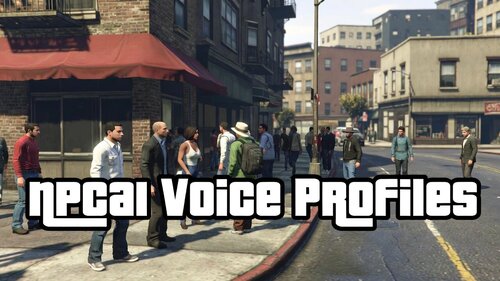 If you have NPCAI 3.1 installed correctly, it should automatically create itself when you first use NPCAI on patrol.
-
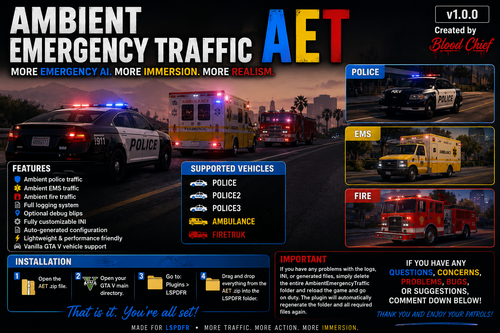 you can edit the vehicles in the ini file.
-
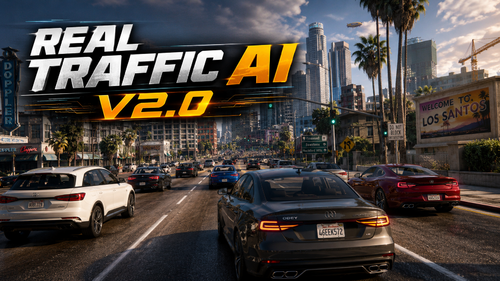 It's a great addition mod to add to the game, most def. I've managed to change some numbers a bit to make the traffic flow smoothly instead of constantly breaking every .5 seconds of driving. So yes, overall, it's a great mod!
- 189 comments
- 9 reviews
-
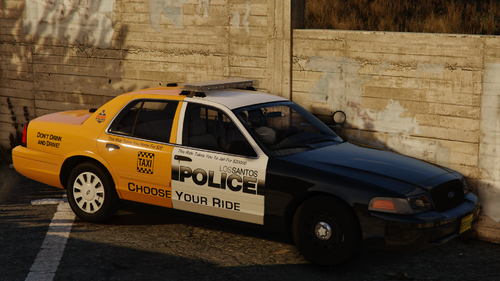 I love how I just saw one of these driving to my house.