Skip to content
View in the app

A better way to browse. Learn more.

LCPDFR.com

A full-screen app on your home screen with push notifications, badges and more.

To install this app on iOS and iPadOS
  1. Tap the Share icon in Safari
  2. Scroll the menu and tap Add to Home Screen.
  3. Tap Add in the top-right corner.
To install this app on Android
  1. Tap the 3-dot menu (⋮) in the top-right corner of the browser.
  2. Tap Add to Home screen or Install app.
  3. Confirm by tapping Install.

Deputy Brand

Members
  • Joined

  • Last visited

Everything posted by Deputy Brand

  1. Deputy Brand commented on Sinnisa's gallery image in GTA V Galleries
  2. Deputy Brand commented on xDZYx's gallery image in GTA V Galleries
  3. Deputy Brand commented on xDZYx's gallery image in GTA V Galleries
  4. Deputy Brand commented on Getinmybelly's gallery image in GTA V Galleries
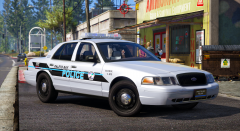
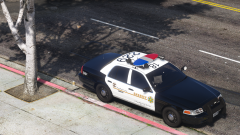
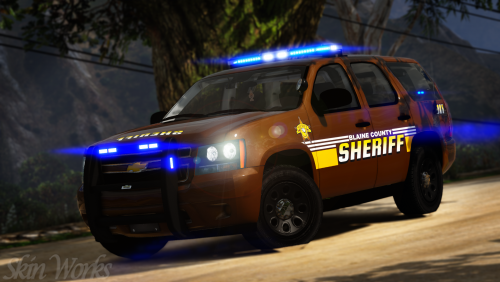
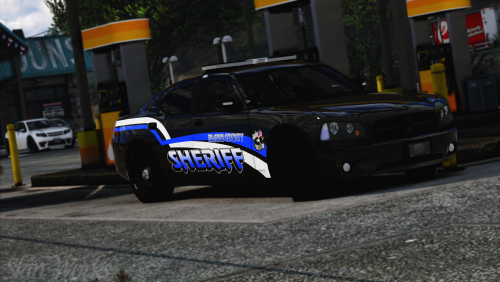
  5. On which department are the skins based off?
  6. Deputy Brand commented on BradM's gallery image in GTA V Galleries
  7. Deputy Brand commented on Getinmybelly's gallery image in GTA V Galleries
  8. Deputy Brand commented on xDZYx's gallery image in GTA V Galleries
  9. Deputy Brand commented on xDZYx's gallery image in GTA V Galleries
  10. Deputy Brand commented on t0y's gallery image in GTA V Galleries
  11. Deputy Brand commented on BradM's gallery image in GTA V Galleries
    I really like this skin pack it looks really awesome Good Job as always
  12. Deputy Brand commented on Skin Works's gallery image in GTA V Galleries
  13. Deputy Brand commented on xDZYx's gallery image in GTA V Galleries
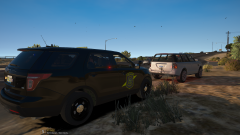
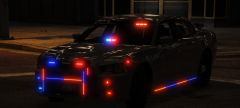
  14. Someone watched to much "shot in the dark" PS: I like the car
  15. Deputy Brand commented on xDZYx's gallery image in GTA V Galleries
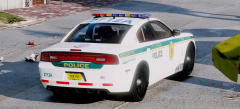
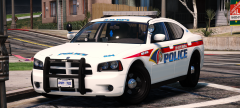
  16. My Heart is broken, look at this they really place that design on there new cars

Account

Navigation

Search

Search

Configure browser push notifications

Chrome (Android)
  1. Tap the lock icon next to the address bar.
  2. Tap Permissions → Notifications.
  3. Adjust your preference.
Chrome (Desktop)
  1. Click the padlock icon in the address bar.
  2. Select Site settings.
  3. Find Notifications and adjust your preference.