


ThisIsntMyName
Members
-
Joined
-
Last visited
Everything posted by ThisIsntMyName
-
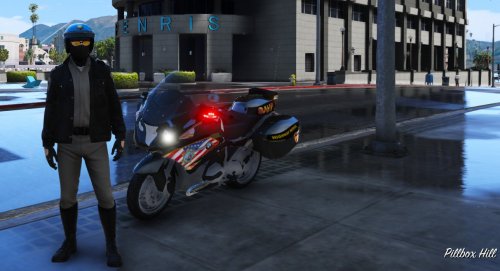 ok so ELS is the lighting system that some cars are setup to work with. There are DEV car models which car creators can use as a base car to put lights on. Its bsically the same as in real life. for example if you wanted a new ford police interceptor utility, you would buy the FPIU police car package and then send that to a police outfitter store where they would finish by putting in all the equipment. That means say i wanted to make a CVPI, i would find the dev CVPI model and then add equipment where i wanted it to go. If i wanted it to work with els, i would set it up so it would work with ELS files. Hopefully this makes sense. And thank you for removing the els part in the title. The issue is just that people will click on this thinking it is a new vehicle for ELS, just to find out it is a skin. You can put in the description the link to the vehicle that the skin will work on and say it will work on a certain ELS car. thsi allows newer people to get that it will work with the ELS car they want if they, like you, think that els cars use different skin templates then non else cars.
 -
Not a car model so please dont put ELS in the title.....
-
-
And You thought the rumbler siren would get peoples attention........
-
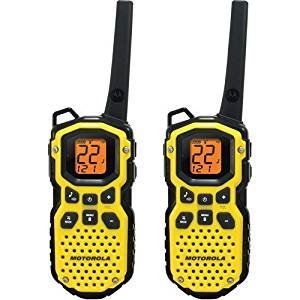 @OfficerSync Edit your post and add this guys video into it. Make sure you add his name for credits! Also i think it goes without saying, Thanks @cptbebow for the demonstration video! Oh yea another thing, what is this skin the guys wearing cptbebow? I would love to install this into my game! @OfficerSync I love the idea, but personally i would rather have a more realistic tone rather than a 2 way radio sound. For example the sound of a real police radio instead of a "kids" radio if you get what i mean. Good work with the audio though!
 -
-
-
Yup, that seems to have fixed it! Thank you so much!
-
no i have not
-
So I have the car model setup with some equipment already, but then i go to merge certain parts in, Like the ones below, Zmodeler3 Crashes completely. I'm Hoping someone knows why this is happening, because this has been frustrating not being able to finish the car. Does it have something to do with the polys possibly being too high on these parts? Thanks for any help and support!
-
-
-
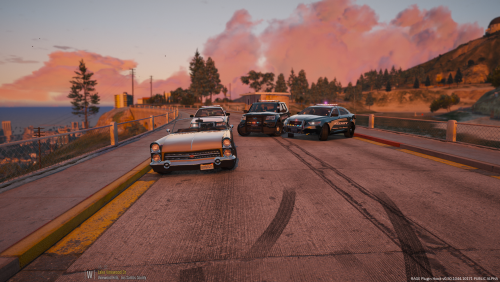 I can't even begin to understand why you said he put no effort into this. This is a Model, not a skin. Do you know how much ti e it takes to make a vehicle look good and work? The effort this guy put into this files is enormous and for you to say he didn't is just disgusting to the community. You seem to not appreciate the time the people who make these car take out of there schedule to make a new car for the community. Please learn more on what it takes to make these things before judging the skin and car. There are plenty of skins that will work for the template that these cars use, but you should only judge the car not the skin. The skin is the last piece the modders focus on when making cars. If there are mistakes then so be it. You can find tons of packs that have skin for all these car templates.
- 23 comments
- 9 reviews
-
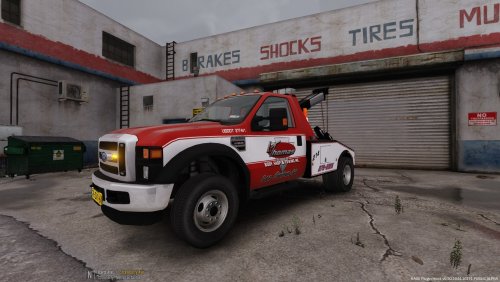
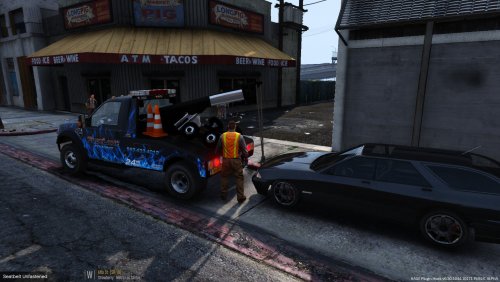 Sick! I love that it isn't a big agency or town skin and that it is a little business type look. Really is going to give the smaller town/city type feel! I always listen to the scanner and when they call for a tow truck, they always dispatch a local company. Again, thanks for this sweet skin! Also, didn't even know that there was another ford towtruck out there, and i like the bigger light bar the best so i'm definitely switching the police one for the dutch one.
- 6 comments
- 1 review
-
-

- 2
-
-
 Lovely! You hardly ever get to see lightbars other than the Liberty's and justices, so man am I glad to see this. Phenomenal pack!
- 208 comments
- 59 reviews
-
-
- 1
-
-
-
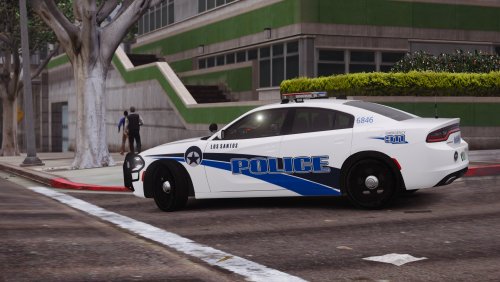 I was waiting for a NOPD skin and even better a pack! Looks good, just would rather you have used more active templated cars instead of bxbugg's templates.
- 1 comment
- 3 reviews
-
-
- 3
-
-
So I have been trying to import textures for a lightbar with no success. I have been adding the lightbar textures to the texture list and then merging but with no success still. Anyone know if there is a problem with importing textures going around? Am I missing something? Any feedback or videos explaining this would be fantastic, and I sincerely appreciate any help in advance.
-
-
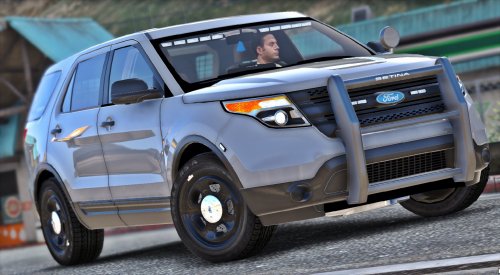 Love the Advisor! Not an overboard of lights, just enough. Love it, keep it up!
- 23 comments
- 14 reviews
-
-
- 1
-
-
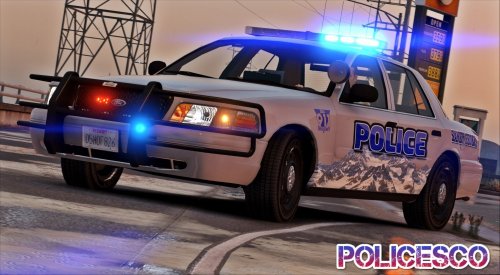 AMAZING! It's so nice to see a different traffic advisor for once on a CVPI, Especially at the top of the window, not the bottom! This would look so great with a state patrol/Highway patrol skin due to the great setup. Perfect for highway safety lightings.
- 32 comments
- 14 reviews
-
-
- 1
-
-
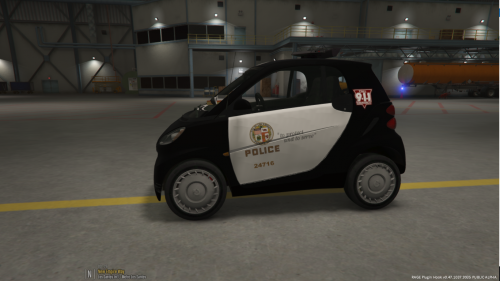 agreed.
 -
I mean i guess it is good for people who dont want a extremly realistic Los Angeles setting for LSPDFR, but in the main scheme of things it doesn't make sense since the LAPD don't use smart cars as far as i know and also don't use Federal Signal SLR's. Good work though!
-
.thumb.jpg.66721fcd097c94420535ab3f4a4bfa34.jpg) Looks amazing! If i was from puerto rico I would be using this 24/7. Again, Great work!
Looks amazing! If i was from puerto rico I would be using this 24/7. Again, Great work!- 10 comments
- 4 reviews
-
-
- 2
-
-
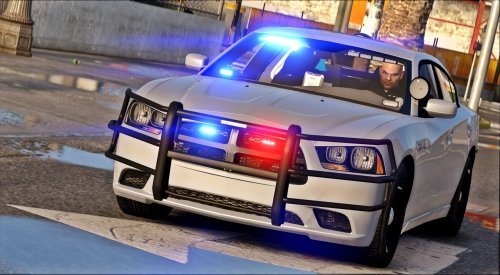
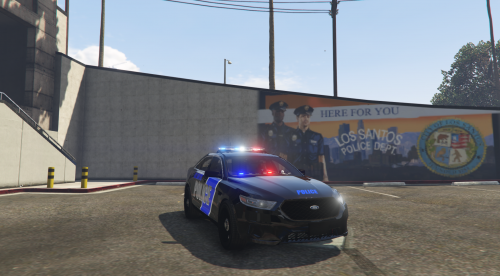
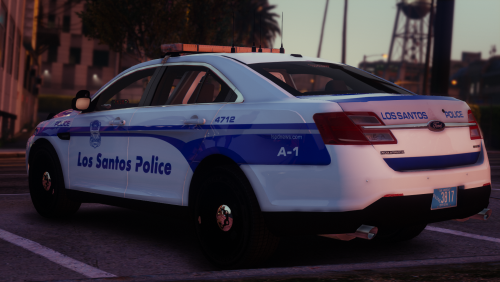
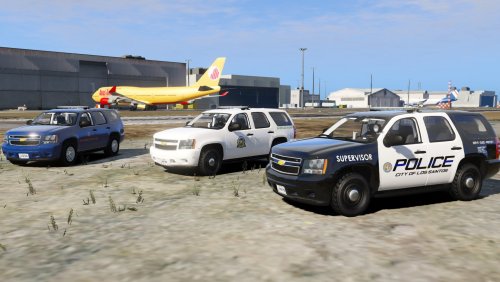 I really would love to see a larger pack of all different cars with the black and white livery. All of these are flawless designs but the black and white one looks the best to my eyes.


.thumb.jpg.66721fcd097c94420535ab3f4a4bfa34.jpg)
