


ThisIsntMyName
Members
-
Joined
-
Last visited
Everything posted by ThisIsntMyName
-
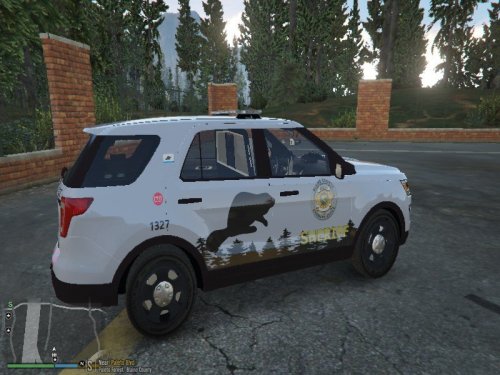 the example you showed of what you based this texture off of, the car is a light grey while in the game it is a white. Is thee a chance you can make it that rather than a white. also it just looks very plain at the back end from the sides. maybe add a couple thing there? The indents also kind of ruin the look also.
 -
i actually dont know lol. That's A Whelen II Right? dosent look as tall as the Whelen Edge 8000. @Illusionyary yea looks like it, thanks for the info!
-
As far as i know we have had the Whelen Liberty II for the past 20 years or so.
-
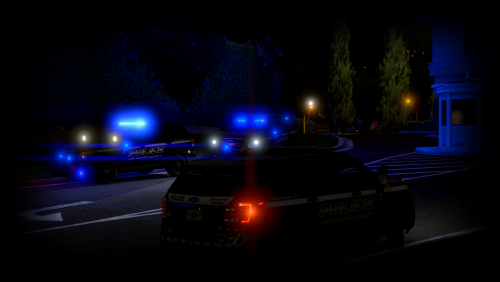 reminds me of my home town. I diffidently got to make a skin for my town! Probably will be private unless i choose otherwise.
- 26 comments
- 7 reviews
-
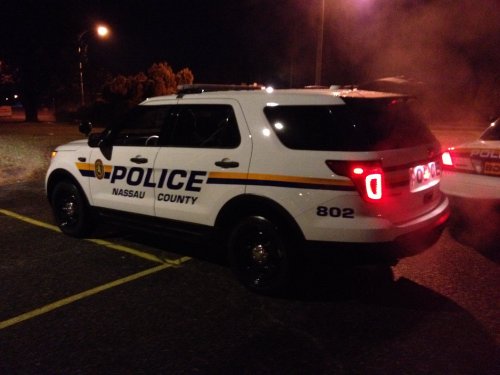 To be fair, he does state "The following skins are loosely based on Nassau County police vehicles". I do agree that there should be something on the back that says Sheriff or something.
 -
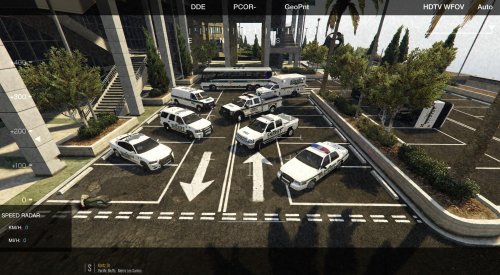 take some screenshots of the words and design close up. Additionally, would love to see this for the captain14 Sheriff Pack!
 -
-
When i run the game with the LSPD pack by @Captain14 the game crashes on "populating game world". I have the latest version of RageNativeUI. the reason i know it is the LSPD pack is because i can load all other car mods and the game will work but with this specific mod RageHook crashes. Anybody have information on why this may be happening? am i missing something? is the pack corrupt? i have tried re downloading the pack with the same problems following.
-
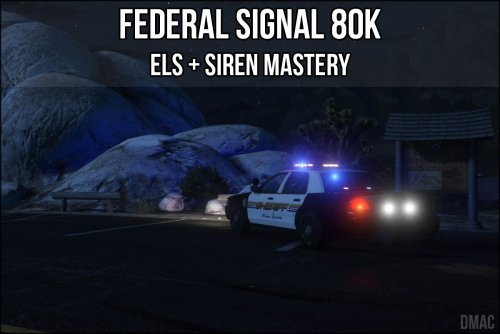 amazing looping!!!!!! personally I like sirens with the Hyelp (aka priority) siren tones so that is why I am not downloading this, but for people I don't mind not having that kind of tone, 5 stars!!
- 11 comments
- 4 reviews
-
-

- 1
-
-
 Amazing work on the sirens. only problems was allot of the sirens by default are very quite and some looping on certain sirens are a LITTLE choppy. In all very nice work.
- 51 comments
- 13 reviews
-
-
- 1
-
-
LOL! you beat me to the blue lights. looks great in the videos. cant wait until i get the game working again so i cant use it.
- 26 comments
- 7 reviews
-
 @Captain14 skins not working on cars even though i know i am installing them right. they show up in the ytf view but when i load game they dont show on cars, only the default skins are there. any idea on a fix? i have tried the forums with no luck and i don't see anyone with the same problem so that is why im going to the author (you) for help. if you could take a minute to explaina potential fix it would be very much appriciated. by the way, amazing job.
- 779 comments
- 187 reviews
-
-
 yes i know, i was talking to @dlemfer who was talking about captain 14's LSPD pack for GTA V.
- 5 comments
- 1 review
-
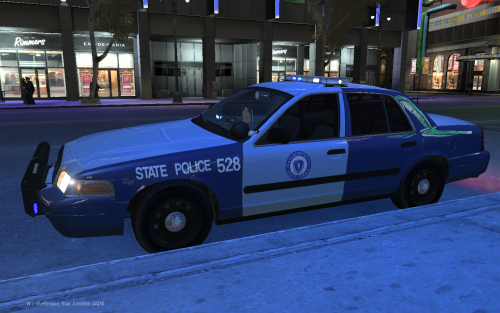
only problem with a Boston PD skin for Captian 14's LSPD Pack is that the lights are all red and blue which dosen't fit Boston PD cars correctly. it is a easy skin to do, but i think it hasnt been done because people who make the skins want them to fit the departments light colors. At least personally thats why i havent made it.
- 5 comments
- 1 review
-
-
- 1
-
-
 yes i understand that including a ytd file isn't really copyright stuff, but some people freak out about things that have anything to do with their vehicle.
- 8 comments
- 3 reviews
-
looks fantastic!!!! you should make more liveries if the car the uses the template allows more than 1 skin. only issue i see is that you didnt link examples of cars that use the template. Doing this will make it more likely for people to download this since they dont have to go downloading a bunch of car just to find one that uses this template.
- 5 comments
- 1 review
-
-
- 1
-
-
yes, instead of uploading the ytd files, just upload the png image into a folder called "(CarName)". this is much more practical and you have less of a chance of getting in trouble for stealing content. also, leave the links on the lspdfr post. this makes it easier to download rather than copying and pasting the links in the readme's into a browser. You made this much harder than it had to be xD. Example: Also I Suggest Downloading A Popular Pack And Looking At How They Setup There Layout.
- 8 comments
- 3 reviews
-
thats great, thank you so much!
-
Oh yep, I know that program. I used it in school a couple years ago.. thanks for the suggestion How do you make the curves in Photoshop. I think it has something to do with the pen tool but I personally can't do it. The pen tool is just really hard to miniver for me. Feed back is very much appreciated! Thanks guys
-
-
hahhahaha agreed, i dont know how @wolfrunner86 managed to get that into his head. no offense
-
would help but i dont know what you mean and i am not very good at finding problems within code and files.
-
i can take some screenshots if you give me until like 5:30 EST when i get home. Also i can record some raw video if need be.
-
i like the style and it looks like you put allot of work into it. only issue i see is the rough transition from black to white on certain cars, expecially the expedition. If this gets fixed along with some in all general clean up, it would be a fantastic pack. I am only saying this as constructive critisiim, i do not want to come across as mean, just giving some advice to make it better.
- 8 comments
- 3 reviews



