


ThisIsntMyName
Members
-
Joined
-
Last visited
Everything posted by ThisIsntMyName
-
.png.a009355a140fff80b96c8e58dc5fdeb5.png) what is the skin pack? Looks great by the way!
what is the skin pack? Looks great by the way! -
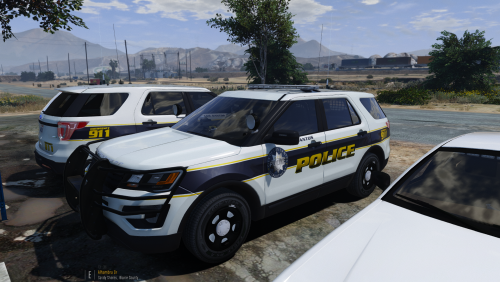 If this was a food, i would eat the entire thing! Not a ton of detail, which i like, but not to little. Looks great! Good work buddy :) Really hoping you expand this great pack! I would love to be able to use it on allot of cars!
 -
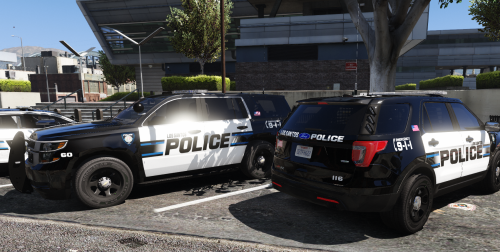 @WatchMyFootwork May I suggest adding thegreathah's LSPD ELS pack? The new 2016 FPIS base model recently released by OfficerUnderwood is very nice looking and with a Liberty II on it (in thegreathah's pack), it is one of the most beautiful cars I personally think has ever been made.
- 41 comments
- 19 reviews
-
 oooooo nice!
 -
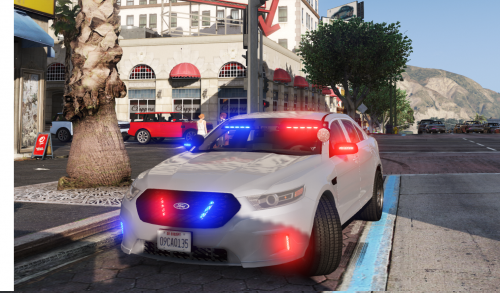 car is lovely except the grille lights. They look way out of proportion from the car and maybe instead flip them horizontal and either pick another kind of light or scale the down a bit. Again, Lovely Car!
- 47 comments
- 24 reviews
-
-

- 1
-
-
 ahhh ok. I was wondering if it was just the video or in game too. Glad to hear it!
- 5 comments
- 1 review
-
not from Belgium but the sirens sound pretty good! A little choppy at some points but for the most part amazing work!
- 5 comments
- 1 review
-
-
- 1
-
-
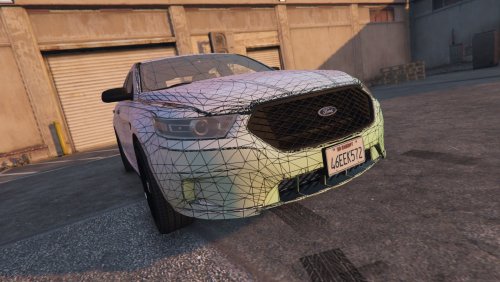 GREAT WORK!
 -
-
.... excuse me?
-
-
yea outside my house one night last month they pulled a body out of a car and gave her Narcan. That's some crazy stuff dude, thanks for being a good citizen and doing the right thing! It always warms my heart to hear about people helping others and this is a great but sad story. Definitely shouldn't have "potentially saved a life", should be "saved a life". If it wasn't for you, this person would have been dead. It depends how long they were out there since the longer your lifeless (ODed), the less oxygen gets to your brain and can cause permanent brain damage. Sounds like the guy probably survived so if you hadn't stopped, this guy could have sat there dying for who knows how long. Again, thank you so much for stopping. Everyone deserves the chance to live even if they made a bad choice in life.
-
thanks for the insight!
-
yea LOL.
-
oh lord..... Love your guys' work and respect you but WEEEEEEEEEEEEEEB
-
I personally love the FPIS vehicle.
-
great! really can thank you enough :)
-
Found this Gif on google and instantlly thought of the GTA V pursuit backup in LSPDFR. Hope you get as much of a laugh as I did! 1333606572432545057.webp EDIT: Thanks to RobertTM, Here is the full video. All Credits to him for finding the full video!
-
thank you so much! this is the one they use correct? also, in the picture can you tell if they use coronas or Leds's
-
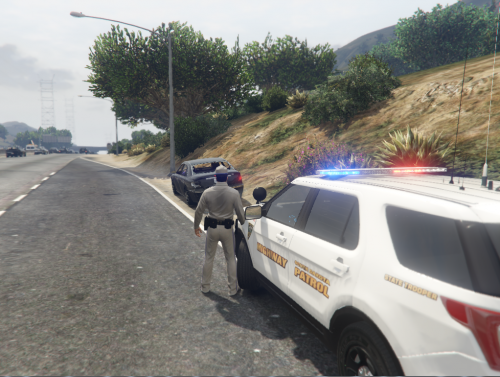 Please dont put ELS in the title if it is not an ELS model, only a skin. Cars/models use ELS (emergency lighting system), skins do not.
 -
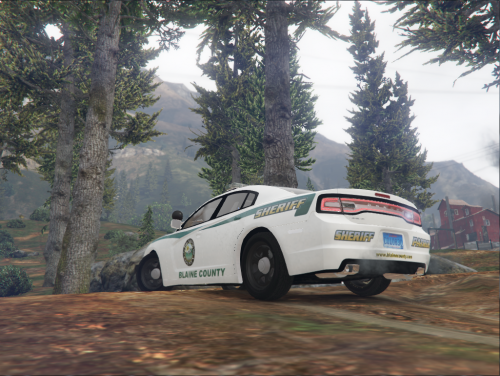 Please dont put ELS in the title if it is not an ELS model, only a skin. Cars/models use ELS (emergency lighting system), skins do not.
 -
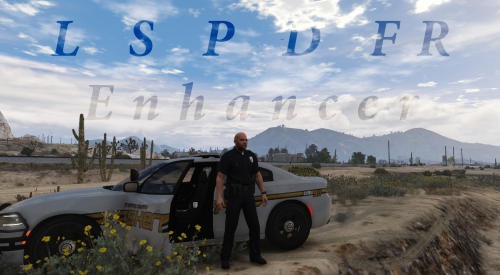 any video demonstration or pictures?
 -
cool thanks!
-
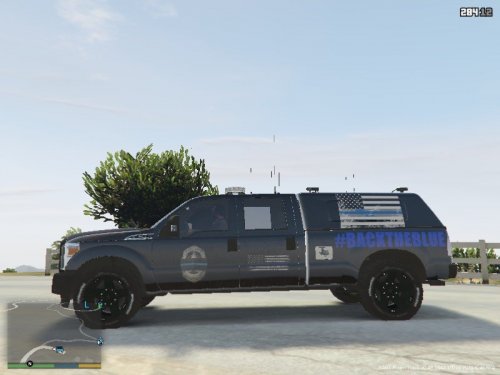 make a skin based off a real department please. i mean i like fun stuff, but for a realistic game this is kind of useless. Of course you allowed to post this kind of stuff and i appriciate the time it took to make this, but personally this really doesn't make my game better.... But hey it might for others! If you wanna get further along, post skins based off of real departments. I suggest looking around this website for a bit and find one you like!
 -
I think this is either a Whelen II or Whelen liberty SX, But not sure so if someone could help me real quick it would be much appreciated! Didn't see a support area under non-game stuff so that why I put it here. Sorry if I put it in the wrong place!

.png.a009355a140fff80b96c8e58dc5fdeb5.png)

