
HTownman77
Members
-
Joined
-
Last visited
Everything posted by HTownman77
-
Nice. Looking forward in seeing the AMR skins.
-
HA! Been there, done that - and it works well in my game, mind you.
-
 Good luck on whatever all updates you decide to do with this beautiful model.
- 209 comments
- 40 reviews
-
That can be something he'll have to look into when he gets to work updating the model.
- 209 comments
- 40 reviews
-
Yup - you're right. Had to literally look for pictures just to be sure but yeah - good luck on whatever updates you're wanting to make with this fine model I see here.
- 209 comments
- 40 reviews
-
The only way I'll agree with this is if the gap can be shortened a bit - not to get rid of it entirely. Many Type I ambulance models like this one does have some sort of gap in between the cab and the box in real life - even if it's much shorter than what's seen here.
- 209 comments
- 40 reviews
-
Good luck on that project. Looking forward in seeing what you have in store.
- 209 comments
- 40 reviews
-
You think you can do another version but this time - without that side window behind the side door?
- 209 comments
- 40 reviews
-
-

- 1
-
-
 You think one day we could see a shorter 12' version of this very beautiful ambulance? Would be nice if that were to happen.
 -
-
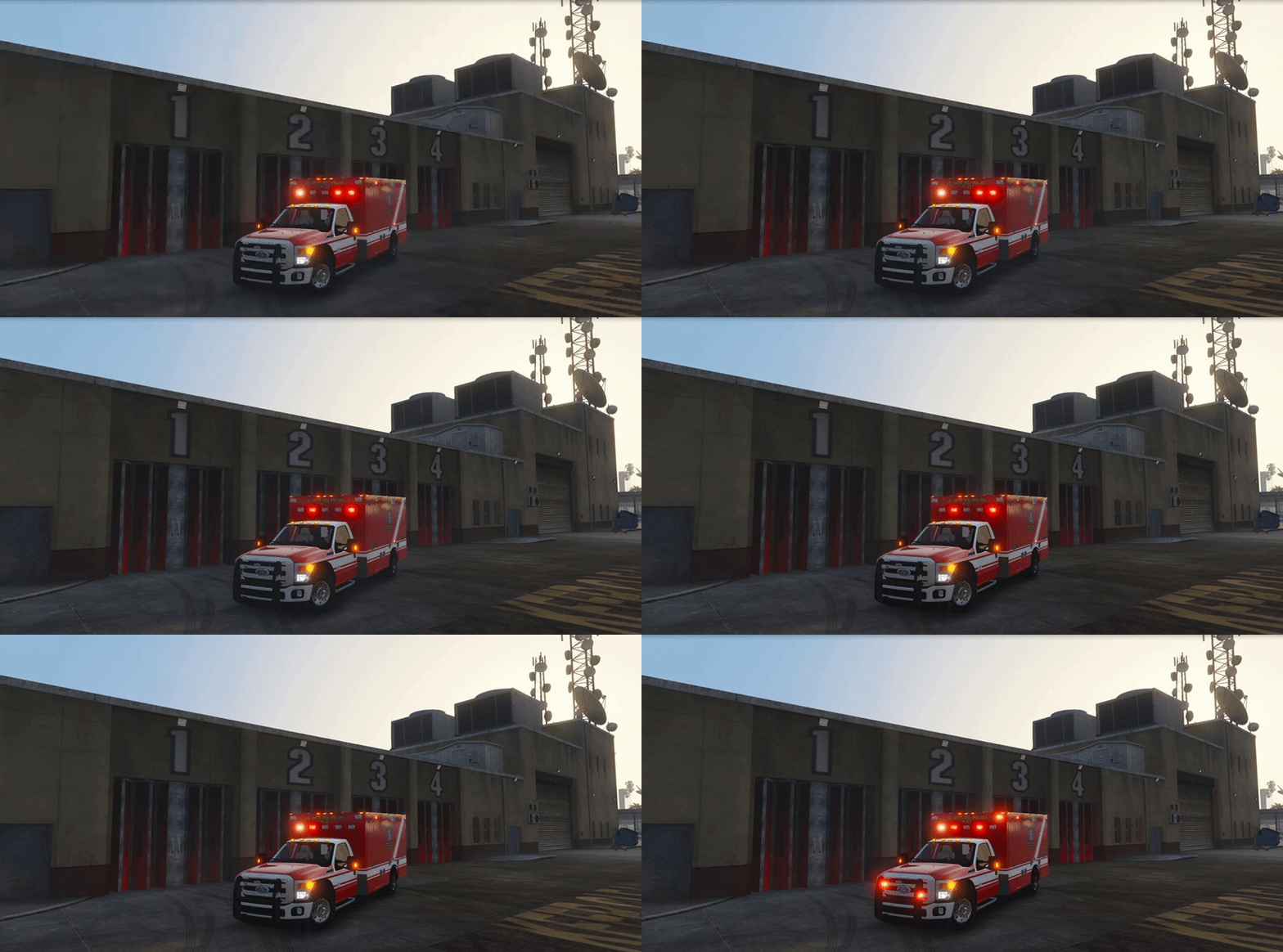 Really cool lighting setup I see here. Very nice!
 -
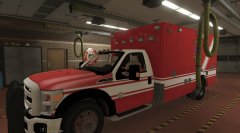 A template - that's music to my ears.
 -
Loving what I see so far. Keep up the great work. :)
-
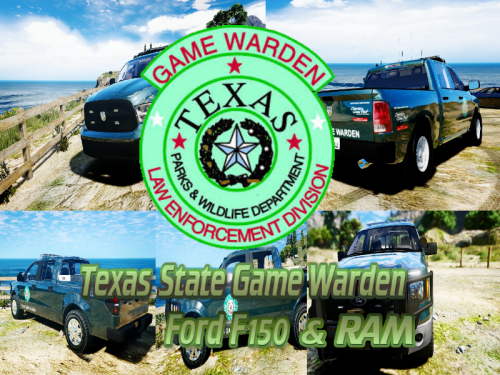 Cool. Looking forward in seeing it. Need some more Texas-related stuff in my game.
 -
Where's the skin for the Ram? I only see the skin for the F-150.
-
You're absolutely right - people do need to thoroughly read the readmes and/or the actual topic but they don't so that's why you'll continue to see questions that might have been answered if they would just read. Almost all of the vehicles I have in my game that I wanna run in are ELS vehicles. I used to hate ELS myself not because of how to use it but because of - well - (see your "C") but now I've not only embraced it but will most likely expect to see a lot more ELS vehicles - mainly because they're easy to use as replacements. Take Captain14's car packs (LSPD, Sheriff, and FIB packs). Every last model - with the exception of the Tahoe in the FBI2 slot) were replaced with ELS models. Just replace, put the VCF file where it needs to go and that's all she wrote. Speaking of Siren Mastery, I still to this day use it - even with the ELS models I have.
-
-
First, get rid of anything in that pack_default folder so you won't get confused - that includes that one POLICE.xml (again - so you won't get confused) since there may be ELS models that have the same .xml file name included (police). If you're putting .xml files in there (pack_default folder) and they all have the same file name, then YES you ARE gonna have to change the file name to something else (same goes for any vehicle files that the .xml file came with). YES, there ARE proper instructions as to where to put the Player Location Display (PLD) files at. It literally tells you on the page before you even wanna download the file (look under "INSTALLATION"). There's NO .xml files with PLD. For the Rednecks! callout by khorio, all you have to do is to copy and paste (or drag and drop if you perfer) everything except the Helpyall.txt into the main GTA V directory (Grand Theft Auto V folder).
-
-
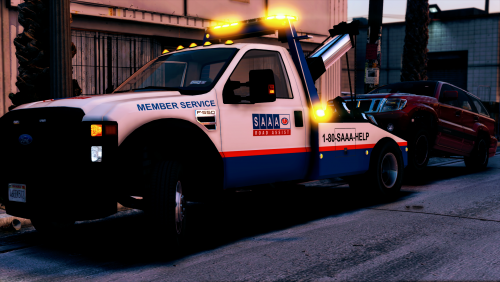
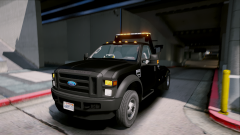
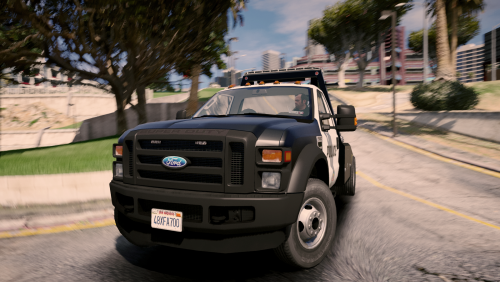 Lovely looking tow truck I see here. Loving the lighting patterns I see with this model.
- 26 comments
- 24 reviews
-
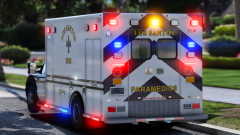 Hmmmm.... Me likes. Can't wait to see more pictures of it.
 -
-
-
I 2nd this comment and once he gets to my home state, well - you know........ @Nwaps Keep up the great work!
-
 Me likes! Good luck on your progress with this model.