


Charles Charmichael
Members
-
Joined
-
Last visited
Everything posted by Charles Charmichael
-
Thank you so much for your hard work!
-
Just stop posting fake reports, regardless of your reason/point...
-
To pass the time, read the old .4 update posts.
-
@Royul@Sam Oh cool we both have something in common, we are suffering from a lack of sleep 🙂 (Only difference is that you have been working on it, and I've been dreaming about it)A very lawyer thing for them to do would be to release Feb. 27 11:59PM(make sure to quote the sentence before yours so its clear you are continuing the story. also- i would personally take the story in a direction that has nothing to do with the LSPDFR forums because that's a little more interesting 😉)Ok Boys We need to do something while we wait for LSPDFR 0.4 update, so I suggest the following: [A Continuing and Dynamic Story] Each person contributes a sentence at a time to the developing story, you may not post within 15 minutes of your last contribution (to keep other people involved as well and to keep too many people from posting at once.) The sentence can't end the story, and must somehow be related to LSPDFR (no "Suddenly, joe teleported to Africa and was eaten by a Lion.") Keep it fun and interesting, and leave the end of your sentence open so that it can go in many directions. Quote the last sentence someone else posted and post yours underneath it. The person after you should only quote the sentence you put so that each individual post doesn't get super long. I'll start: "It was a normal day at work for Officer Sam and his cat, Ben."anyone else up at 1:26am hoping .4 drops in the middle of the night?jeez, things gettin pretty dark in the past few hours. on a different note, we still have half of those cats left... @Ben...it was kind of a joke given all of the other "silly questions" that have been askedanother silly question, will lspdfr still let u play as a police officer? 🙂LSPD: "You have the right to remain silent" LSPDFR Devs:link doesn't workThat's what the government wants you to think 👀@Ben Done. Fair warning though, if you don't give us what we want:
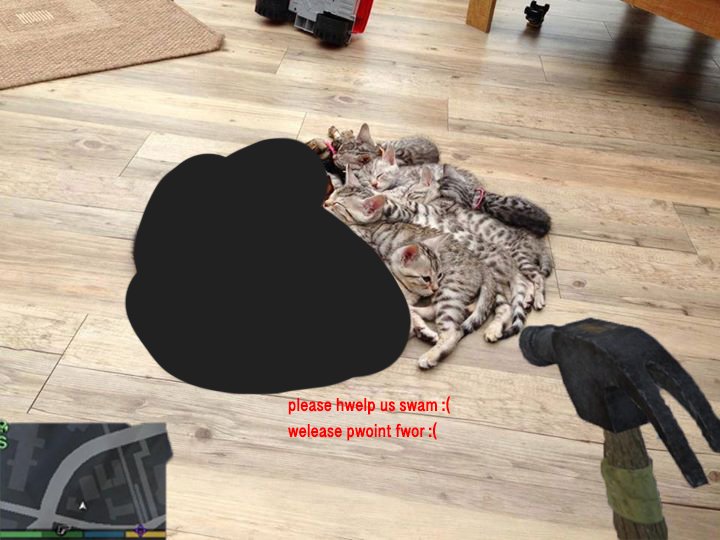 @Ben Here's the proof of life, we need the information or the hostage dies.
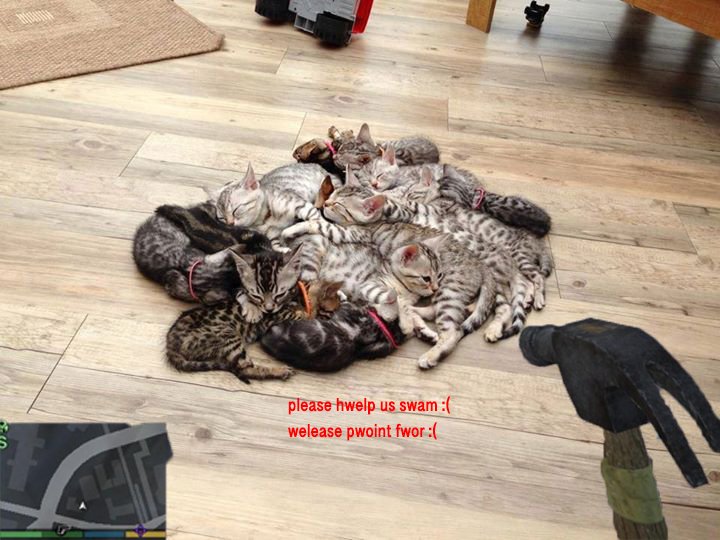
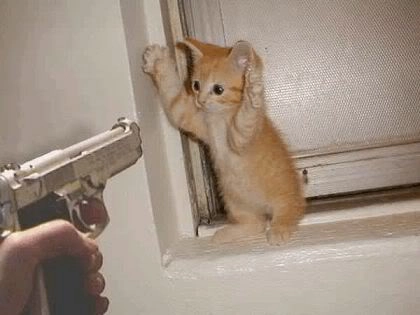 i'm prepared to negotiate, but come anywhere close and the little felines' deaths will be on your hands. we have guard dogs on the perimeter. i'm willing to release 2 of them as a sign of good faith if you give me a date of release, and all of them will be released unharmed should you meet our demands and release .4Nothing seems to be working... @OfficerVeX Desperate times call for desperate measures... Your move @Sam
 Am I the only one that logged on to the site, saw the red banner and thought .4 was released for a few milliseconds till I actually read the banner? lolinb4 .4 release 👀Charles Charmichael replied to Charles Charmichael's topic in Website Problems, Feedback & SuggestionsDoes everyone on the site have the problem, or is it just a select few? Because if its only a few, is it possible for someone (trustable ei: staff member) to download the file and send it over? @CyanCharles Charmichael replied to Charles Charmichael's topic in Website Problems, Feedback & SuggestionsSome additional Info: 1) Once I reach the page, it displays the picture in the original post & tab reads: "A configuration or server error has occurred" Not which is which, and if it is a config issue is it something that has been configured incorrectly on my end? 2) This is the only mod I have encountered the issue with.


