
Deputy Peyton
Members
-
Joined
-
Last visited
Everything posted by Deputy Peyton
-
 Reviewed his own upload with 5 stars.... So 1 star it is.
 -
-
-
 One star because he rated his own upload 5 stars......... No words... Just no words....
- 8 comments
- 3 reviews
-
-

- 1
-
-
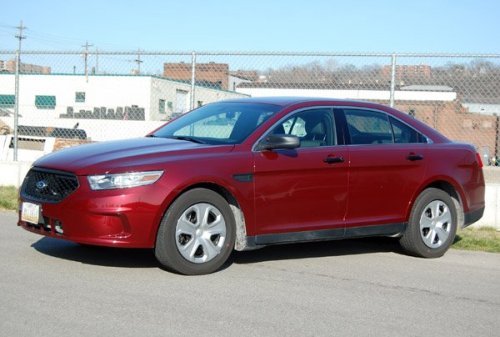 @JaiTheGamer58 This skin is really bad and not very useful, especially since you can change the color of the car through the game. Please stop uploading these pointless textures, and look around at other textures that have been uploaded. These skins you are uploading could be made by any 5 year old in a matter of minutes. And it's getting very irritating to all to come on and find the homepage filled with skins that took you all of 30 seconds to make and upload, pushing creative mods that are of interest to the back. EVERYONE has said this a thousand times on your past models, and I don't understand why you are not listening to them, but find a car from real life that you like. Not something unmarked. That's pointless. Use this car to base your texture design off of, and practice making textures like that. I feel that everyone including myself is getting really irritated, coming on and finding another 30 second skin every single day. Please take everyone's advice and learn to texture before you upload. And if you are not willing to put the time and effort into it, then don't upload at all.
- 14 comments
- 9 reviews
-
-
- 3
-
-
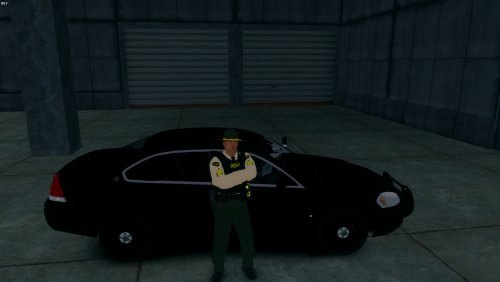 Do you have Spark IV or Open IV?
 -
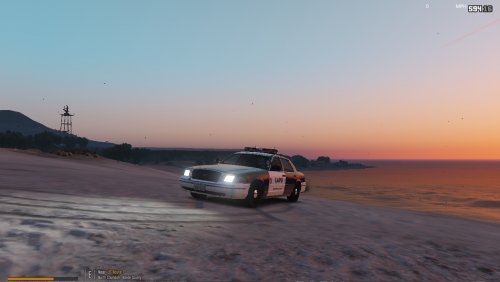 The font you used, the zebra print on the front and back, and the republic of California flag on top.
- 19 comments
- 1 review
-
-
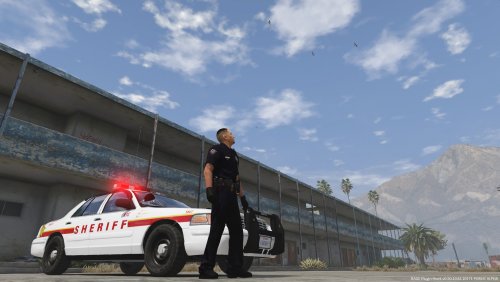 This skin is ok. Kinda accurate to the old NYC Sheriff cruisers, but there are a lot of mistakes. Also, the title of this file is misleading. It is advertising a vehicle model. You made a skin, not a model. An appropriate title would be; "NYC Sheriff's Office Cruiser Skin".
- 1 comment
- 2 reviews
-
lol yeah... I left the cowboy hat pink partially as a joke, but I could not remove it as it is a part of the model. I can change the hat and add a proper texture if you like.
-
-
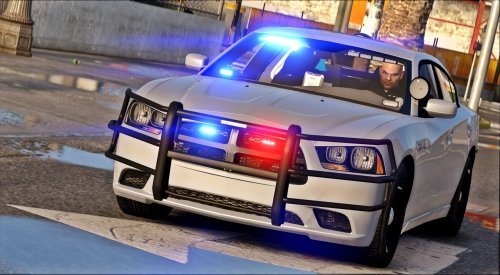 Great model! I really love the lighting setup. Although, the frontward-facing inner light bar positioning is pretty trash. It's basically inside the roofing panels.
- 13 comments
- 17 reviews
-
-
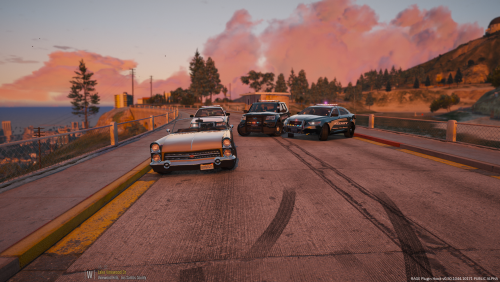 Pretty sad that when people give their honest opinion, everyone jumps on them for it. I'm going to give my honest opinion and if you don't like it, tough.
- 23 comments
- 9 reviews
-
Not bad at all. Quite like the lighting. Unfortunately, errors on the skins, such as spelling Police as "Polcie" distracted me from the overall model.
- 23 comments
- 9 reviews
-
-
-
-
Trade secret hehe
-
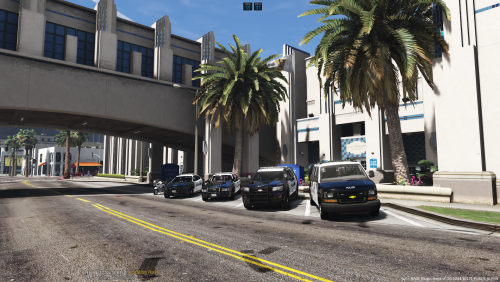 Pretty good to start! I did notice that "dial 911" was spelled "dail". I also recommend increasing the size of the decals. It feels as though some of the decals are too small for the vehicle.
- 2 comments
- 2 reviews
-
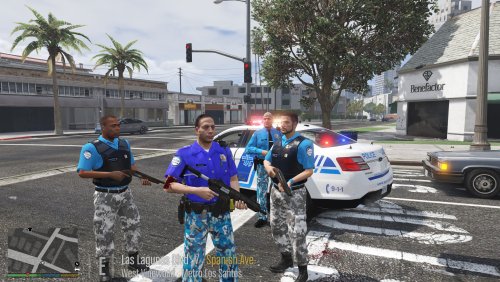 Looks good as always!
 -
.thumb.jpg.e5379bcf6edff844d75c5703acfc39eb.jpg) Always been a huge fan of your work, especially being Oregon based! Fun fact, I used to own a GTAIV Oregon-Based Roleplay community. Anyways, love it as always!
Always been a huge fan of your work, especially being Oregon based! Fun fact, I used to own a GTAIV Oregon-Based Roleplay community. Anyways, love it as always! -
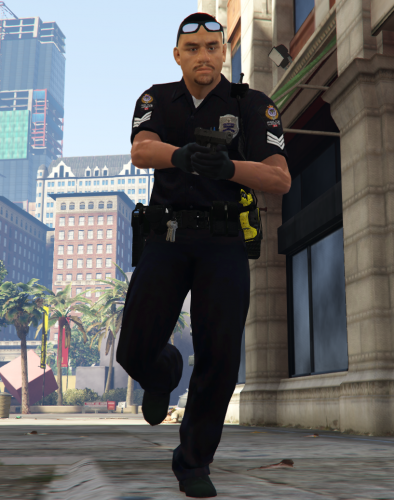 Looks great! Very well done and realistic! The only error I see is that there is a badge on the uniform. VPD do not wear badges. Anyways, great ped!
- 8 comments
- 4 reviews
-
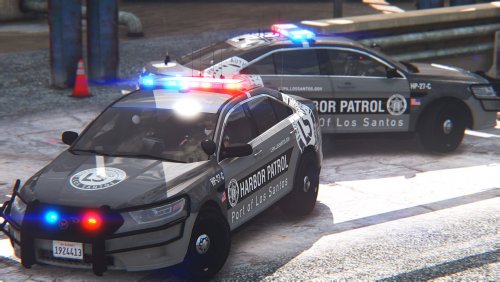 I just creamed my jeans! Lmao seriously though! Absolutely love it! So well made and 100% unique!
- 22 comments
- 17 reviews
-
-
- 1
-
-



.thumb.jpg.e5379bcf6edff844d75c5703acfc39eb.jpg)