Pinguindo 07
Members
-
Joined
-
Last visited
Everything posted by Pinguindo 07
-
 nice!!!
 -
-
-
-
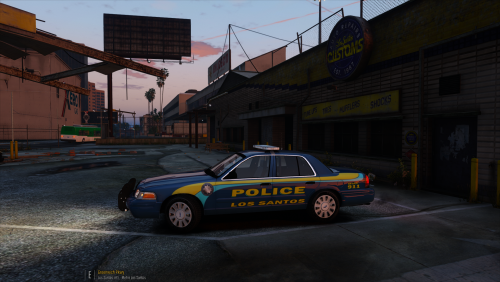
.thumb.jpg.bfad1c193dd40b9d539eefd7c5187a5a.jpg) can u remove the small light placed on the machine sign because in the night the lightbar are very bright and i non see the blue and red lights
can u remove the small light placed on the machine sign because in the night the lightbar are very bright and i non see the blue and red lights- 157 comments
- 46 reviews
-
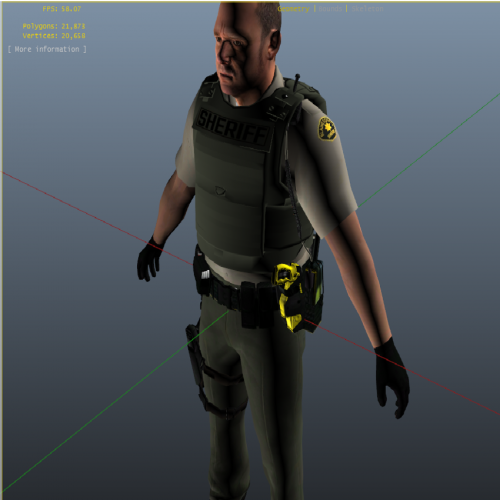 how can I remove the accs_000_u and accs._001_u and put the badge of los santos country?
- 26 comments
- 14 reviews
-


.thumb.jpg.bfad1c193dd40b9d539eefd7c5187a5a.jpg)