


THE YOUTUBE GUY
Members
-
Joined
-
Last visited
Everything posted by THE YOUTUBE GUY
-
-
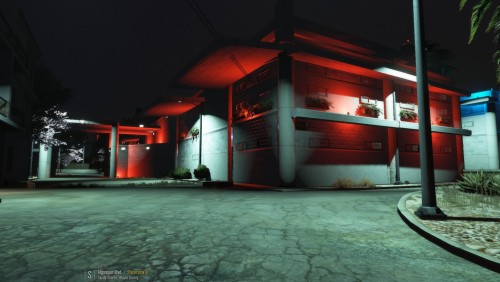 Download Menyoo After Menyoo is Downloaded and Placed into your GTA V Directory drag and drop This map into the Spooner Section In the Menyoo Files
 -
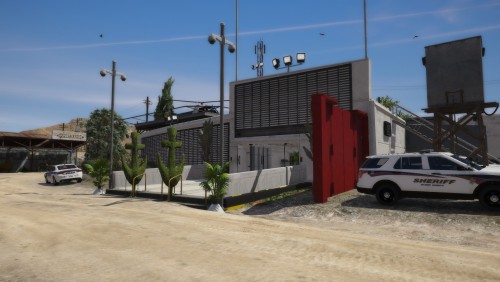 NEW - POLICE STATION (GRAPESEED REMASTERED) MAP MOD (XML & YMAP) WHAT'S NEW : NEW HOUSES NEW TREES NEW LIGHT'S NEW POLICE STATION NEW TRAILER PARK
- 1 comment
- 1 review
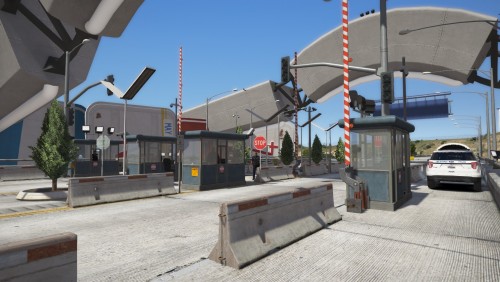 Where do I find Menyoo and Spooner tho? This Is Menyoo : https://www.gta5-mods.com/scripts/menyoo-pc-sp when you install that you will find The Spooner Option in the Menyoo stuff Folder just install the map there
DOWNLOAD THE FILE THEN DRAG AND DROP INTO MENYOO STUFF / SPOONER FILE in GTA 5 Directory THEN START YOUR GAME PRESS F8 THEN F9 PRESS F GO TO MANAGE FILES AND FIND THE TOLL BOOTH FILE LOAD IT AND YOU ARE DONE ENJOY! TELEPORT TO LOCATION IT IS NEXT TO FORT ZANCUDO BEFORE THE TUNNEL!
Where do I find Menyoo and Spooner tho? This Is Menyoo : https://www.gta5-mods.com/scripts/menyoo-pc-sp when you install that you will find The Spooner Option in the Menyoo stuff Folder just install the map there
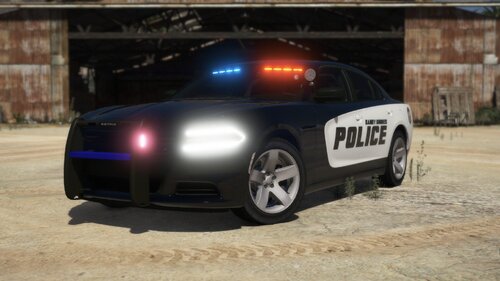
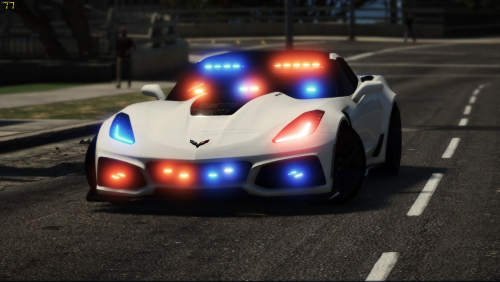
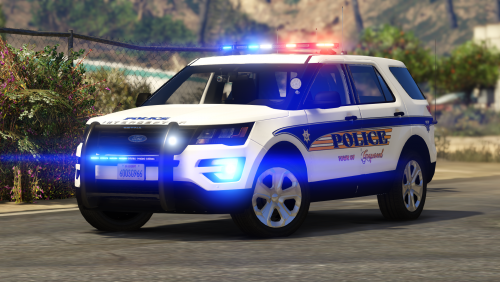
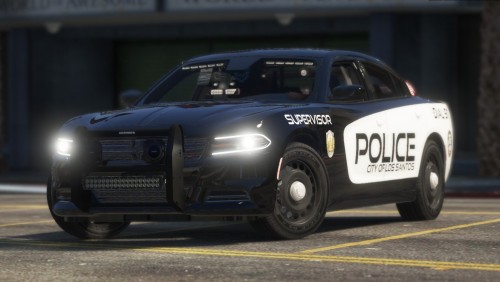
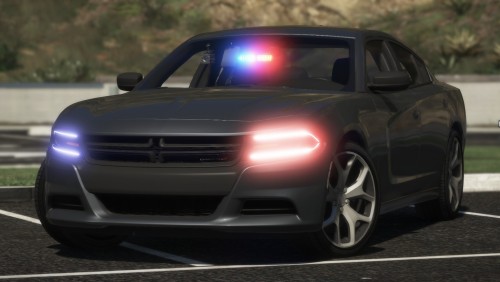
DOWNLOAD THE FILE THEN DRAG AND DROP INTO MENYOO STUFF / SPOONER FILE in GTA 5 Directory THEN START YOUR GAME PRESS F8 THEN F9 PRESS F GO TO MANAGE FILES AND FIND THE TOLL BOOTH FILE LOAD IT AND YOU ARE DONE ENJOY! TELEPORT TO LOCATION IT IS NEXT TO FORT ZANCUDO BEFORE THE TUNNEL!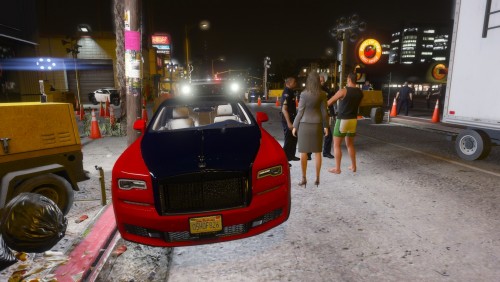 NEW - D.U.I CHECKPOINT - LOS SANTOS Enjoy this new D.U.I Checkpoint HOW TO INSTALL ? DOWNLOAD THE FILE THEN DRAG AND DROP INTO MENYOO STUFF / SPOONER FILE THEN START YOUR GAME PRESS F8 THEN F9 PRESS F GO TO MANAGE FILES AND FIND THE CHECKPOINT FILE LOAD ALL PROPS THEN TELEPORT TO LOCATION PLOICE VEHICLE SLOT'S USED - POLICE 1 - POLICE 2 - POLICE 3 MODS USED IN THIS VIDEO !
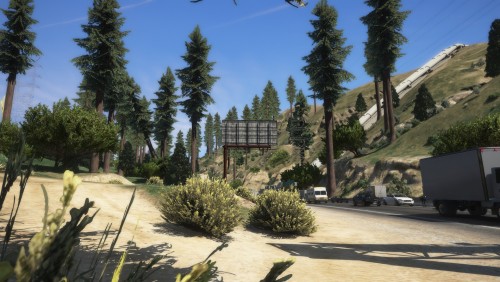 Have fun and if you have any Ideas on how to make this Map better let me know I will keep working on this map to make it better Thank you
- 11 comments
- 3 reviews
INTERSTATE 1 REMASTERED THANK YOU ALL FOR CHECKING THIS OUT I HOPE YOU ALL ENJOY THIS NEW MAP MOD IT REALLY LOOKS AMAZING! 700+ PROPS NEW TREES NEW SIGNS NEW STREET LIGHTS PLEASE DO NOT RE-UPLOAD THIS TO ANY OTHER SITE Please smash that like button! I will continue to work on this Map and update it soon! Subscribe to My YouTube Channel Help Me hit 1000 Subs Thank You All! HOW TO INSTALL ? DOWNLOAD THE FILE THEN DRAG AND DROP INTO MENYOO STUFF / SPOONER FILE THEN START YOUR GAME PRESS F8 THEN F9 PRESS F GO TO MANAGE FILES AND FIND THE NEW HIGHWAY FILE LOAD ALL PROPS THEN TELEPORT TO LOCATION- 11 comments
- 3 reviews
-
-

- 3
-




.thumb.png.9d23e7db06c6a0e5281022cba73b2a80.png)



Account
Navigation
Search
Configure browser push notifications
Chrome (Android)
- Tap the lock icon next to the address bar.
- Tap Permissions → Notifications.
- Adjust your preference.
Chrome (Desktop)
- Click the padlock icon in the address bar.
- Select Site settings.
- Find Notifications and adjust your preference.
Safari (iOS 16.4+)
- Ensure the site is installed via Add to Home Screen.
- Open Settings App → Notifications.
- Find your app name and adjust your preference.
Safari (macOS)
- Go to Safari → Preferences.
- Click the Websites tab.
- Select Notifications in the sidebar.
- Find this website and adjust your preference.
Edge (Android)
- Tap the lock icon next to the address bar.
- Tap Permissions.
- Find Notifications and adjust your preference.
Edge (Desktop)
- Click the padlock icon in the address bar.
- Click Permissions for this site.
- Find Notifications and adjust your preference.
Firefox (Android)
- Go to Settings → Site permissions.
- Tap Notifications.
- Find this site in the list and adjust your preference.
Firefox (Desktop)
- Open Firefox Settings.
- Search for Notifications.
- Find this site in the list and adjust your preference.