
cptbebow
Members
-
Joined
-
Last visited
Everything posted by cptbebow
-
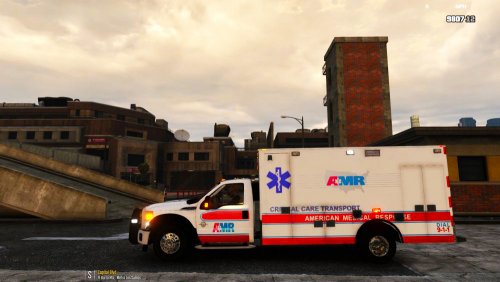 Just in case people start to complain .. LOL
 -
 The shirt is the sheriff bicycle shirt. I just used the trainer to change them. Sheriff Polo is "Top" #95, Pants are #50, and shoes #3.
 -
Here is one.
-
-
 Any idea what went wrong? It keeps happening when i replace any of the liveries.
- 62 comments
- 44 reviews
-
-

- 2
-
-
-