



cptbebow
Members
-
Joined
-
Last visited
Everything posted by cptbebow
-
 Works great and looks awesome. Adding "Mile Markers" on the highways was a real nice touch. Thanks for adding.
- 107 comments
- 8 reviews
-
-

- 1
-
-
When I spawn an emergency vehicle "ELS" in game, or near one for that matter, the sirens continues to blare. They won't shut off no matter what. I have updated everything scripthook being the newest, and I am on my 3rd fresh install in 2 days. Anyone have any ideas before I surrender. So far I have installed everything without editing a thing, left things like siren and weapon sounds to stock. But the issue still magically pops up. Thanks in advance to anyone with advice.
-
 Thank you for taking the time to make this. It may seem simple but this mod gets used more than most when playing. Keep up the good work "and ignore the naysayers".
- 112 comments
- 21 reviews
-
- lspdfr plugin
- legacy
- lore
- non-lore
-
Tagged with:
-
I just started having the same problem out if the blue, haven't changed a thing and woke up to the error. BUT I had an update of GeForce Experience and sure enough overlay was on. Turned that off and it started working again.
-
@STEEEVEN808 Reinstall crashed again. I then changed my Game Config, and that worked. Thanks for your help man.
-
Ok, well I made a backup before I installed LSPDFR. I will go back, redownload and reinstall and see if that helps. @STEEEVEN808 Thanks for your input.
-
@lordraniel Were you able to figure out the issue? I am having the same exact problem "identical rage log" and have no idea where to start.
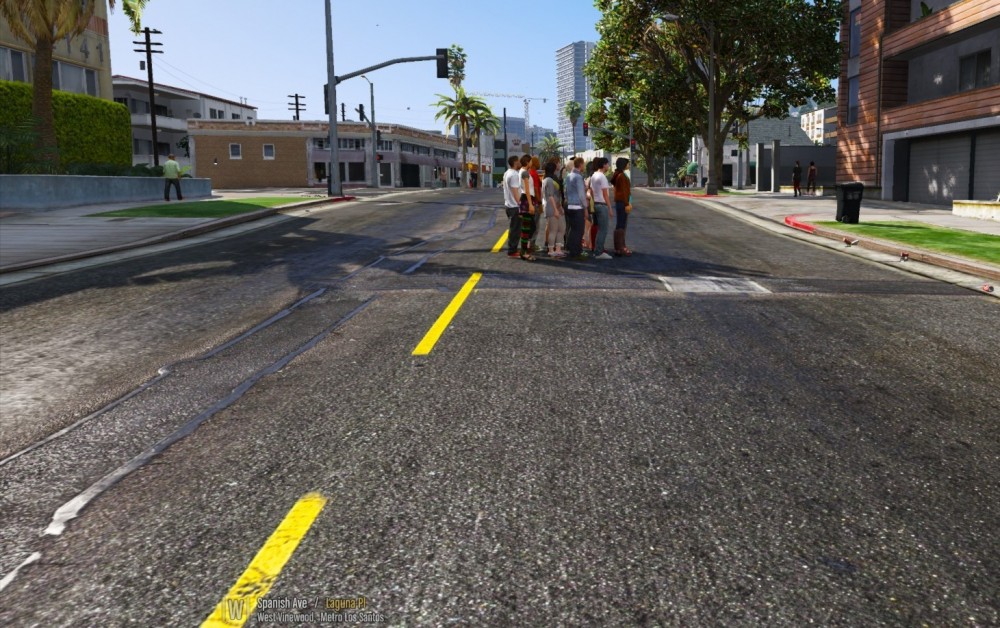
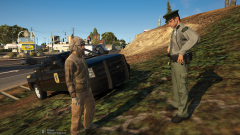 Did you use my skin? I honestly don't care .. But not my best work LOL! If so, I am honored to have someone with your caliber use it!Yeah I haven't figured out the cause yet. I will try some stuff tomorrow and see if I cant figure whats causing it.I have noticed a large group of peds that spawns in Vinewood "Spanish Ave". I have also found that if I drive near them I fall through the map. The group seems to get larger and larger as i play. I have being pulling plugins to try to find the culprit but no luck so far. If anyone has any advice it would be greatly appreciated.
 With regards to texture loss, I ran into this issue with 0.3 while I was using an Open Interiors Mod. It would just eat my ram "64 GB" and I couldn't even go near the city. Now with 0.41 I am seeing the same issues, so I am guessing that has something to do with it. It must be some kind of open interior for the apartments and etc that is giving a lot of people problems.
 Just curious, do you upload to anywhere other than here?
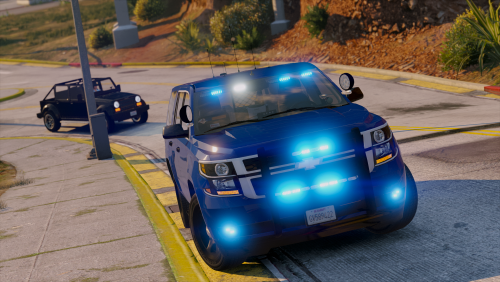 Very nice models. Appreciate the pack. Also thank you for adding red and blue options.
- 26 comments
- 13 reviews
-
-

- 3
-
 I always make a backup of my GTA5 "LSPDFR" onto my external hard drive. That way when it updates, I just need to delete the update, and replace with my older version. Until every thing gets updated. But I can continue to play with no problem, just as the day before the update.
- 101 comments
- 49 reviews
Amazing quality, and the vehicles have a bit of an aggressive look!! Very nice, top shelf.- 101 comments
- 49 reviews
Amazing models "as always" but... I'm having trouble with the light bar, the take downs seem to flash at stage 3. I get the little white dots, but also get what seems to be the take downs flashing. Vehicles are in the right locations and I haven't touched the VCFs. Any ideas would be appreciated. Thanks guys and gals.- 101 comments
- 49 reviews
-
-
- 1
-
.thumb.png.2a9b51dd0b48ed59377971b5be08d0c3.png) It would have been nice to see some of your own work, other than just painting over other's work.
It would have been nice to see some of your own work, other than just painting over other's work.- 11 comments
- 2 reviews
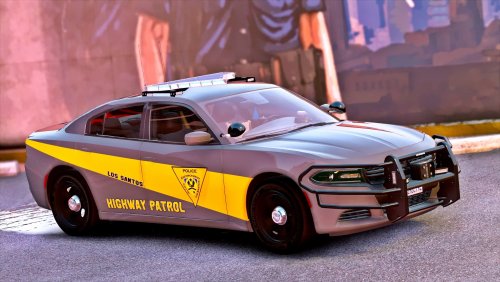 You really put a lot of work and attention to detail in your models, and it really shows. Great work!!
- 35 comments
- 37 reviews
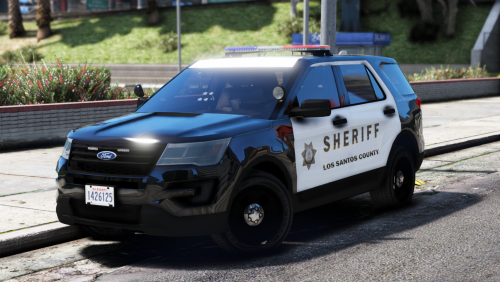 I have used many of your packs. You sir put out some good quality models. Thank You.
- 18 comments
- 16 reviews
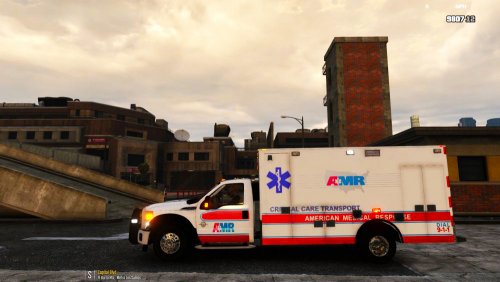 yeah no problem




.thumb.png.2a9b51dd0b48ed59377971b5be08d0c3.png)

