
Fabe
Members
-
Joined
-
Last visited
Everything posted by Fabe
-
-
-
 Keep it up :)
 -
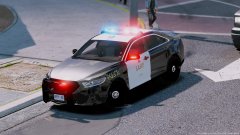
From the album: W.I.P Models
-
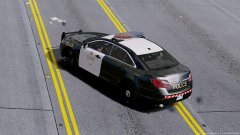
From the album: W.I.P Models
-
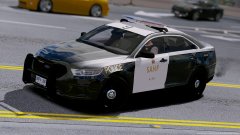
From the album: W.I.P Models
-
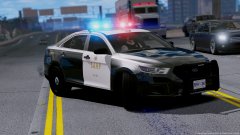
From the album: W.I.P Models
-
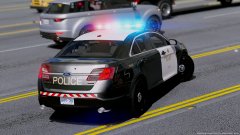
From the album: W.I.P Models
-
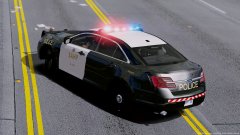
From the album: W.I.P Models
-
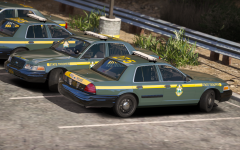
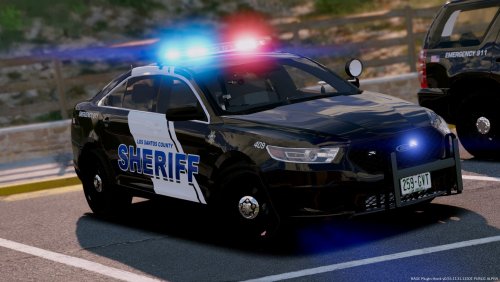 Welcome,to my second ELS Model Pack.Today i release the Los Sanros Sheriff Departement pack Wich I'm realy proud of.First thought to do a SAHP Pack first but then i said lets just continue with LSSD because i also do something actually realy special for SAHP wich will take a bit . So here is the LSSD Pack, it has nice bright spotlights and the skin is based on the Egale County Sheriff Departement in RL. Skin are by the awesome @BradM! Enjoy! PACK OVERVIEW ------------------------------------ - NAME: Los Santos Sheriff Pack -MODELS: (Marked)14'Charger,16'FPIS,13'Tahoe (Unmarked)11'CVPI,13'Chevy Tahoe -LIGHTBAR: Arjent -OPTIMIZED FOR: Anything ---------------------------------------------------------------- INSTALLATION: Models: Mods>Update>x64>dlcpacks>patchday14ng VCFs: Grand Theft Auto V Folder>ELS>pack_default and replace the files ------------------------------------------------------------------------------------------------------------ Video Showcase: By OfficerFabe Credits: If your windows are black in police4 slot: ----------------------------------------------------------------------------------------------------------------------------------------------------------------------------------------------------------------- Important notes: -You are not to attempt to modify or rip this pack in any way shape or form! -I am not responsible for any damages done to your game! -Any problems or questions ,let me know in the comments. -If you like please leave a review!
- 17 comments
- 11 reviews
-
-

-

- 17
-
-
 No MVGA ? 😳 My god visualv looks awesome
 -
-
-
 put the yft.'s and the ytd.'s in patchday14 and the .exe file in pack_default
- 70 comments
- 30 reviews
-
In your GTA folder should be ELS in there should be pack_default ... if there is no pack_default in then download ELS again and put it again in the GTA folder
- 70 comments
- 30 reviews
-
-
INSTALLATION: Models: Mods>Update>x64>dlcpacks>patchday14ng VCFs: Grand Theft Auto V Folder>ELS>pack_default and replace the files
- 70 comments
- 30 reviews
-
-
 I WANT IT NOW
 -
Make Visuals Great Again... for more bright lights : Bright lights by thegreathahTheGreatHah
- 70 comments
- 30 reviews
-
-
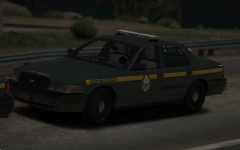 hot
hot -
Uhm... at the moment I'm like done with that pack cause I make other packs at the moment ... you will se more unmarked vehicles in the future , so other oackspacks Nice man!
- 70 comments
- 30 reviews
-
-
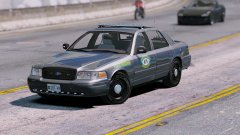
From the album: W.I.P Models