
Fabe
Members
-
Joined
-
Last visited
Everything posted by Fabe
-
-
-
-
-
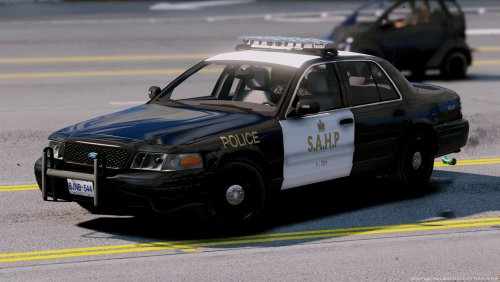 If your windows are black in fbi2 slot: Hide contents 1. Launch OpenIV.2. Navigate to: update/update.rpf/common/data/levels/gta5.3. Open vehicles.meta4. Go to the fbi2 line.5. Replace the diffuseTint value to : <diffuseTint value="0x00FFFFFF" />6. Close and save.
- 28 comments
- 9 reviews
-
 wie oft noch? ich habe die zmod daten gar nicht mehr, ich kann nichts an dem wagen änderrn ..
- 70 comments
- 30 reviews
-
-
 BradM the best skin maker from LSPDFR and now ... one of the best modder !Amazing work there! 10/5 can't be better :)
- 147 comments
- 65 reviews
-
-

- 3
-
-
-
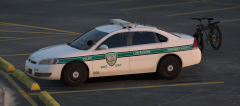 Hopefully the impala won't flip 😬 Because I actually just love impalas :)
 -
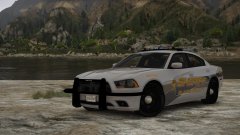 (Fixed it)
 -
-
From the album: W.I.P Models
-
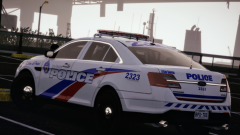 okay now that looks sick how u make the arjent complete red
 -
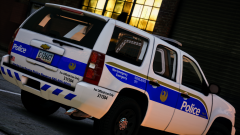 sexy from the back
 -
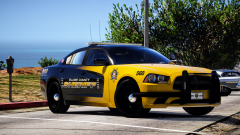 Oh man
 -
-
-
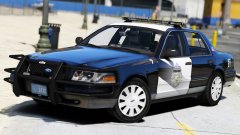
From the album: W.I.P Models
-
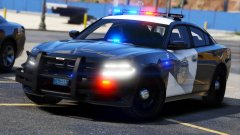
From the album: W.I.P Models
© OfficerFabe
-
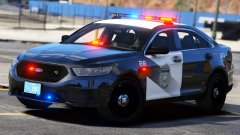
From the album: W.I.P Models
© OfficerFabe
-
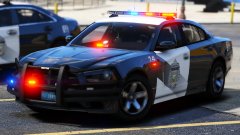
From the album: W.I.P Models
There will be two versions: Alloy Wheels and Matte Wheels© OfficerFabe
-
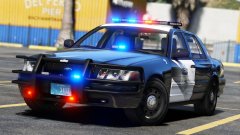
-
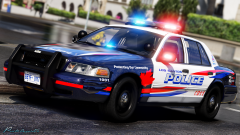 so hot
 -
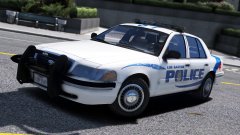
From the album: W.I.P Models