


CaptConfuzed
Members
-
Joined
-
Last visited
Everything posted by CaptConfuzed
-
For realism, I'm surprised that Jurisdictions+ script hasn't been mentioned yet. It offers unparalleled realism, adding jurisdictions to the game where the agencies have their own cars and peds, spawning for patrols and backup.
-
If your coroner van is an ELS vehicle and ELS is working correctly (for your other vehicles), then the 'default' would be for the coroner van to have lights and sirens. So you need to verify that the coroner vehicle is working properly (like Red says) and also check that your ELS is working properly.
-
-
-
Exactly! Your YouTube channel is further proof 😁👍
-
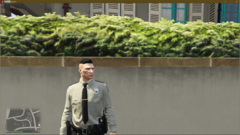
From the album: SAModding WiP and Releases
© © Copyright 2019 SAModding
-
SAModding has been working on vehicles and liveries for some time, and we are starting to release some. Here are some of them...
-
2019.10.01-00.21.png
-
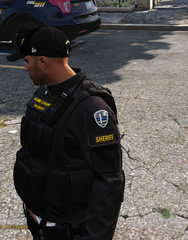 Screenshot_277.png
-
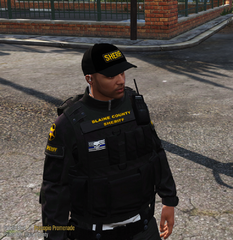 Screenshot_276.png
-
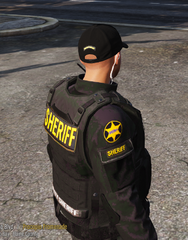 Screenshot_275.png
-
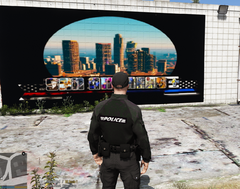 PBPD-longsleave-back.png
-
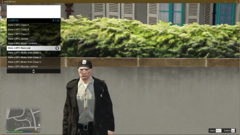 2019.10.01-00.21_04.png
-
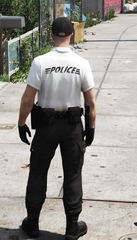 PBPD-shirt-back.png
-
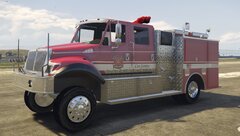 80667E0C-AD0D-471E-8841-E70D1E50FC19.jpeg
-
 Capture2.png
-
 Capture1.png
-
 Capture.png
-
 Capture-1.PNG
-
 Capture.PNG
-
 los_santos_badge_jackson.png
-
 Int_7.jpg
-
 InternationalDurastarAmbulanceRed3dmodel07.jpgc4a49261-a316-4bc6-be9e-8ce1f5cc89bdOriginal.jpg
-
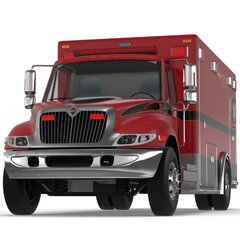 InternationalDurastarAmbulanceRed3dmodel05.jpg20577a37-ee38-479a-8638-ea9c25c2fd97Original.jpg
-
.png.81b68efb2a4f3c675c6ee0a6be78839b.png) Screenshot (48).png
Screenshot (48).png
-
.png.9fef2feae308d8032dd49c302795c5a8.png) Screenshot (47).png
Screenshot (47).png
-
.png.918aab73ceb9f6dc12b22d6d675f9495.png) Screenshot (46).png
Screenshot (46).png
-
-
From the album: SAModding WiP and Releases
© © Copyright 2019 SAModding
-
From the album: SAModding WiP and Releases
© © Copyright 2019 SAModding
-
From the album: SAModding WiP and Releases
© © Copyright 2019 SAModding
-
From the album: SAModding WiP and Releases
© © Copyright 2019 SAModding
-
From the album: SAModding WiP and Releases
© © Copyright 2019 SAModding
-
From the album: SAModding WiP and Releases
© © Copyright 2019 SAModding
-
SAModding is a small team of around 8 members. We currently have a script (called Jurisdictions+) for LSPDFR with well over 11,000 downloads. Our new project will build on that script to include vehicle models, liveries, uniforms and station signs. It will bring a lot more realism to LSPDFR, while remaining a "light" script. Our plan is to release a single set of scripts and files in OIV packs, making it easy for new gamers and people who either don't know how (or don't want to) mod their game With such an ambitious project, we need more help. We’d love to have more experienced devs join our team. If you’re keen to be a part of a fun team (and project), you want to help improve the number and variety of models freely available to the community, you’re passionate, reliable, committed and honest; please get in touch!
-
I had this issue too. Turns out you must make sure that you don't have Rockstar launcher already open. (Shut down any Rockstar or GTA V instances already open.) Then open Rage again, and works perfectly.
-
Use the link he gave you and read the instructions.
-
To add to what Reddington has already said, there have never been so many options to add customizations (not to mention the huge selection of mods and plugins), available to players, as there are now... Furthermore, as good as Albo was, he isn't the only good developer that has ever created (or does create) plugins for LSPDFR.
-
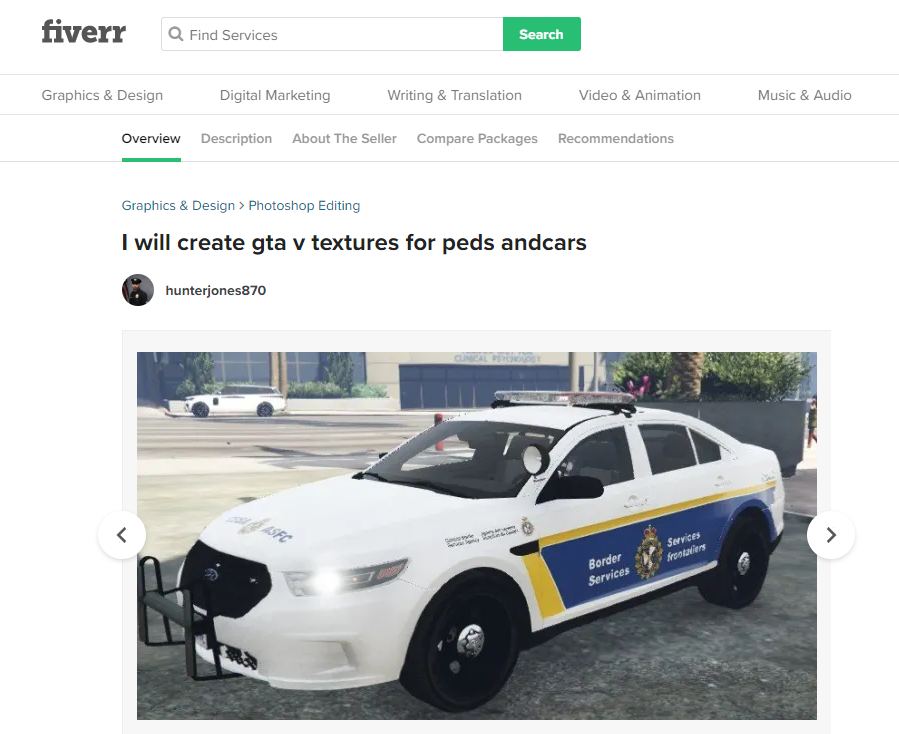
Will double-check, it is identical though... Maybe just the same livery. Hey, It may just be because you're both from Canada, and like that livery...? Was kinda hoping you two were one and the same! lol 😊
-
Hey. Are you on Fiverr by any chance? If you are, TreadRed and me have spoken to you about ped uniforms. lol If its not you, then someone on there uses your livery photo.
-
Haha! No problem, ours is https://link.samodding.com/Discord
-
You on Discord?
-
TreadRed says yes, it does. We're chatting online at the moment 😊
-
Once you have EUP LEO and SAR installed, as well as EUP Configurations, you should be fine👍😊
-
Do you have EUP Configurations installed? That should solve the missing uniform issue. Otherwise, try using Jurisdictions+ It includes everything you need for agencies and jurisdictions.
-
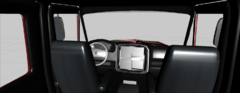
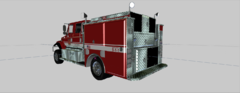
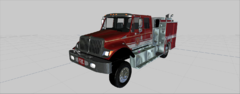
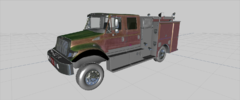
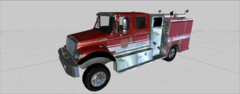
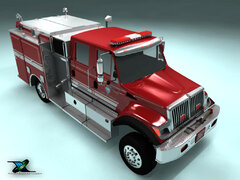
Based on the same Cal Fire International Pumper Engine truck, I suppose its to get to brush fires almost anywhere. lol



.png.81b68efb2a4f3c675c6ee0a6be78839b.png)
.png.9fef2feae308d8032dd49c302795c5a8.png)
.png.918aab73ceb9f6dc12b22d6d675f9495.png)
