




Officer Joey Kuffman
-
Joined
-
Last visited
Everything posted by Officer Joey Kuffman
-
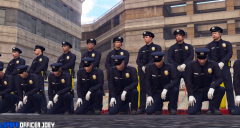
From the album: Officer Joey Kuffman Galleries
© Officer Joey Kuffman
-
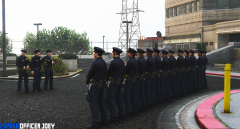
From the album: Officer Joey Kuffman Galleries
© Officer Joey Kuffman
-
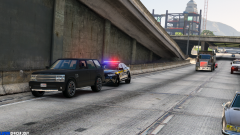
From the album: Officer Joey Kuffman Galleries
© Officer Joey Kuffman
-
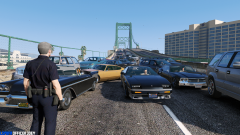
From the album: Officer Joey Kuffman Galleries
© Officer Joey Kuffman
-
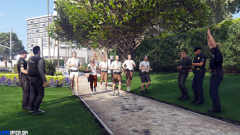
From the album: Officer Joey Kuffman Galleries
© Officer Joey Kuffman
-
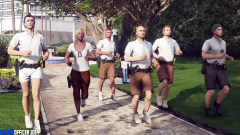
From the album: Officer Joey Kuffman Galleries
© Officer Joey Kuffman
-
i hope they release it in august for the impatient people lol everyting for a better LSPDFR no rush
-
no idea what you talking about lol
-
i really like the idea that you can see how mutch arrests you made and stuff
-
this cat not affraid of you boy
-
this has been the longest februari of my life lol
-
i must arrest you for murder. you have the right to noting.
-
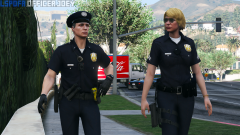
From the album: Officer Joey Kuffman Galleries
© Officer Joey Kuffman
-
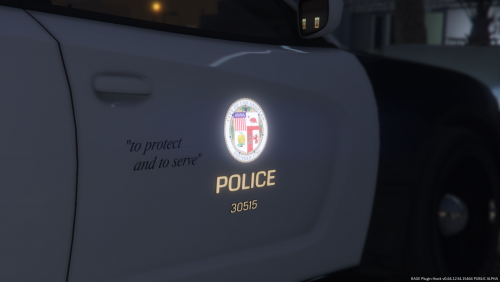 I like it but small bug with the police model license plate red and blue dont work. Logos on the vehicle are bit too small grapics inside the car are not the best Love the reflection in the logo as well super cool. cant wait for next update. still loving the cars. needs some improvements
- 18 comments
- 8 reviews
-
-

- 1
-
-
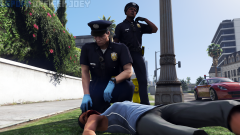
From the album: Officer Joey Kuffman Galleries
Woman Hit by a bicycle. The suspect did not stop to help. EMS Unit on its way.© Officer Joey Kuffman
-
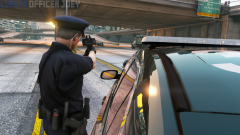
From the album: Officer Joey Kuffman Galleries
© Officer Joey Kuffman
-
 Love the consept but almost all the times it just dont understand me what so ever. kinda anoying to say shots fired 100 times
- 587 comments
- 106 reviews
-
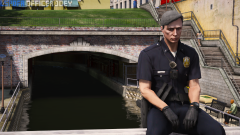
From the album: Officer Joey Kuffman Galleries
© Officer Joey Kuffman
-
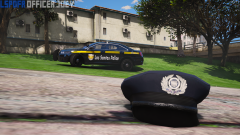
From the album: Officer Joey Kuffman Galleries
© Officer Joey Kuffman
-
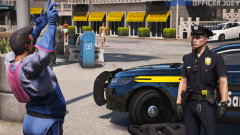
From the album: Officer Joey Kuffman Galleries
© Officer Joey Kuffman
-
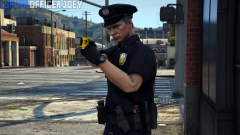
From the album: Officer Joey Kuffman Galleries
© Officer Joey Kuffman
-
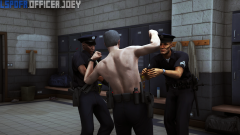
From the album: Officer Joey Kuffman Galleries
© Officer Joey Kuffman
-
what did that do?
-
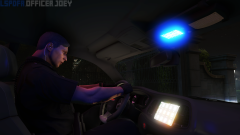
From the album: Officer Joey Kuffman Galleries
© Officer Joey Kuffman
-
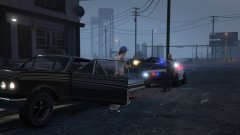 well make lspdfr that it doesnt crash what so ever lol

