
Burnswood
Members
-
Joined
-
Last visited
Everything posted by Burnswood
-
Is this a fresh install of the LCPD:FR mod? If so, I can most likely figure out the issue.
-
Bump.
-
Alrighty. You got any keyword suggestions I can maybe use? I'll keep looking around.
-
Yeah, I'm trying to obtain a template for the Moderator text and such. I'm not a great digital artist.
-
How to make the images. Technically asking how I create the profile picture You are using, since you're a moderator. You have a unique profile picture, which I am trying to recreate for my community. That's what I'm asking.
-
Well, I know I'm going to sound like a complete idiot asking this, but I'm actually curious on how you make the Staff profile pictures you guys use. I want to make something similar for a forum I, Myself run Personally. I may be posting this in the wrong forum section, but in my eyes, it's a question about the site. I'm really interested and curious so I can create photo's for my staff to make them stand out and look cool. Thanks. (I'm an idiot for asking this. But you already know that.)
-
Well, here I am once again. I'm attempting to run LCPD:FR with a whole bunch of different vehicle packs, and different police models. This however is not the issue and has worked before I replaced the Audio in Resident.rpf Not to mention, the audio was put in through OpenIV. I have reinstalled the game once and do not want to do it again since this is an easy fix if someone tells me how to fix it. I have no clue what is causing this issue and I thought because I'm using a GTA 4 sound pack for EFLC. But I don't understand the issue. If anybody has experience or a solution, help would be appreciated.
-
-
Hm, no estoy al tanto de lo que podría causar eso, intente reinstalar su GTA 4 y LCPD: FR. Tenga en cuenta, si está utilizando una versión agrietada de GTA este mod no funcionará.
-
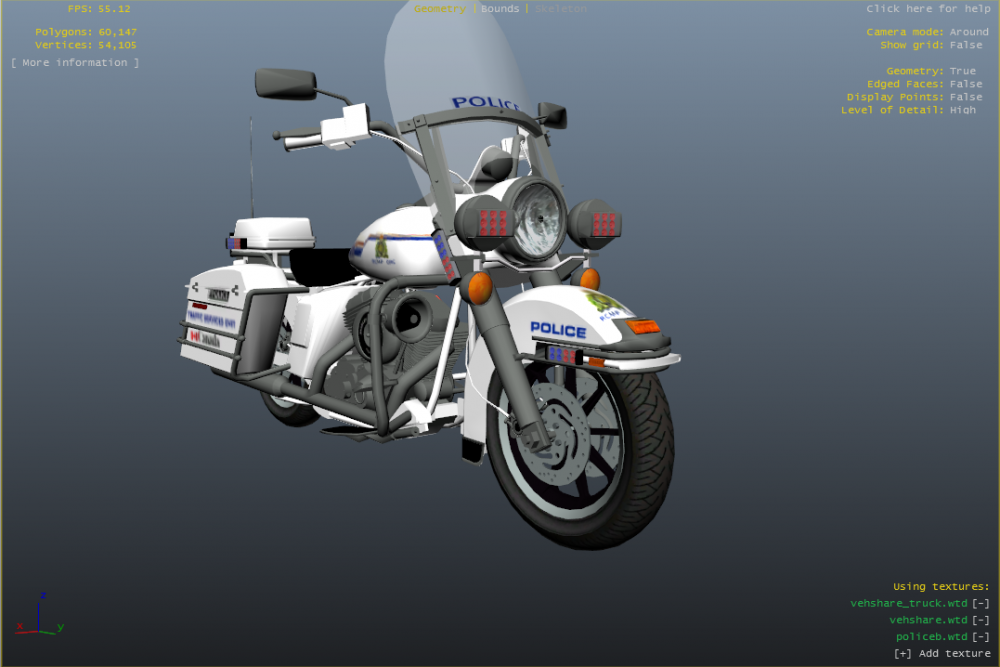
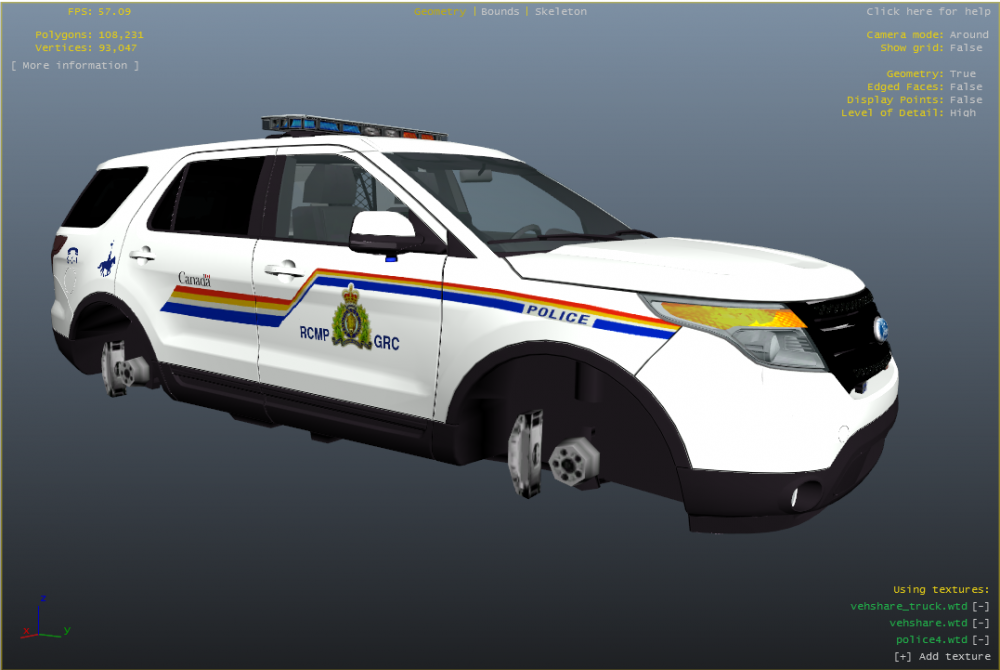
So... I'm not exactly sure how to put this. I recently put it a full RCMP Revamp on my entire GTA 4 Directory, adding new cars and cop models. Plus, I also added a 'morevehicles' models pack which includes just some extra police vehicles. Unfortunately, when you choose a car when you go to patrol, it doesn't show up, not a big deal since I can use the console. But that's where my problem comes in. When I attempt to spawn the pole bike I have on the pack in-game it comes up as a white non-textured model and whenever I physically touches it, I get multiple LCPD:FR errors and it crashes. No, it doesn't crash my game but the scripts. (I have also tried this with the Ford Explorer and it comes up exactly like the bike) Everything in OpenIV is perfectly fine, but unaware of the cause. Pictures included are the models I attempted to insert on the game.
-
I know it's possible in Multiplayer, but my GTA 4 and RGSC doesn't allow me to use Multiplayer anymore... I've used it before, but I don't remember how to fix it.
-
Well RIP. Thank you for your reply anyway. Greatly appreciated. ;)
-
I might not get alot of answers to this as GTA 4 Modding is kind of dead since the release of GTA 5... But, I've been curious. I know you're allowed to fly a helicopter in LCPD:FR and stuff, but is there any possible way for you to be a gunner on a Police Mav? There's probably a mod for it. But y'know.