
Burnswood
Members
-
Joined
-
Last visited
Everything posted by Burnswood
-
-
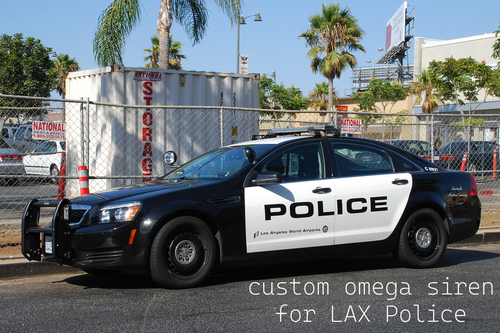 guess that never ended up happening
 -
 yo this is pretty funny lol https://www.youtube.com/watch?v=m7PYOMDkdU8
 -
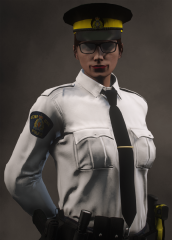
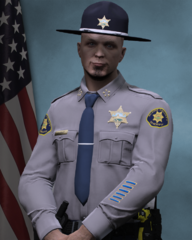
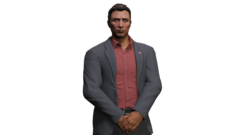
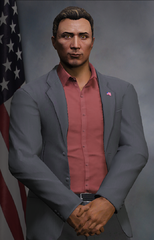
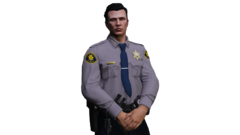
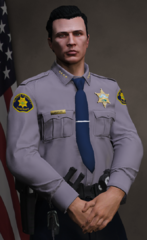
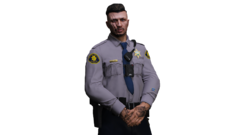
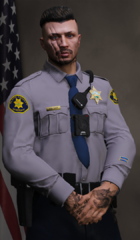
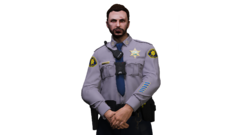
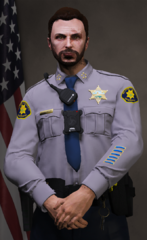
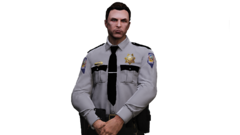
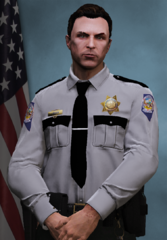
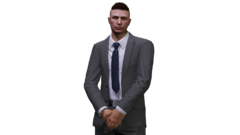
Portraits of my EUP characters or from friends of mine that I'll create in my free-time.
-
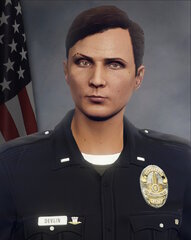
From the album: EUP Portraits
(Z. Crossen) -
-
From the album: EUP Portraits
© Southwest Roleplay
-
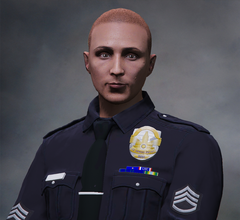
From the album: EUP Portraits
© Southwest Roleplay
-
Wow, so, it's 3 years later (sorry) so hopefully it's not too late to post a response. (I'm aware your last online date was 2 years ago now) As it says in the description of the album, I remove the backgrounds manually. I'll take the eraser tool and just go around the edges. It's complicated, however, it's the best method for me. Hopefully this answer will be useful to somebody.
-
-
-
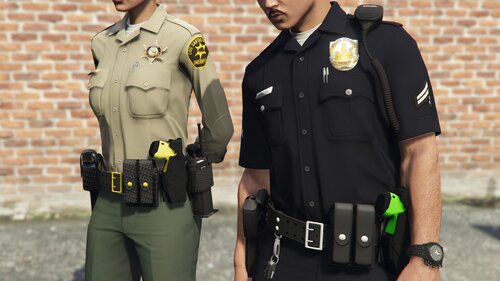
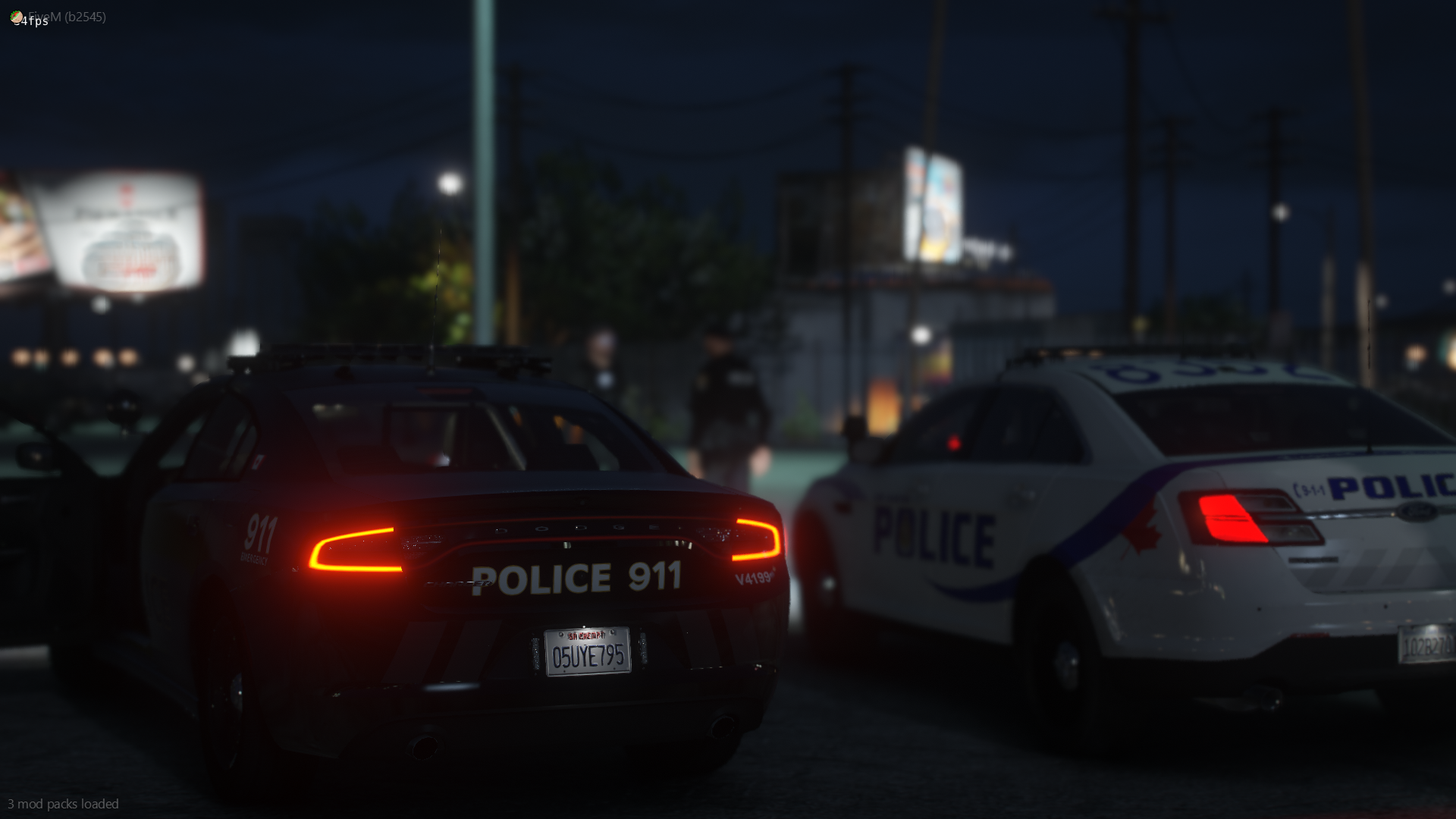
Images that are either by myself or curated by community members of Southwest Roleplay.
-
-
-
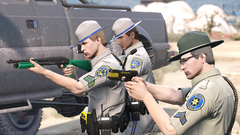
From the album: SRP Screenshots
-
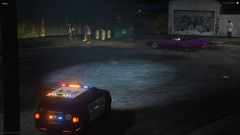
From the album: SRP Screenshots
-
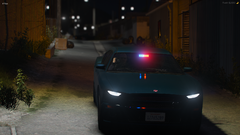
From the album: SRP Screenshots
-
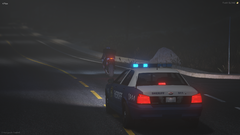
From the album: SRP Screenshots
-
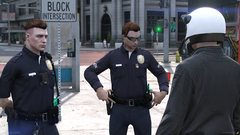
From the album: SRP Screenshots
-
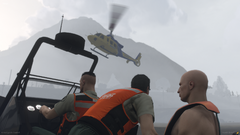
From the album: SRP Screenshots
-
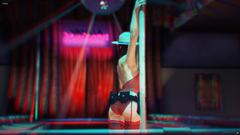
From the album: SRP Screenshots
-
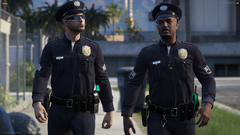
From the album: SRP Screenshots
-
Sounds like a project!
-
Does anybody know if it is currently possible or has tried to utilize LCPDFR on the GTA Connected platform? (https://gtaconnected.com/) I'm looking into getting back into GTA 4 / LCPD:FR and would be totally interested in doing it with some friends.
-
-
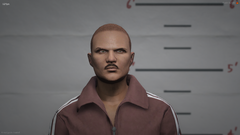
From the album: Mugshots
© NADoJRP