

lucaseteixeira
Members
-
Joined
-
Last visited
-
-
-
 No use, I do not know what to do, the installation is all correct everything updated, however I press the C key and nothing happens. Could someone help me? Even when I start the shift, it appears that Sergeant commands were started, but I press the C key and nothing happens... Could someone please help me?
- 101 comments
- 18 reviews
-
Dear friend.... Can you help me? I did the whole installation correctly, I already uninstalled it and installed it again, I did everything 100% correct, but even when I'm on duty I press "C" and nothing happens. I do not know what else to do to work properly, when I press the C key, only the smart radio appears, but the sergeant does not start. Note that when I go into service, it appears that the sergeant was loaded successfully Please, you could help me? Thanks so much and greetings from Brazil!!!
- 101 comments
- 18 reviews
-
 Dear friend you can help me? I do not know why but most of the buttons on my radio do not work, for example the winch, coroner, stop the traffic, k9. it simply says that it is not available yet, but I have used it before You can help me? Thanks for your suport
- 1,196 comments
- 127 reviews
-
-
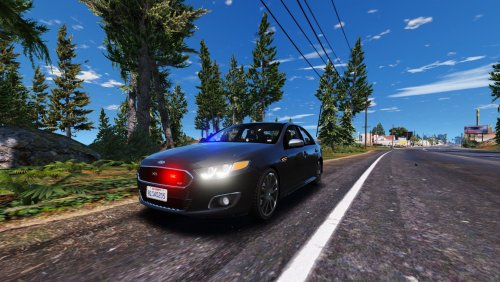 Sorry, but you can pass me the directory address that I should paste the "els"
- 31 comments
- 2 reviews
-
-
-
 lucaseteixeira reacted to a comment on a file:
NSW Police Highway Patrol Ford Unmarked Falcon FGX XR6
lucaseteixeira reacted to a comment on a file:
NSW Police Highway Patrol Ford Unmarked Falcon FGX XR6
-
" Did you install els " Sorry I do not know how to install els.... Can you guide me how should I do this?
- 31 comments
- 2 reviews
-
Your work is incredible, but forgive my ignorance. I put the files (fbi) I also put the handling. But even so the emergency lights do not work, can you please guide me what should I do? If I have to put some other file, can you tell me the direction. Thanks so much!!!
- 31 comments
- 2 reviews