




sixium
Friends of LSPDFR
-
Joined
Everything posted by sixium
-
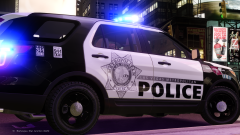
From the album: sixium's WIP
My WIP version of the new-livery Ford Police Interceptor Utilities of the Las Vegas Metropolitan Police Department. Features actual fonts, super sharp graphics, as true-to-life as I can make it. I'm planning on making a pack of this livery since I love it so much. They only have it on the FPIUs, but I'm going to see if I can "apply" it to the CVPI, Caprice PPV, and FPI. Also maybe the Tahoe. WIP. Model by KevinDV. -
The States-side version of the Holden VF Commodore SSV, the Chevrolet SS. It will actually be my future car. It's not an "if" anymore lol
-
-
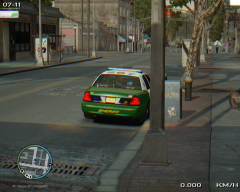 Chromatic aberration. Some people like that effect ;)
 -
 Looking forward to the bike! Love it!!! XDXD
 -
I am flattered that you chose my skins as an inspiration for yours ;)
-
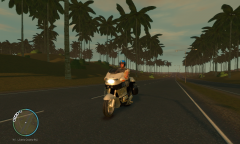 Which motorcycle is this? I need this motorcycle! =OOO
 -
I use AVG. If I ever get malware, my go-to anti-malware is Malwarebytes. Although, with safe browsing practices and Adblock Plus, I haven't gotten any spyware/adware/malware in over a year.
-
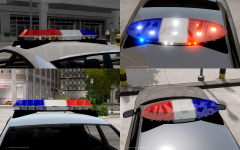 Funky music lol =P
 -
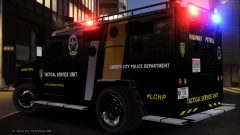
-
From the album: sixium's WIP
Newly formed Tactical Service Unit (TSU) of the LCPD Highway Patrol Special Operations Team. So, that would be LCHP SOT TSU. LOL. =P WIP skin for the Lenco Bearcat tactical vehicle by KevinDV, by request. -
Do you have a current-gen Nvidia card? If so, ShadowPlay.
-
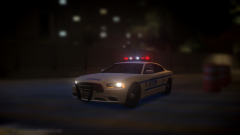 Yeah, the top stripe goes all the way to the headlight, and the bottom stripe should be lower.
 -
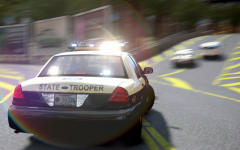 I fail to see how it's the wrong plate?
 -
-
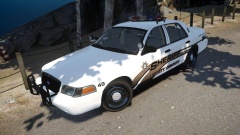 Well, if it's a California Sheriff's car, then it wouldn't be weird ;)
 -
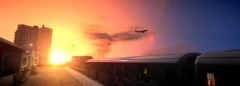 Holy moly!
 -
You used the wrong font.
-
You play with cars in "normal" slots? How is ELS working on them?
-
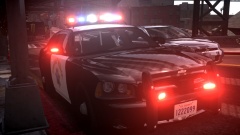 This is an amazing pic! Your ENB rocks! And thanks for naming your gallery pics!! XDXDXD YAY!!!
 -
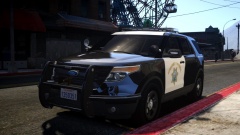 I wish you named your gallery posts =(
 -
-
 Thanks =)
 -
Lol =D
-
From the album: sixium's WIP
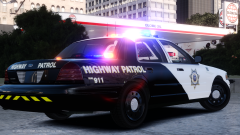
I was just dinking around with this simple Highway Patrol concept. Half-black-half-white with a badge on the door and "HIGHWAY PATROL" on the rear, that's it.


