




cadmiumRED
Members
-
Joined
-
Last visited
Everything posted by cadmiumRED
-
 Sounds like more of an OpenIV question, their forums/discord/whatever they have is probably the best place to look.
- 19 comments
- 4 reviews
-
 Your sound archive (.awc) might be too big. This should fix it:
 -
Those callouts aren't meant to be forced, they spawn only at certain hours of night.
-
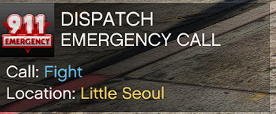 The problem with this callout pack is that its calls are low-effort duplicates of the same scenarios found in almost every callout pack. Of the 10 callouts featured, 70 percent are pursuits with different vehicles and 30 percent are people fighting with different weapons and amounts of people. Every callout pack has a stolen vehicle pursuit, why oh why do we need yet another? There's nothing wrong with being a new developer. If all you can make is simple callouts with pursuits and combat, that's completely fine, we all start somewhere, but releasing the same calls that have been in every callout pack since 2016 just seems pointless to me. Do something unique, something nobody else is making. EDIT: The dev is a good sport. I wish you well and I'll download the next version, excited to see what you come up with.
 -
 And those are bad things.
 -
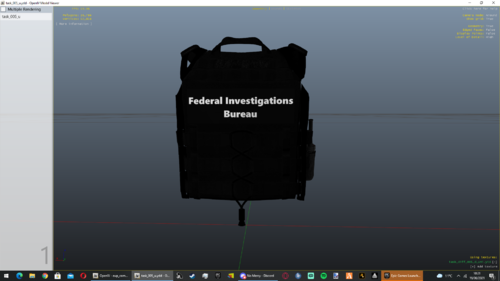
Low effort, doesn't really look like any real FBI vest I've seen.
-
I get why things are the way they are, for sure. I'm happy with whatever you can do, and if not I'm sure I can work something out. Thanks!
-
I'm wanting to develop a military police callout pack but a major roadblock in this is that peds in the Fort Zancudo military base aren't interactable with using LSPDFR. They can't be detained, asked for ID, searched etc, though traffic stops do work and peds can be interacted with via asking them out of a vehicle. Is there any way to change this so that peds in Zancudo work as normal?
-
-
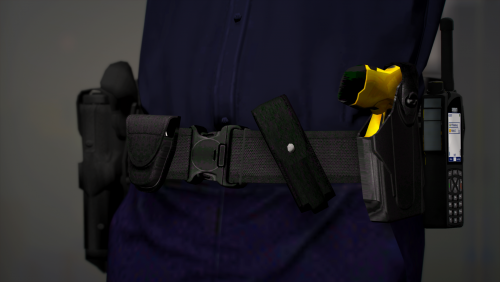 Nice belt but the cuff pouch is way too small.
 -
Not sure how well it works but Functions.SetPedResistanceChance() sounds like it'd do that.
-
Something custom I'm working on.
-
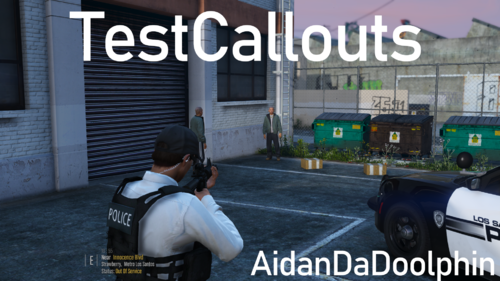 3 out of the 5 callouts in this pack are just pursuits with different vehicles, and all of the callouts are already part of countless other callout plugins available. I get that its fun to make your own callouts, but really, this is just clutter. Really excited to see some more unique stuff in future updates.
 -
If I find good audio, I will.
-
There's already a few good Vic siren mods, but if I find good audio, I'll make something.
-
Demonstration About This mod is based off a recording of a Hazard 1000 Series siren as used by the New South Wales Police Force, though it sounds close enough to any other Australian police siren to use in your game regardless of your specific setup. Installation - Export your vehicles.awc to openFormats in OpenIV - Put the files provided into the vehicles folder - Drag the vehicles.oac file into your resident.rpf - Enjoy
-
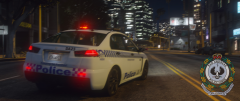
From the album: San Andreas Police Force
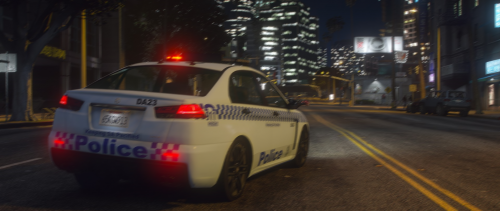
A San Andreas Police Force Karin Karuma tears around the corner in pursuit of a stolen vehicle. -
A pack I'm making featuring lore-friendly police vehicles and EUP uniforms styled on Australia's New South Wales Police Force.
-

From the album: San Andreas Police Force
The new and improved San Andreas Police Force logo. Patch version coming soon(ish). -
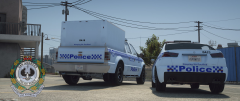
From the album: San Andreas Police Force
The SAPF Karuma and Sadler featuring the new livery, based off a lore-ified combination of New South Wales and South Australia police decals. -
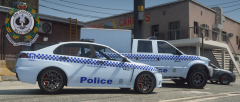
From the album: San Andreas Police Force
The SAPF Karuma and Sadler featuring the new livery, based off a lore-ified combination of New South Wales and South Australia police decals. -
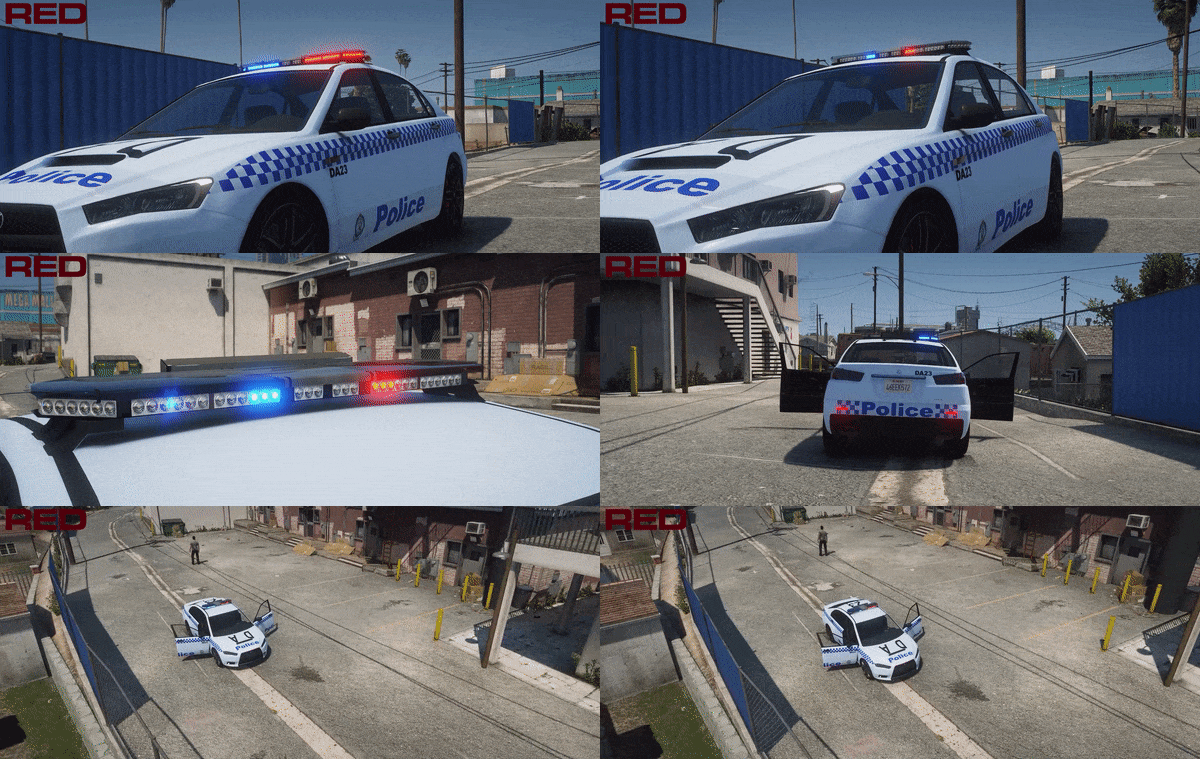 Fugitive is next. Gonna be a highway patrol car.
 -
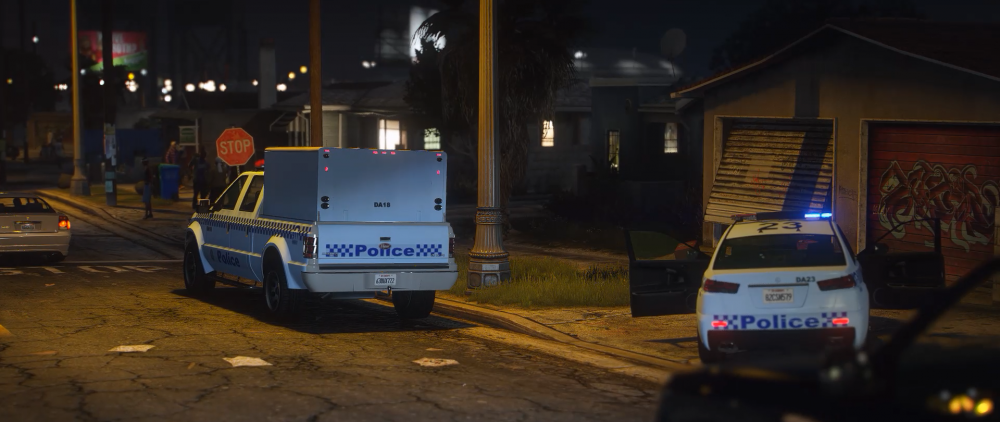
Davis 23, one in custody, no further cars.
-
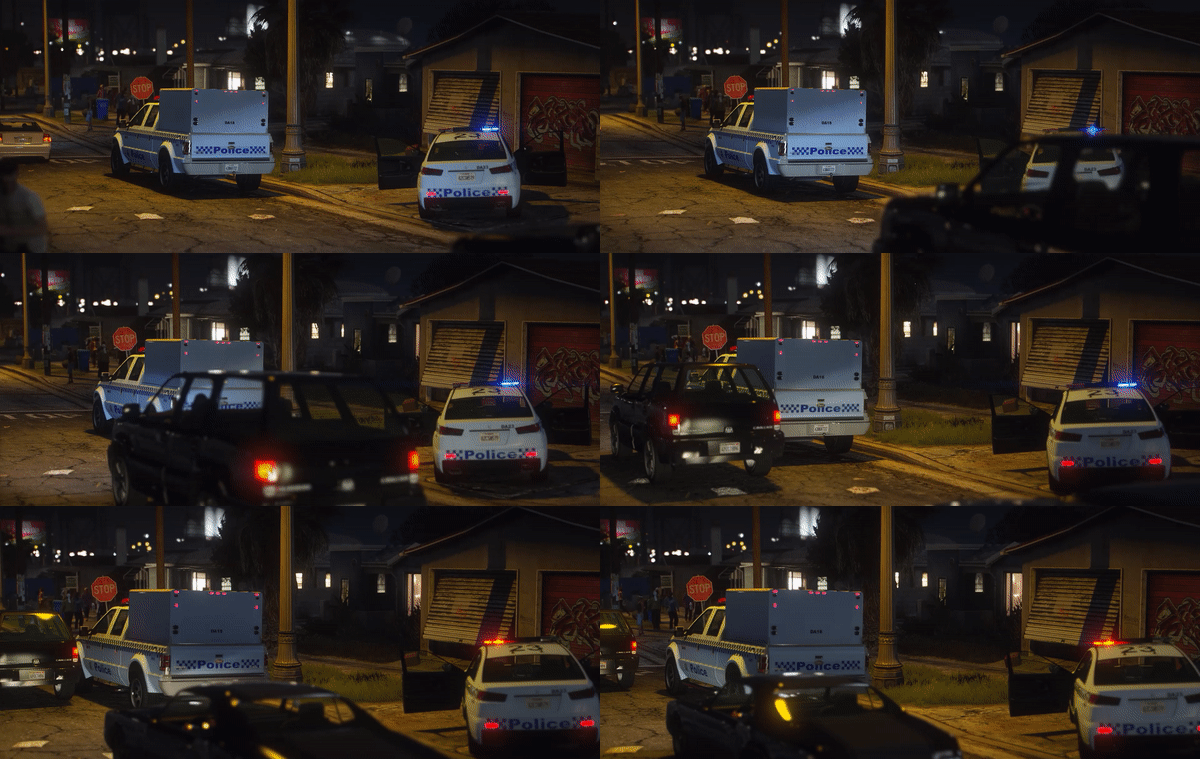
From the album: San Andreas Police Force
A patrol car and caged truck attend a violent domestic on Grove St. -
From the album: San Andreas Police Force
A general duties patrol vehicle for the San Andreas Police Force.




