


KnightHawkOne
Members
-
Joined
-
Last visited
Everything posted by KnightHawkOne
-
Yes, you will need to switch characters if you wish to be a paramedic, fireman, or sheriff. If you just have one character, you can use it for any position by going off duty and then back on duty, changing the agency in the locker room to your preference.
-
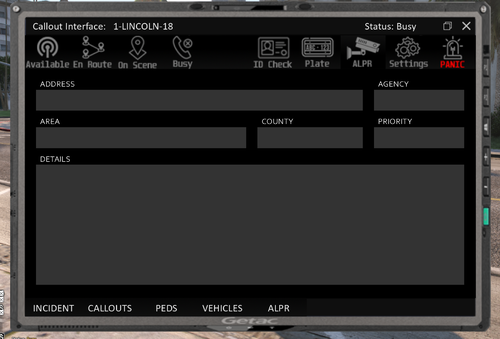 Thank you!!!!
 -
Its most likely your mods folder. what dlc's are you using?
-
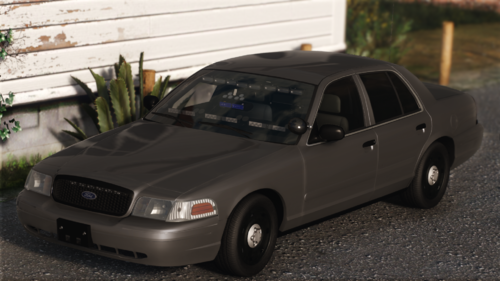 I just want to say if you pull someone over in this and they "Sorry Officer I didn't see your lights on." they shouldn't be driving!
 -
Glad it works!
-
That could very well be the possiblity also did you try downloading the car pack with a diffrent web browser? Some times inturrupted downloads and cause incomplete or corrupted game files.
-
They should be able to be used as dlc I have many vehicles that I use as dlc from different creators. It may be how the vehicle metas are setup try the metas from this file and add your add-ons https://www.lcpdfr.com/downloads/gta5mods/vehiclemodels/17316-els-los-santos-fire-department-battalion-chief-tahoe/ Read the readme file to see which slot the vehicle is locked to. i.e. it may say pranger but works best as police2
-
 Yes, it still works you would have to use a vehicle meta, caravation meta, and know what slot you would want to change an addon to. The following is a video made by one of the authors ahowing how to do vehicles and even addon peds take a look. Hope this helps.
- 267 comments
- 36 reviews
-
Take a look at these also look up photo tutorials for gta v https://www.gta5-mods.com/scripts/extended-camera-settings https://www.gta5-mods.com/scripts/custom-camera-v-plus
-
Did you use the oiv version if so; uninstall everything and use that manual install. I had this issue had to do the manual install method.
-
-
-
-
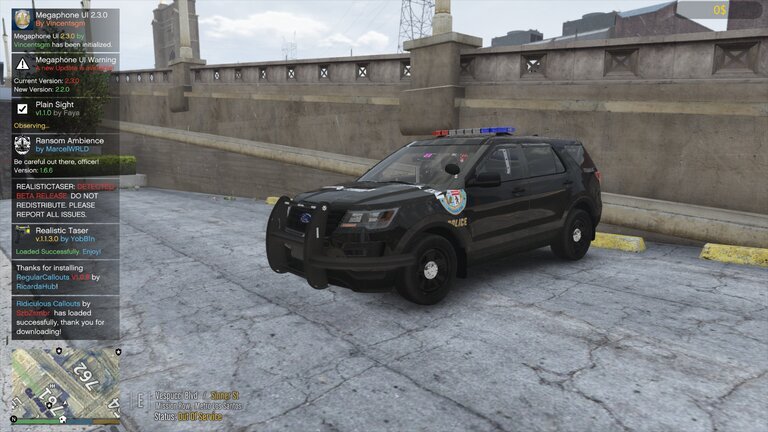
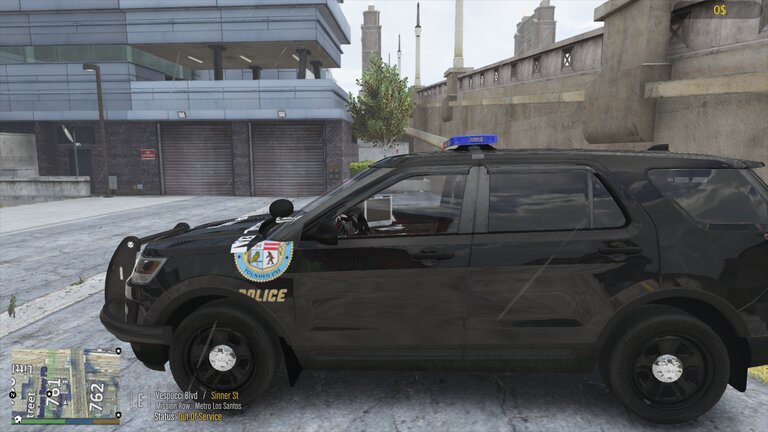
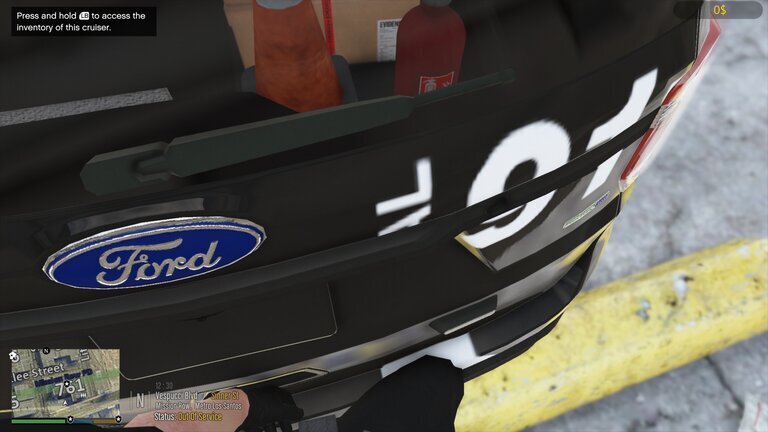
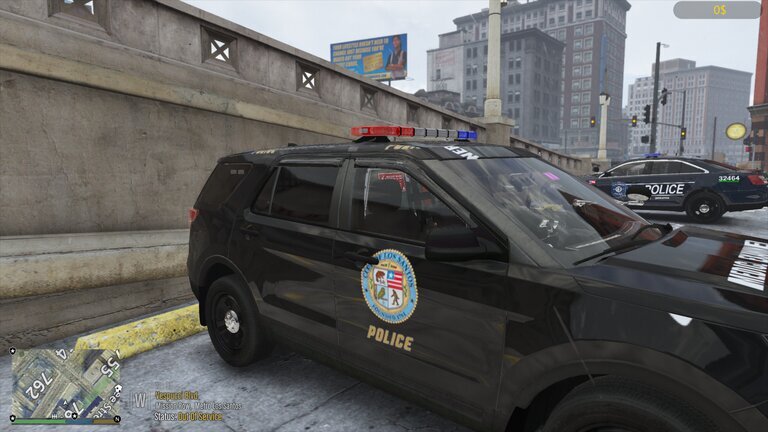
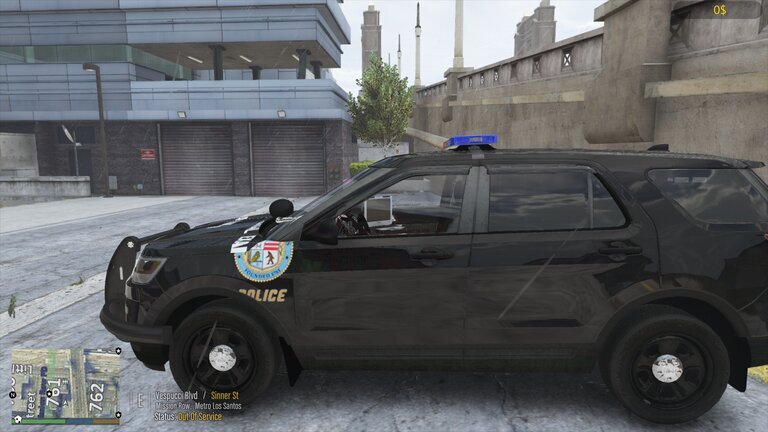
Still haven't messed the files even while using the modding DLC replacing all four vehicle files I'm going to attach a picture to show what the issue is and I would like to know if anybody would know why I'm having these issues. I have noticed in the final two photos it has a combination of skins from different vehicles.
-
-
Sometimes the weapon files are corrupted even though the look fine to the naked eye. Redownload the weapon packs with brave browser to ensure that you have a good connection. I have had this problem in the past myself. Just to be on the safe side redownload the the modding dlc as well.
- 267 comments
- 36 reviews
-
If you haven't yet, check this post out for more insight of what to do
-
 😂 Had Another Crash for vehicle not having a bonnet or bones. RagePluginHook.log
- 446 comments
- 17 reviews
-
automatic siren cutoff needs to be updated however from what your describe it maybe a conflict of keys. check the auto siren cutoff ini and lspdfr ini files and see if they overlap in commands then switch one or the other to a diffrent keybind.
-
I am having an issue where I install everything and then go on duty then while simplectrl loads it says missing libraries and then shuts down.
- 446 comments
- 17 reviews
-
You all do know that Rockstar noticed the popularity of LSPDFR, RDE, and other mods so they have step their game up this time around in GTA VI. You beat me to it. I was thinking of VCPDFR, you all have done something awesome here I am eager to see VCPDFR.
-
 You Need these two for that https://www.bejoijo.com/post/ultimate-backup https://www.bejoijo.com/post/stop-the-ped and then install thise in Ultimate Backup folder to have your backup spawn as you need them to,
- 145 comments
- 9 reviews
-
You night have to ask him for older configurations to match what eup version you have or edit the files to make them match also try this one too,
- 267 comments
- 36 reviews
-
Have you downloaded these items gameconfig from here; https://www.gta5-mods.com/misc/gta-5-gameconfig-300-cars. also, https://www.gta5-mods.com/tools/heap-limit-adjuster-600-mb-of-heap, https://www.gta5-mods.com/scripts/ambient-fx, https://www.gta5-mods.com/tools/packfile-limit-adjuster, https://www.lcpdfr.com/forums/topic/81013-wip-free-gta-memory-no-more-ghost-car-improve-gta-stability/ , and https://codebeautify.org/xmlvalidator please try these.
- 267 comments
- 36 reviews
-
Not saying that you can or cannot but it doesn't hurt to try. Save a copy of the blank handling meta just encase you have to revert changes.
- 267 comments
- 36 reviews



