Bobjohn10
Members
-
Joined
-
Last visited
Everything posted by Bobjohn10
-
Ok thanks
-
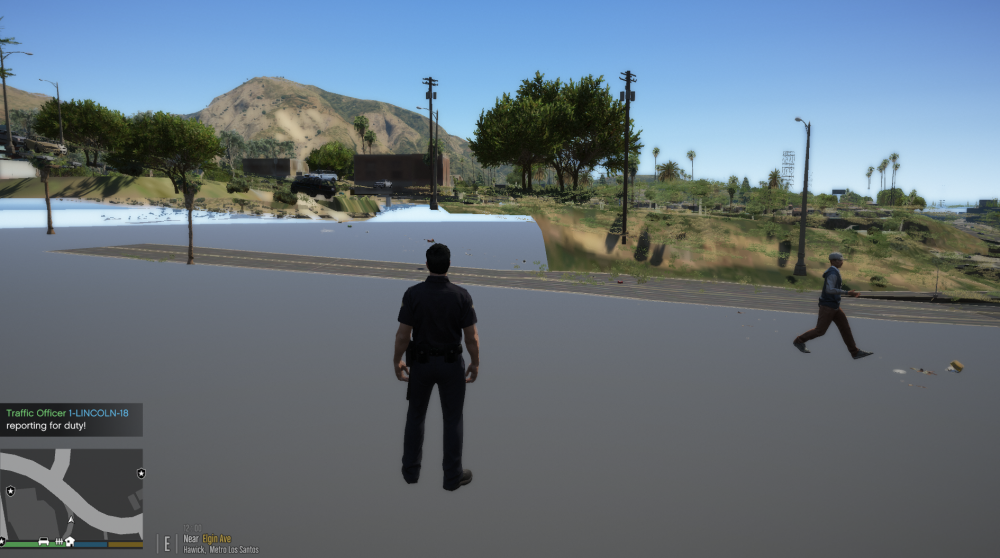
Every time that I load LSPDFR the textures on the map glitch and the road doesn't appear. This only happens when LSPDFR is running. Does anyone know how to fix this? I have included a picture below, thanks.
-
The first lyric of the whole song I'm pretty sure is There's no one on the road The second lyric I know I'm not sure but it sounds like I remember when you drove me crazy Thanks.
-
@HazyTube Thank you!
-
Did you try downloading and installing the latest one (Ragehook 63)?
-
https://pcpartpicker.com/list/kqGZ9J
-
Vram isn't always the issue. The issue is that your "Graphics Card" doesn't have any CUDA cores, something GTA 5 relies on. Another thing is that Vram isn't always the issue. The issue is that your "Graphics Card" doesn't have any CUDA cores, something GTA 5 relies on. Also I'm guessing you're using a laptop thats not that powerful. I would recommend a desktop with at least a GTX 1050 to play LSPDFR comfortably,
-
-
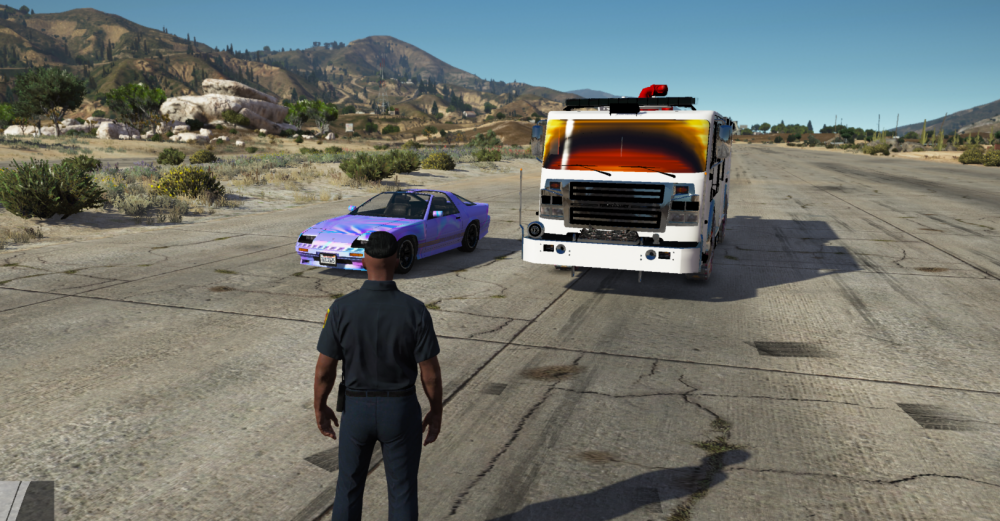
Hello, I've just installed GTA 5 on my new computer and installed a few cars. For some reason the FireTruck slot, Sheriff slot, and Speedo slot are affected and the ruiner (A car that I haven't changed) is changing colors and the textures change every 2 seconds. I've tried different vehicle metas and car variations plus trying different cars in the slots but nothing seems to work. If anyone has a solution to this problem please tell me, once again thank you.
-
-
-
Man that is wonderful! are you planning on realising?
-
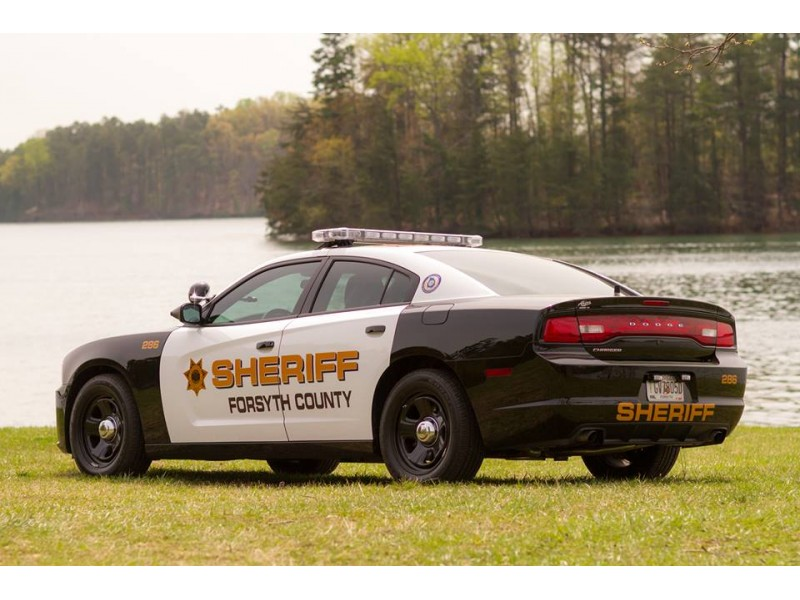
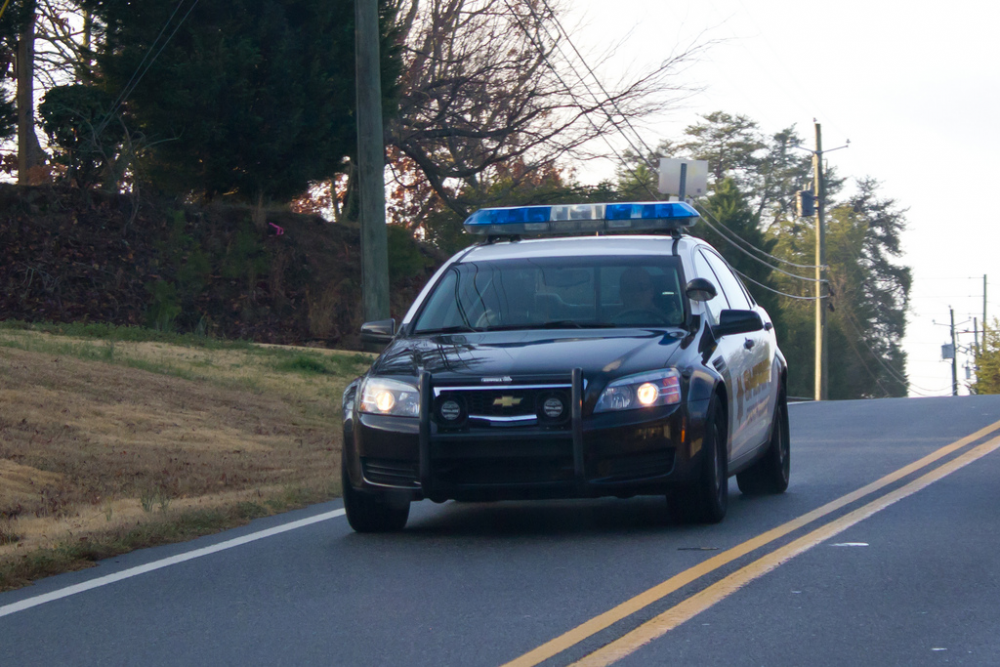
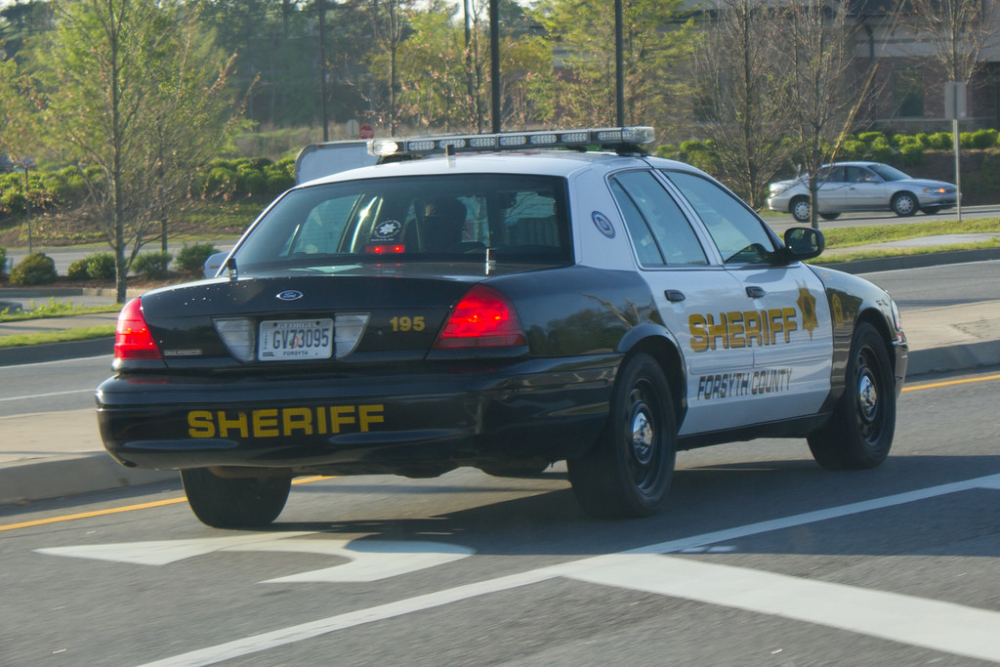
Could anyone make skins for GTA 5 based of the Forsyth County Sheriff's office in GA? (Dodge charger), (Crown Victoria), or (impala). If anyone could that would be amazing! 2014 Dodge chargerChevy ImpalaCVPI
-
So I had this problem also, but there is an easy fix. Go into your RAGE settings (found when starting up) and go over to game settings. Go under Command line switches and check "DirectX11 and "Force Windowed mode". After this Save and Launch and it should load your plugins.
-
So I had this problem also, but there is an easy fix. Go into your RAGE settings (found when starting up) and go over to game settings. under Command line switches and check "DirectX11 and Force Windowed mode. After this Save and Launch and it should load your plugins.
-
-
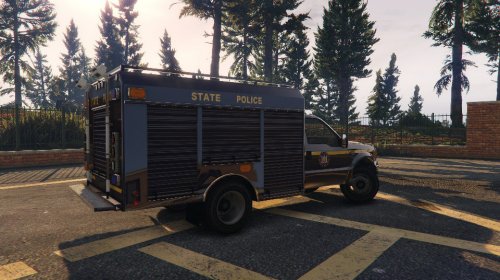 Honestly this is nice being the fact that it's your first skin. I hope to see more skins, keep up the great work!
- 4 comments
- 1 review
-
-

- 1
-
-
-
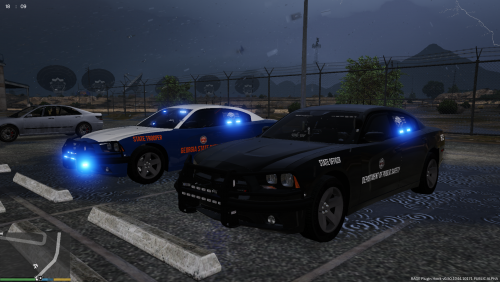
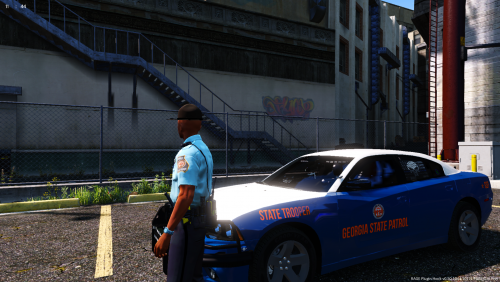 Omg! I thought NO one was going to make Georgia State patrol uniforms. THIS is wonderful I can't wait for the cars!
- 21 comments
- 2 reviews
-
-
- 1
-
-
 Um where is the uninstaller? Also could I just delete the folder marked lspdpack in the dlc folders, would that uninstall it?
- 779 comments
- 187 reviews
-
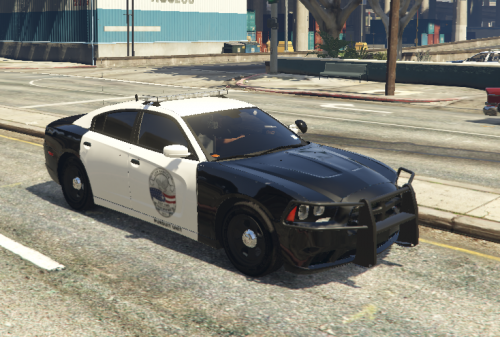 To install go to where to put the charger for me it's (mods)/x64e/levels/gta5/vehicles.rpf go into the YTD and replace the template with the one I made.
 -
Hello, thank you for checking out my skin. This is the first skin I have made so don't expect much, It's your basic badge with an added "Pursuit unit" because why not. Link to car: Anyways thank you for checking out my texture and I plan to make more in the future!
-
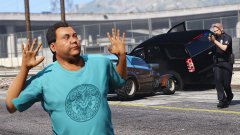 That face though xD