EmoteFroggy
Members
-
Joined
-
Last visited
Everything posted by EmoteFroggy
-
If you're installing addon cars make sure you have these installed https://www.gta5-mods.com/misc/gta-5-gameconfig-300-cars https://www.gta5-mods.com/tools/heap-limit-adjuster-600-mb-of-heap
-
 Use the ini file from the previous version (1.1.0) and it will work fine
 -
 Khorio seemed to just disappear from the modding scene sadly. He has some good mods in development that I really wanted but I guess we will never be getting them
 -
-
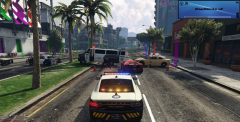
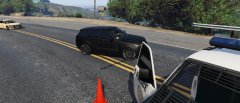
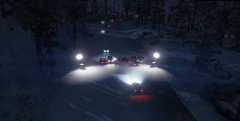
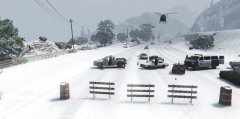
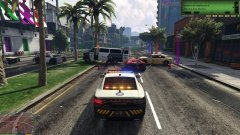
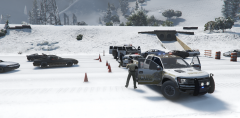
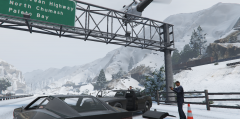
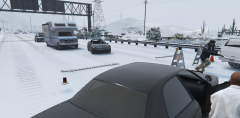
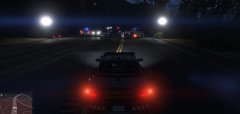
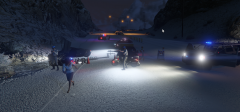
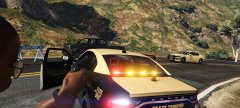
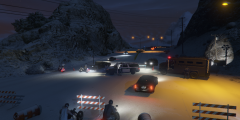
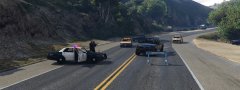
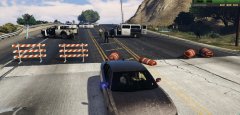
My fbi setup
-
-
-
-
-
 My first experience with this mod was pulled over a guy for speeding, reckless driving and leaving the scene of an accident and as I was calling backup though the ultimate backup menu he stepped out of the car and one tapped me. It scared the absolute shit outta me. 10/10 mod 😃
- 633 comments
- 57 reviews
-
-

- 1
-
-
Do you have the config file for adding addon vehicles?
-
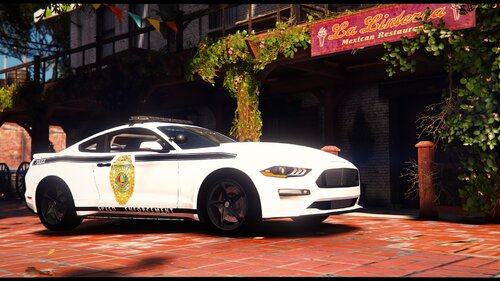 Looks great! Awesome work.
 -
You shouldn't be replacing any files. It's actually pretty straight forward navigate to update > x64 > dlc packs > patchday24 > dlc.rpf > x64 > levels > gta5 > vehicles. turn on edit mode and it will ask you to make a copy to your mods folder, select copy. Now download any vehicle you wanna replace ( make sure it's a replace and not a add on, add ons are done a different way) and simply drag and drop the vehicle files into that folder. also if it's an els car make sure you add the xml to gta 5 root > els > dlc_pack. Now when you start the game you will have the vehicle you replaced 😃 happy modding
-
Bejoljo definitely became a legend in the lspdfr scene, his mods are top tier.
-
Actually you don't need any mods to make lights look good. Simply locate your visualsettings.dat file using openIV and with edit mode on, right click, select edit, and press ctrl+f, search for car.default and you will see emisive day on and emisive night on simply edit the values to whatever fits you. Personally I have mine set at day 2000.00 and night 1500.00 but it's up to you. Also play around with other brightness options if you want but it's not recommended. Also for this to work postfx and shader quality need to be set to high or above. Happy modding 😃
-
Most likely because your mouse is on the edge of the screen when you open the menu. If you move the mouse over it should fix it.
-
-
12/10? Pffff i say 20/10
-
Nice i think this is going to make it alot easier to edit INI file :) Nice work!