



RoegonTV
Members
-
Joined
-
Last visited
Everything posted by RoegonTV
-
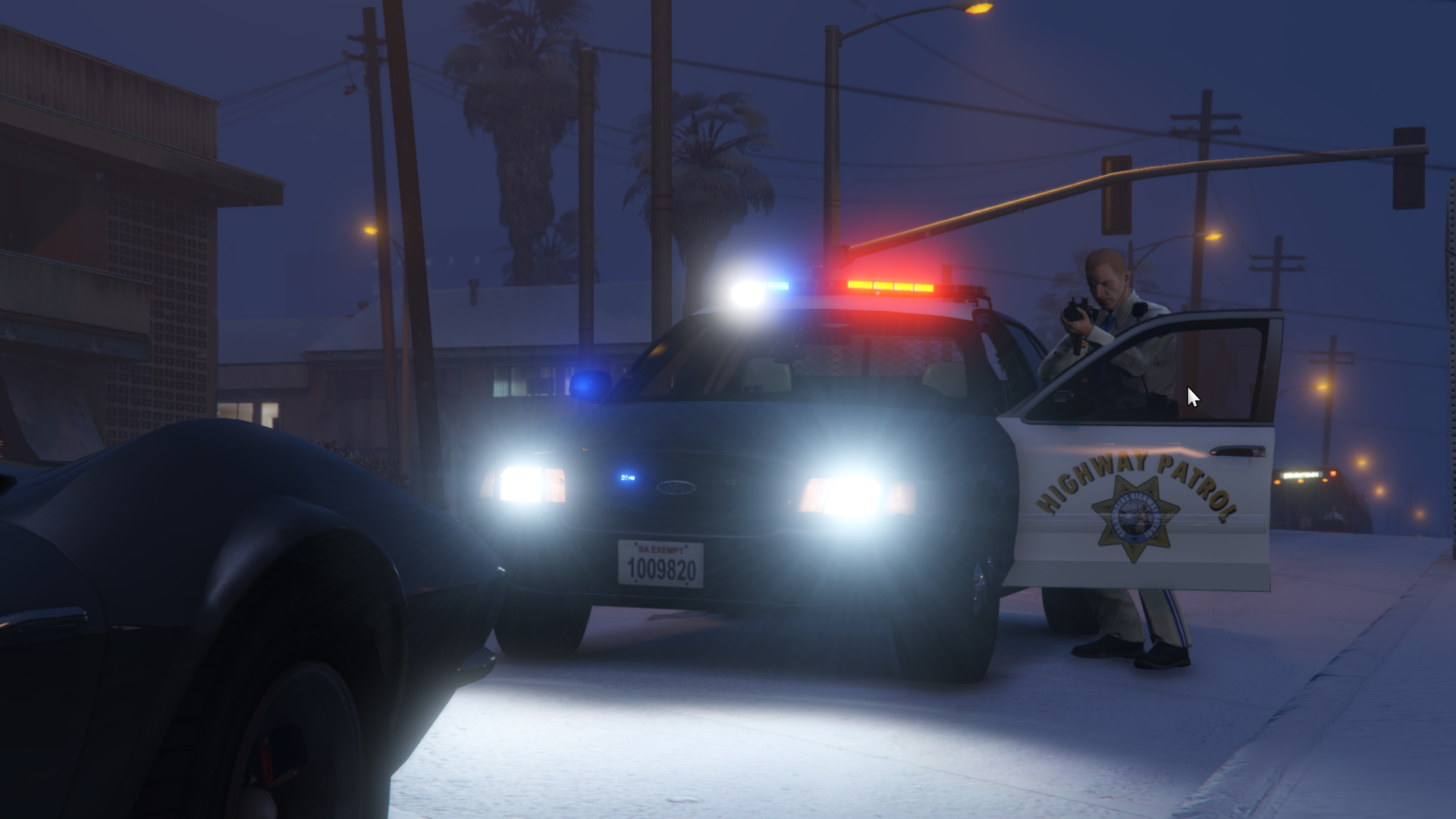
Thanks to @GTAxB0SS for modeling a nice new grill for me:
-
I tried to tell myself I couldn't mod because of time constraints, but I just loved it too much.
-
I no longer mod but I will be modeling in my free time. Feel free to PM me if you need a part or a light made and I'll try to respond. It is preferrable that you email me: roegontv@gmail.com Happy Modding!
-
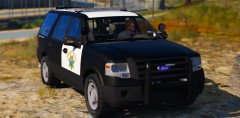 I made it but Hurk did all of the converting and editing. I'm just happy to see the first nice Expedition
 -
It's so weird to see it in game. When I started it I just never thought it would make it this far.
-
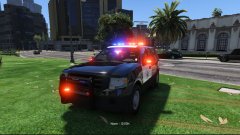 Is the model working well? Did I mess anything up?
 -
Mmmm, is that what I think it is?
-
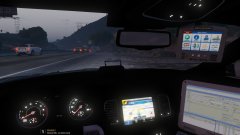
From the album: GTA-V Escapades
I am finally happy with the interior of the '13 Charger -
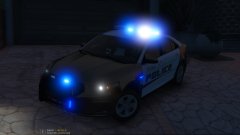 I am not going to charge anybody to get these early! Hopefully by the end of this week they will be ready. At this moment, all of the equipment and lighting is finished, I am making small base model edits (like dials and such) to make sure they are as nice as they can be on the inside!
 -
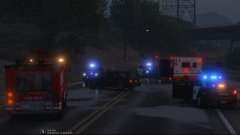
From the album: GTA-V Escapades
Code 3 response to a head on collision after a hatchback drifted across the solid yellow -
I think I will put both versions in
-
From the album: GTA-V Escapades
-
-
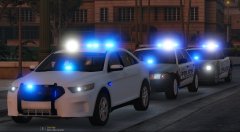 Very well put.
 -
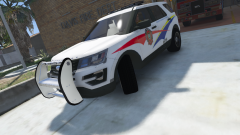 The model looks like it needs a lot of work, I see a lot of jagged edges and some don't look like they connect
 -
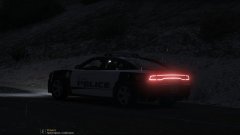
From the album: GTA-V Escapades
-
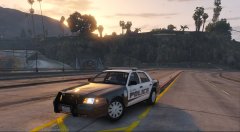
From the album: GTA-V Escapades
-
There is this magic thing called a template, and you can make them black there if you'd like bud. No need to be rude. I don't solely have control over it, my good buddy @Thehurk put a lot of work into it also, so we will have to see.
-
The goal is at least within the week, but these things always change
-
From the album: GTA-V Escapades
@Krame86 for the great skins Still need to remove the CVPI door trim -
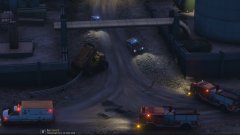
From the album: GTA-V Escapades
Accident down at the local racing track. A lifted truck went off course through 2 light poles into a wall near the entrance. Medics and Fire were on scene to attend to the situation. -
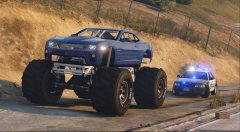
From the album: GTA-V Escapades
-
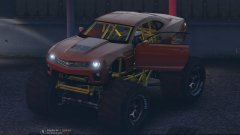 You know I can't stop, nor can Flux Pavillion
 -
-
From the album: GTA-V Escapades
I am having some weird rotation issues with the doors, let me know if anyone knows why. But close to finished.



