DogShoe13
Members
-
Joined
-
Last visited
Everything posted by DogShoe13
-
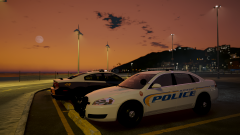 No, these are his ELS versions cars.
 -
From the album: GTA V Images - Other
Using @TaylorSwift vehicles. He made some bomb shit so get ready boys. Still trying to get better at taking screenshots so bare with me! -
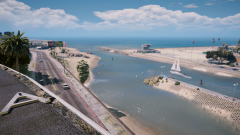
From the album: GTA V Images - Other
Started using Redux, the whole overhaul and rehsade. My game looks amazing! Thanks to a special friend for helping me install it! -
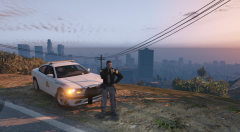 Aye, that's what's up!
 -
-
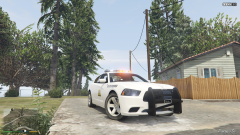 Yes it is!
 -
From the album: GTA V Images WIP
Older photo i took before i left in December. -
From the album: GTA V Images - Other
Went back to using @Prophet's reshade MemeEnhancer. Only problem i am having is i crash when i attempt to go to graphics within the setting, anybody know why? -
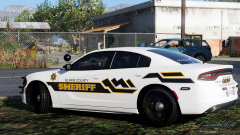 Salt Lake County Sheriff based, i like it.
 -
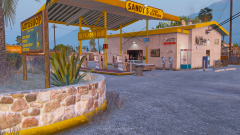
From the album: GTA V Images - Other
I'm trying out some ENBs and don't know what i want to go with. Anybody have any ENB recommendations? -
-
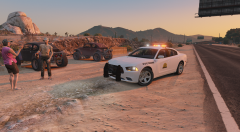
From the album: GTA V Images WIP
I'm back and with a new PC. Made this Utah Highway Patrol Charger with a moblie spike strip pushbar. -
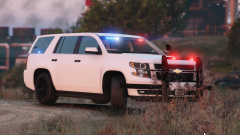 Did Millcreek get 2015 Tahoes? Try making the bolts chrome on the center for the tahoe like the real 4WD PPV. Nice job though!
 -
You work fast because your models are crap, just kidding..... Or am i? lol Signed Your favorite person
-
 Good lord, i just saw all the photos of this vic, the amount of detail you put into this is amazing, i hope to see this soon so i can play with it! Keep up the good work.
 -
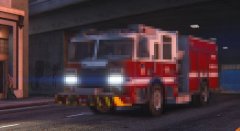 Whoever spotted this needs glasses.
 -
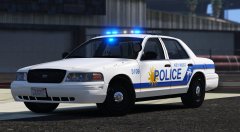 Check download. @Thehurk posted a file for Extra 6 and 9.
 -
-
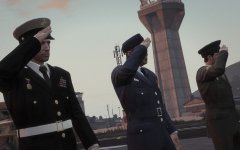 And of course the Navy has very werid and odd dress blue and dress white uniforms. I choose the wrong branch lol.
 -
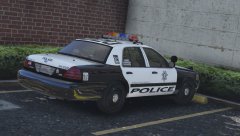 He is still working on it, he is busy between school and the hoildays as well as some persnal issues within his life. He is also trying to make this pack right and accruate since he lives there and its his hometown. He has a few behind the scenes cars that he hasn't shown yet. Just stay with it.
 -
-
-
-
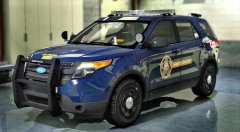 Not all of the PIs have that, the department can choose not to get that when they buy the vehicle.
 -
I have some, but i have no idea who's they are. I got them someone else's modeling folder, Want me to send you a PM? Maybe you can ID who's they are.