


1stCavMedic
-
Joined
-
Last visited
Everything posted by 1stCavMedic
-
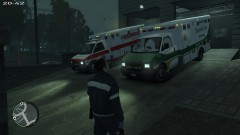
From the album: Random Shots
Midwood Ambulance Service and SeniorCare EMS Paramedics prep for Hurricane Sandy -
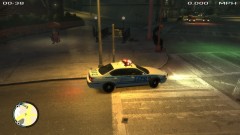
From the album: Random Shots
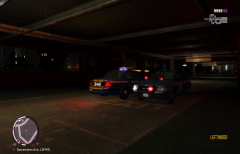
LCPD Traffic responding to a call by LTA for an unconcious male by the subway entrance -
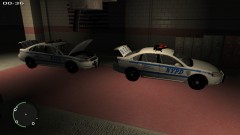
From the album: Random Shots
NYPD Patrol Units in prep for Hurricane Sandy -
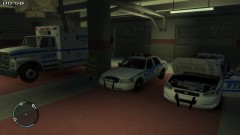
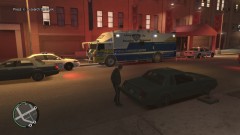
From the album: Random Shots
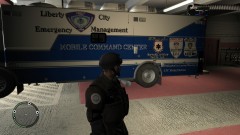
LCPD/NYPD Prep for Hurricane Sandy. ESS 6 Support Truck -
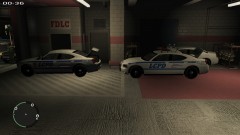
From the album: Random Shots
LCPD HWY Prep in FDLC Station for Hurricane Sandy -
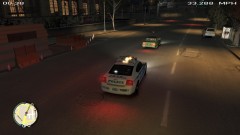
From the album: Random Shots
LCPD HWY PTRL Chasing a suspect who went around a blockade on a bridge -
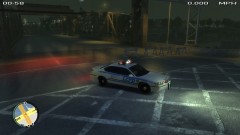
From the album: Random Shots
LCPD Traffic shutting down a bridge for Hurricane Sandy -
-
 Thank you
 -
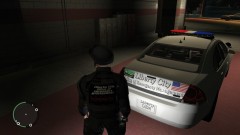
From the album: My Skinning WIP's
-
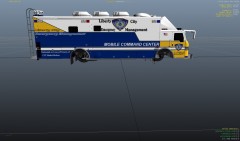
From the album: My Skinning WIP's
-
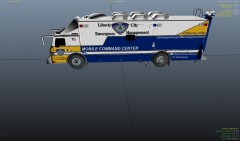
From the album: My Skinning WIP's
-
From the album: My Skinning WIP's
-
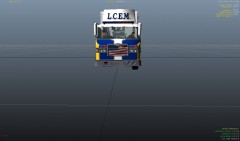
From the album: My Skinning WIP's
-
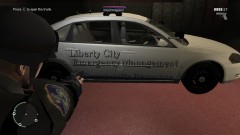
From the album: My Skinning WIP's
Community Response skin -
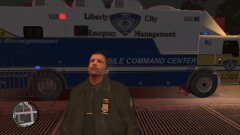
From the album: My Skinning WIP's
A close-up shot of the command center -
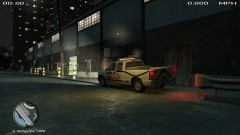
From the album: My Skinning WIP's
Still in works, Lightbar colors need to be changed and a few more graphics have to be added to the paintjob -
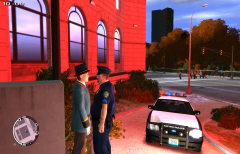 LOL!!!! damn!
 -
 lol of course! and dont forget the Dunkin Donuts >:D
 -
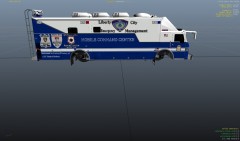 No, not this one. Maybe one similar to this... but once again its not my model. I'd still need to get permission to release the skin.
 -
lmao!!! all of y'all have funny comments! =D and idk which one to say yes to lmao
-
From the album: Random Shots
-
thanks and to answer your question, yeah, left it for no specific reason. I don't plan on releasing this one, maybe a different LC Emergency Management. Idk just yet =)
-
From the album: Random Shots
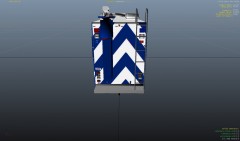
My custom skin for TheThinBlueLine's Pierce Mobile Command Center, featuring MS Paramedics Community Emergency Response Unit, FLDC Community Emergency Response Team, and the LCPD Community Affairs C.E.R.T. Unit. along with a dedication to my father LTC Rafael Betivas© 2012 1stCavMedic
-
From the album: Random Shots
My custom skin for TheThinBlueLine's Pierce Mobile Command Center, featuring MS Paramedics Community Emergency Response Unit, FLDC Community Emergency Response Team, and the LCPD Community Affairs C.E.R.T. Unit. along with a dedication to my father LTC Rafael Betivas© 2012 1stCavMedic


