jngo79
Members
-
Joined
-
Last visited
Everything posted by jngo79
-
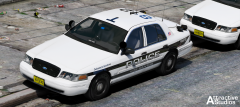 Yea PP looks cool
 -
Pembroke Pines ?
-
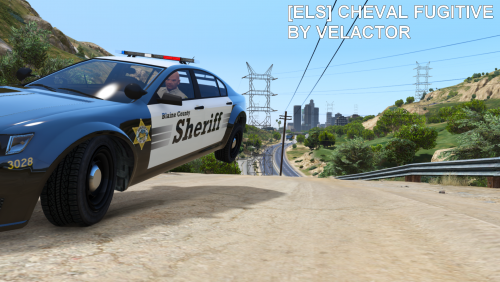 Perfect for RDE.
 -
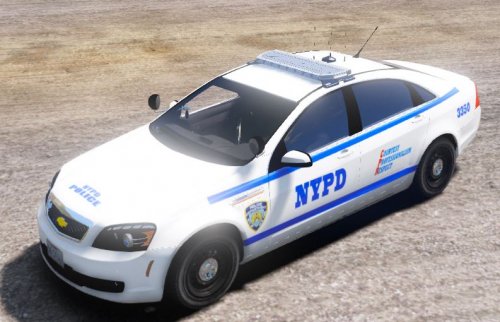 Steam Screenshot: F11 for good screens use the rockstar editor
 -
maybe ingame screenshots?
-
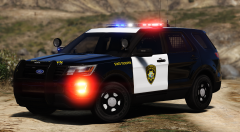
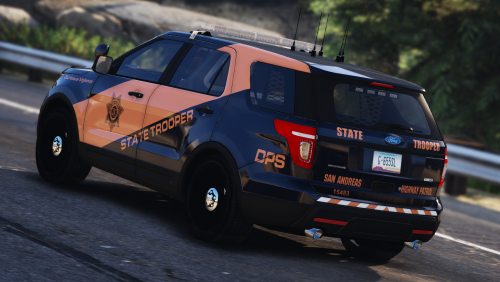
From the album: WIP Textures
© jngo79
-
-
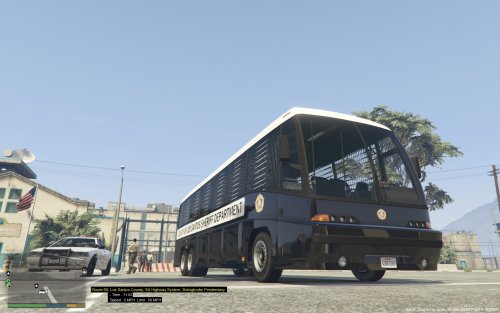
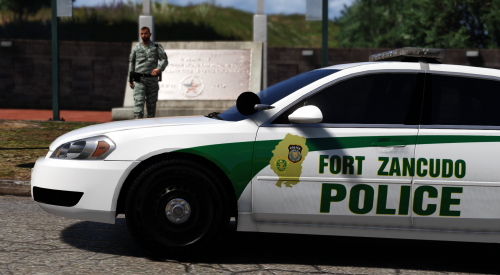 Fort Zancudo Police textures inspired by Fort Hood Police. MODELS Dodge Ram Chevrolet Impala If you use any of these skins in a video please post a link to the video in the comments, I'm always happy to see my work in videos! Videos: https://www.youtube.com/watch?v=6aBjf7vvN_4 https://www.youtube.com/watch?v=brIj5NvlQcs https://www.youtube.com/watch?v=H8S0q80g2qI&t=10s https://www.youtube.com/watch?v=RVJS-jkBp48 https://www.youtube.com/watch?v=YVON3kGMQnI https://www.youtube.com/watch?v=cOHopBzm-e4 https://www.youtube.com/watch?v=4ecLjFNwjYM https://www.youtube.com/watch?v=2HeQ5zs56DY https://www.youtube.com/watch?v=rtRaxwgBxuM https://www.youtube.com/watch?v=p52vB933CEc
- 7 comments
- 3 reviews
-
-

- 5
-
-
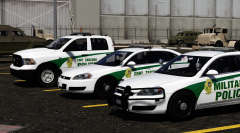
From the album: WIP Textures
© jngo79
-
-
-
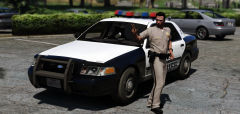
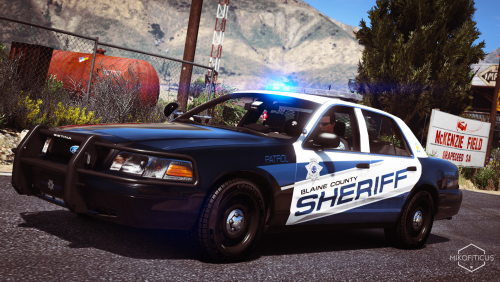
From the album: GTA V
© jngo79
-
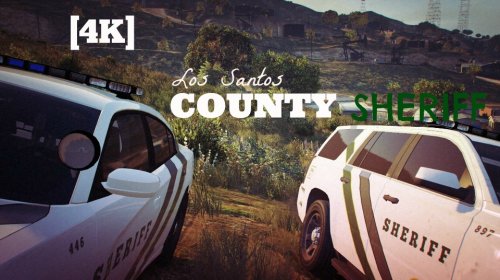 County not Country
 -
-
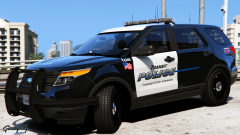 That Design is lit af
 -
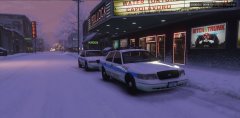 Expect a release this Friday.
 -
-
-
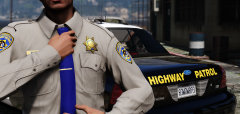
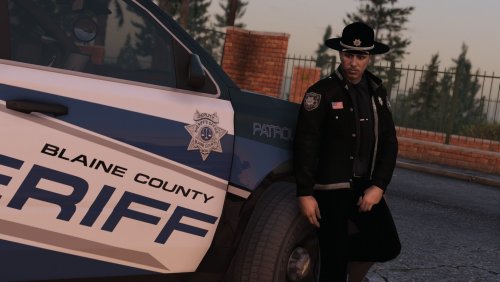
From the album: GTA V
© jngo79
-
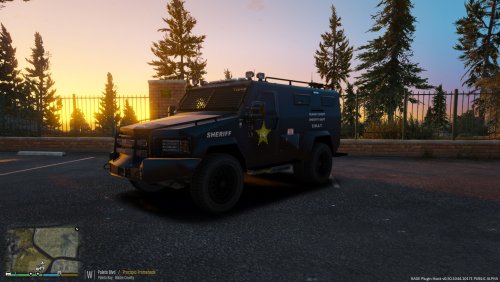 LASD doesn't have SWAT, They have SEB and the Bearcat looks like this:
 -
-
-
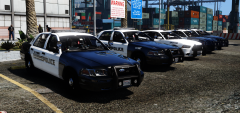
From the album: WIP Textures
© jngo79
-
-