pigbenis80
Members
-
Joined
-
Last visited
Everything posted by pigbenis80
-
-
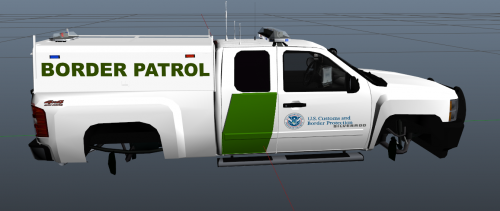
 I had this problem when I tried to install the DHS texture on it. I had to change the texture to pranger_sign_2, instead of pranger_sign_1. The problem went away
- 85 comments
- 40 reviews
-
-
Very, Very Nice. Is there any possible way you could do an ELS Hummer H1, H2, or H3 ( Either one would be fine, I like variety). I use Dispatch of Variety, and there's a NOOSE Patriot I want to replace but I can't find any ELS H2's. In the meantime, I will definitely use this to replace that Patriot.
- 85 comments
- 40 reviews
-
-
-
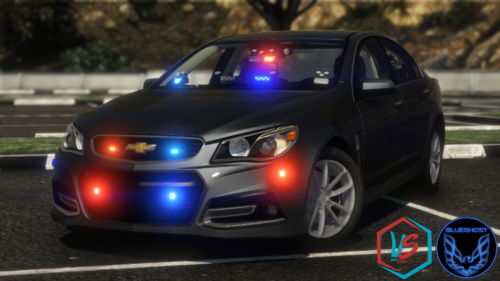 I'm not super smart on that kind of stuff. How do I make one? Do I just rename the template file to chev_sign_1?
- 41 comments
- 6 reviews
-
 Great mod, but does anyone know how to dim the ads on taxi roofs? Just the taxis with ads, the regular ones without ads are fine
- 337 comments
- 74 reviews
-
The pics show it as unmarked, but it spawns with that police livery in-game. How would I go about making it used default vehicle colors? Also, it spawns with no windows. I don't know if that's a known bug
- 41 comments
- 6 reviews
-
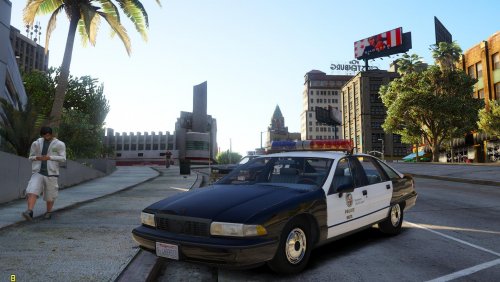 I actually found a good CHP texture, and I think it was in that retro pack. Thanks
- 26 comments
- 6 reviews
-
-
Oh, well I'm not looking for exact authenticity. Yours is the ONLY 90's Caprice Cruiser I can find, and the only CHP texture I found that was made for it doesn't even apply correctly. Here is the link for the texture: If you want to see what I'm talking about, I screenshot my dilemma and posted it in the comments for that file
- 26 comments
- 6 reviews
-
Could we get a template please? Someone put out a CHP livery, supposedly for this car, but it doesn't line up. I would like to do my own
- 26 comments
- 6 reviews
-
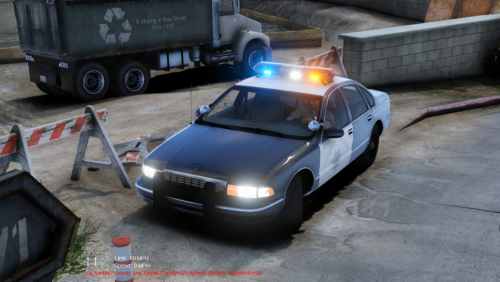 So the file isn't actually downloading, it's just opening up a page with the graphic. It only saves as a PNG file. When I try to add it to the car model, it's not aligned properly. Not even close. Did I miss something in the description on how to do this? Most textures are .dds files, so I'm confused This is what I'm talking about
- 7 comments
- 1 review
-
-

- 1
-
-
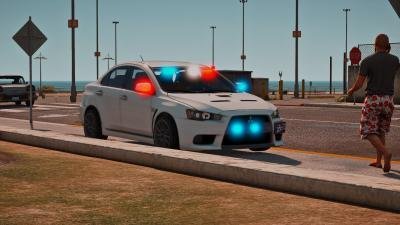 NIIIICE. This is exactly what I was looking for. Will fit in perfectly with Dispatch Of Variety
- 11 comments
- 4 reviews
-
There is an AS-350 he did with Elope with an LA County Sheriff's livery, but the .ytd file also has LAPD and CHP liveries in it as well. You could use that model for the polmav and shemav (And whatever other Law Enforcement choppers are in RDE. I can't run RDE cuz it crashes my game when I try to run it with WOV) and just delete the textures you don't want those particular choppers to use
-
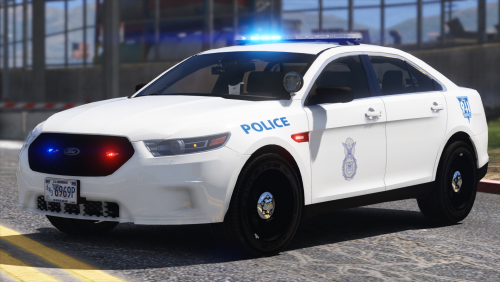 Aren't the ELS .xml files specific for each vehicle and their lighting patterns, or am I mistaken? I'm kinda new to this
- 25 comments
- 7 reviews
-
-
Does anyone know if there is a CHP Maverick skin out there? Or if anyone is working on one. I got almost all of my Mavs in RDE to look like real life, but CHP is the only one I need now
-
 I love this, but I do need some help. RDE included this in the .rpf and there is a custom vehiclelayout.meta. What lines in the file pertain to the seating layout for this. I don't want to replace the meta file as it there are prolly some necessary lines that will be overwritten if I just replace the file with yours
- 80 comments
- 19 reviews