Lapd Code 3
Members
-
Joined
-
Last visited
Everything posted by Lapd Code 3
-
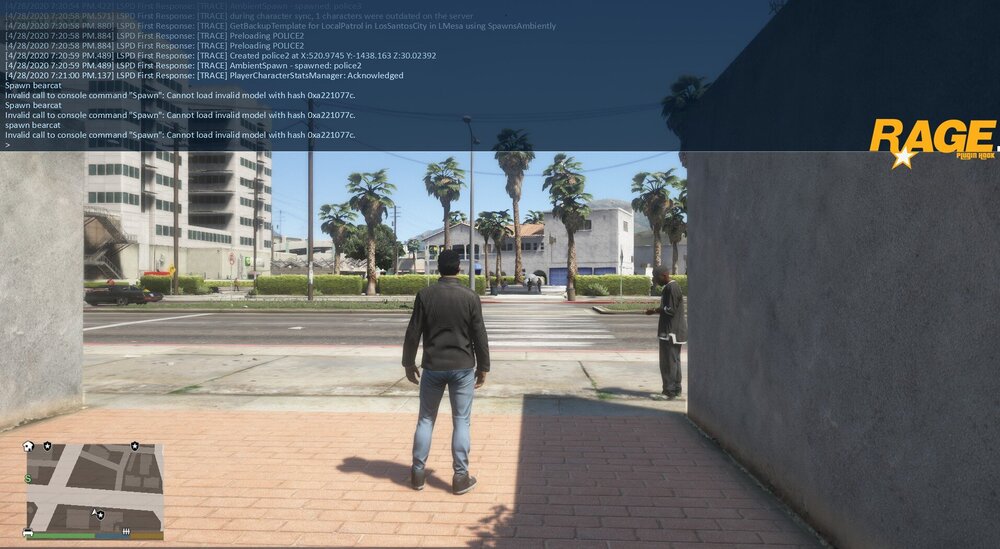
I installed an add on vehicle today a purchased model by a dev for my rp patrols however it keeps saying what im showing you down below please if your an add-on expert or know an add-on expert help a guy out btw if need more info ill help with what i can
-
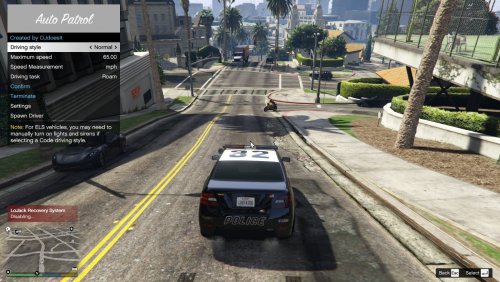 i do but Ctrl G aint working the only thing that pops up is my STP context menu UPDATE: Turns out the Pranger Model doesnt support it but all other emergency vehicles do hence why i couldnt use it today on my Ep 92 of lspdfr
-
nope same results the ini isnt specific on which control key or shift key
-
cant get it to work it wont load up on duty and i placed it in the Plugins > Lspdfr folder where all my other callouts and smart radio are
-
-
Need Help understanding a Crash Log that has the Answer as to why when i removed outdated callouts and callouts that were crashing i all of a sudden lost World Texture seconds after loading up Officer (not even on duty yet) Cant even ForceDuty or manually walk into a station and go on duty. Already reinstalled Lspdfr 0.4.7 Rage up to date Game up to date mods are now up to date still this happens Please help
-
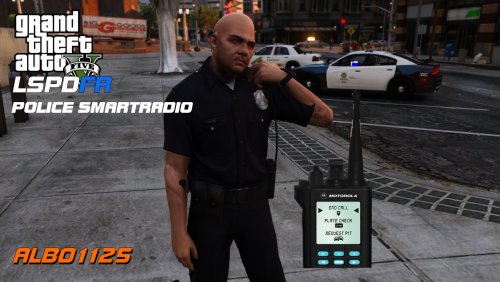 At this point im wondering is there a way to use police smart radio without the need of Traffic policer ?
- 1,196 comments
- 127 reviews
-
-

- 1
-
-
-
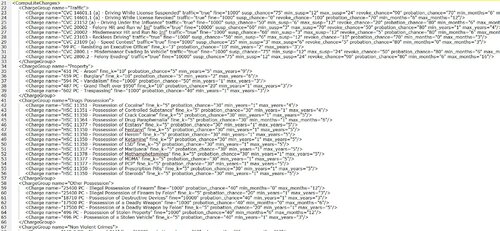 warrant section Wanted for Terrorist Activities Wanted for Participtaion in a Gang Wanted for Murder / Murder of a Cop i have a List but i will pm you this
- 6 comments
- 2 reviews
-
@Luvmysg we're you aware of Typos ?? also will you be adding an individual Warrant section ?
- 6 comments
- 2 reviews
-
 im not sure if this question was answered by anyone but if it was please understand i cant read all 74 pages full of questions and answers and concerns so say i wanna change the speed of a lighting pattern for an individual car like police 3 (FS Valor Patterns) but i wanna keep the lighting speed of the other vehicles at default is there a way to do this on the XML files? or is it one speed for all ELS Vehicles
- 2,711 comments
- 243 reviews
-
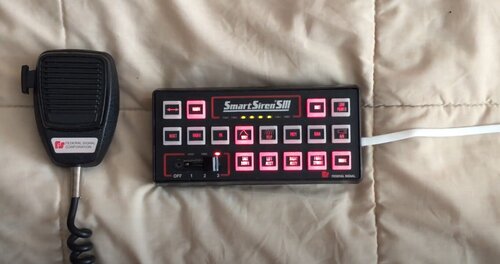 video currently uploading to YT Credited you bro Hope we get accurate motorola Spectra too if possible 🙂
- 13 comments
- 1 review
-
Terminal / Elysian Island Drug deals suspicious vehicles and incidents with containers and secuirty help just a few ideas for you @epicmrjuan
-
@Ats Will be using this for my patrol today thank you so much for making a Accurate SS2000
- 13 comments
- 1 review
-
-
- 1
-
-
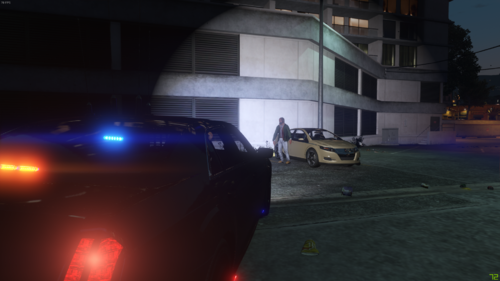 im with Officer Rodriguez on this one we'll both give it a Go
-
This seemed to have fixed it but i wont know until i attempt to do another episode on youtube later thank you DiamondTKG
-
can someone read this and tell me what im doing worng that lspdfr keeps crashin on me everytime i go on duty just minutes into the game
-
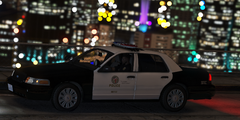 We should roll together sometime Check out my Lspdfr Channel Lapd Code 3
-
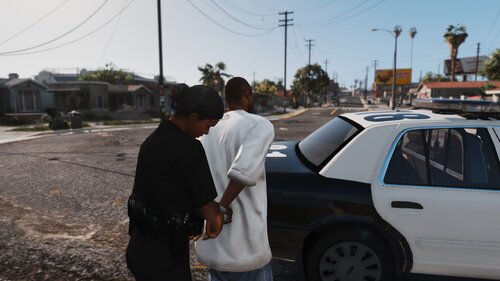 dont install that one cause the EUP file locations we're changed after 8.1 and this California Eup that he provided is out of date youll end up damaging your Eup Recommend Flyingpandamans California Eup its not Fully finished but theres the main Teams like Lapd LAWA Chp LASD and Swat
- 19 comments
- 1 review
-
-
 @Abel Gaming I tested some of your callouts on my youtube episode today you can find it on youtube #LAPDCODE3
- 200 comments
- 27 reviews
-
-
- 1
-
-
-
-
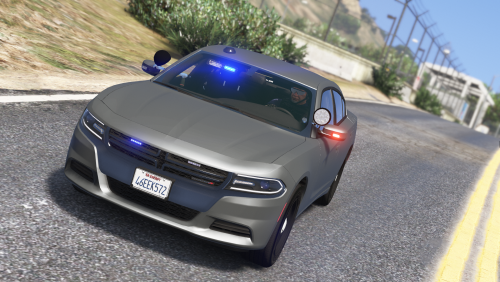 used it for my Gang Unit Episode today Thank you Wraith Haven Customs for Providing this vehicle stay safe happy trails
- 19 comments
- 6 reviews
-
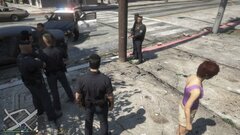
From the album: Just Patrolling