davidhenderson14
Members
-
Joined
-
Last visited
Everything posted by davidhenderson14
-
-
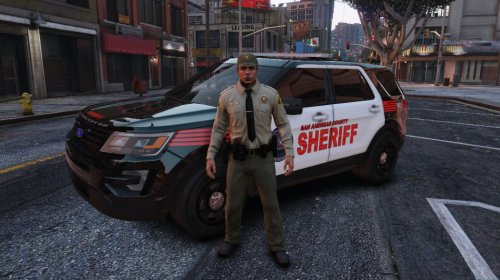 That is why you keep Los Santos county skins and Blaine County skins handy.
 -
why is it San Andreas county? San Andreas is the state.
-
-
 Love your callouts! They are fantastic and well thought out. That being said, I updated them to fix the issue where the panic button callout caused LSPDFR to crash upon accepting it. I am still having that crash. It occurs each time I accept the panic button callout. I will include the relevant part of my log file below and I have saved the complete log file back in case you need the whole thing. Keep up the good work! Love your callouts! They are fantastic and well thought out. That being said, I updated them to fix the issue where the panic button callout caused LSPDFR to crash upon accepting it. I am still having that crash. It occurs each time I accept the panic button callout. I will include the relevant part of my log file below and I have saved the complete log file back in case you need the whole thing. Keep up the good work!
- 329 comments
- 53 reviews