Reddington
Members
-
Joined
Everything posted by Reddington
-
-
Thanks, that's what I was missing. Funny thing is I had installed it previously, but ran into some problems and removed it. Wasn't aware it was needed to give uniform options on the duty screen.
-
Vehicle file or data issue was going to be my next question. 😛 Glad you got it solved.
-
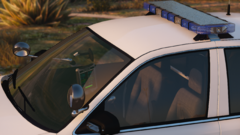 That light bar is so nice.
 -
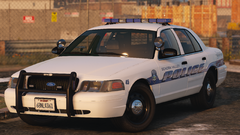 Sexy as hell.
 -
Is this a first time install and play, or was it previously working?
-
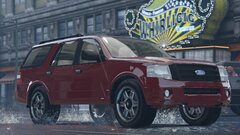 I'm partial to black, silver and red. 😛
 -
Do you have ScriptHookV?
-
That is sexy.
-
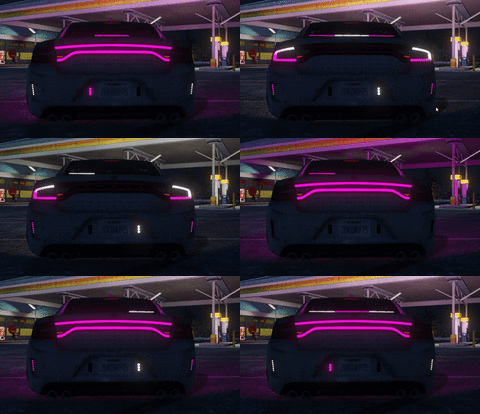 Tbh I like it. It's different.
 -
Washington.
-
You can either use the F4 menu ("spawn vehiclename") or use a trainer.
-
Feel free to post again with the log if it happens again. 🙂
-
Could be that you're loading in too many props for your pc to handle? I've played around a bit with Menyoo, haven't had texture loss.
-
Yesterday someone pointed out "LML compatible" on the file upload page and I was curious what it was.. 😛 This will be very useful, as I love to test vehicles out before doing a full pack install. Awesome work, Lenny boy!
-
Hi there, You uploaded the incorrect crash report. In your GTA directory is a file called "RagePluginHook", it's a text document. Attach that, please.
-
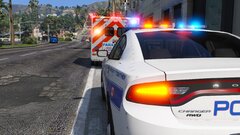 I'm not a fan of it. For fire and ems vehicles I prefer either all reds or red and white.
 -
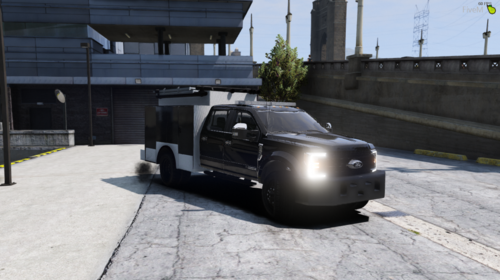 I've been waiting for a really nice ERT truck like this for a while. Thanks! I love all the additions you have to it, especially the pull out command portion. I did make a transparent livery for this, and I can send that to you or just a black livery.
- 36 comments
- 1 review
-
Removing them won't solve the overall issue. Did you use a mods folder?
-
If I'm reading it right, the crashing occurs during ambient traffic stops. This means either you still have a bad police car, a bad ped, weapon, etc. Remove the most recent things you've added, then try again.
-
LSPDFR is free. You can get it right here -
-
Graphics mods aren't necessary for brighter lights. You can easily make lights brighter yourself by making sure shaders and postfx are on high or above in GTA's settings. You can also just edit the visualsettings. @Pippouz With what I just said in mind, if you have your shaders and postfx on high, read the very first FAQ in this topic for how to make your lights brighter manually -
-
Double check your GTA V directory and make sure advancedhookv.dll is still there. If it is, just restart your computer and it should be fixed.
-
Just to clarify, do you mean lights or siren doesn't work?
-
You're welcome. Let me know if you need anything else. 🙂