



squamouse
Members
-
Joined
-
Last visited
Everything posted by squamouse
-
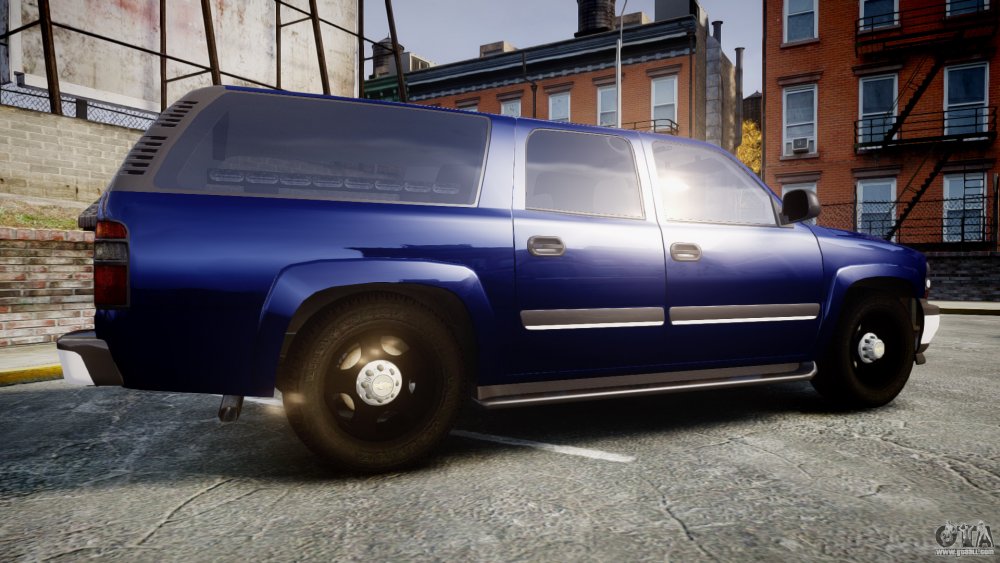
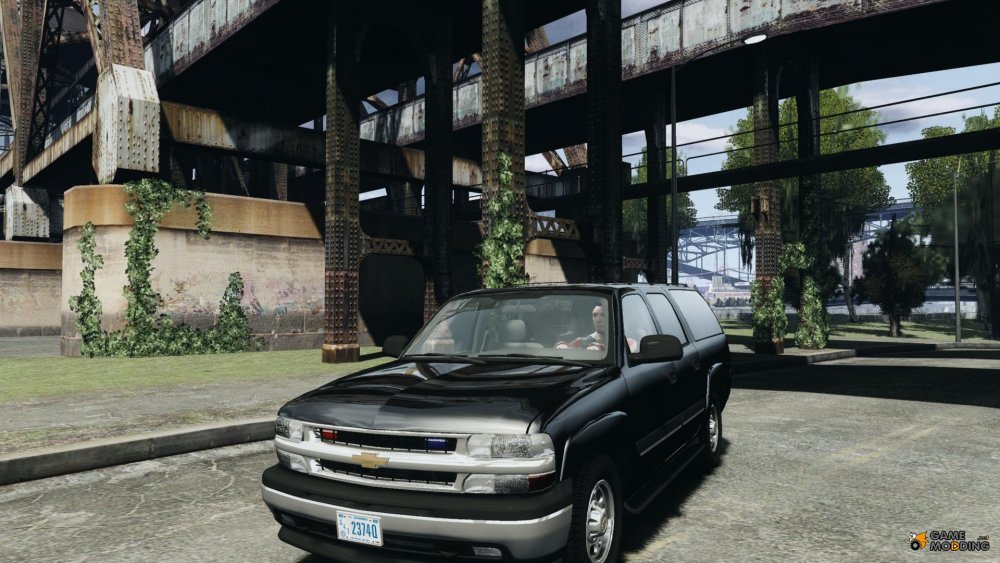
As I understand modders are restricted to time if a modder would be able to convert a 2003 suburban from IV to V, I would be very appreciative and I also would donate money to compensate them for their time and effort, preferably a model like this with steel wheels.
.thumb.jpg.b79fc0d4caf98229f7368b991383d9ff.jpg)
-
Was just wondering if any modders are planning on making a suburban like/similar to this from IV? The older suburbans were my favourite LCPDFR vehicle, cheers
-
 open the .ytd file in open iv(edit mode) find the vehicle skin extract it to your desktop as a png open it in photoshop edit it your liking, save as a png then open the ytd in open iv and replace the png skin file a little rough but you get what I mean, hope this helps
- 38 comments
- 23 reviews
-
 okay thankyou wasn't sure if there was a way to make all police vehicles have bulletproof tyres or not
- 131 comments
- 20 reviews
-
Is there anyway so that other units involved in a pursuits tyres aren't destroyed? Thankyou
- 131 comments
- 20 reviews
-
-
 Hi my LSPDFR was crashing when going on duty deleted all plugins and manually added plugins, until LSPDFR crashed again which was when the game tried to load law callouts, have never had any issues but recently this has been happening, do you know as to why this might have happened? have removed the plugin for now Thankyou
- 130 comments
- 28 reviews
-
-
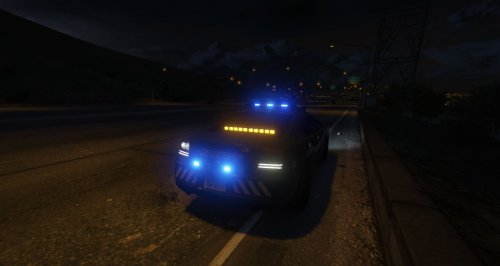 Hi when using this as an add on the car spawns although there is no sound of the vehicle, door opening, engine starting/running, same for the horn/ siren, nothing. Any idea as what this may be? Cheers
- 31 comments
- 4 reviews
-
-

- 1
-
-
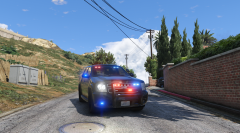 perfect amount of lights, great work
 -
As iansonwheels stated I meant being able to hold the suspect and walk them in front of you instead of them following you
-
 are you trying to do that through a trainer or skin control? select skin control(F8) >pick skin > freemode male > face detail > hair, then select the style and colour you want
- 2,350 comments
- 238 reviews
-
 I was just wondering as to how you got the online flashlight into single player would make a great addition for street patrols at night Cheers
- 587 comments
- 106 reviews
-
Thanks so much for the reply, glad to know its on the way! Yeah I assume it wouldn't be simple to do, I'm sure they will do a great job though
-
Will there be a handling suspect feature similar to what we had in LCPDFR, or is there any plugin that makes this available? Would make transporting suspect to the vehicle and into the jail cell a lot more realistic Cheers
-
Yeah had the same issue with hat then I realised it was GTA not a problem with this mod
- 2,350 comments
- 238 reviews
-
Have noticed small items disappear when entering vehicle, thanks for that will ForceDuty now! whatever you have planned looks amazing definitely interested in knowing more
- 2,350 comments
- 238 reviews
-
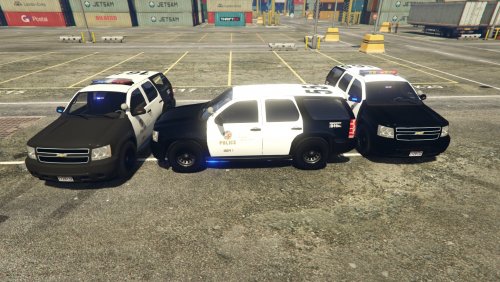 Absolutely amazing, couldn't ask for anything more! Great work on the car, simple to install and love the variations of the lights available. Will definitely use this on patrol and undercover Don't even contemplate getting this, just get it! Can't wait for future updates
- 118 comments
- 18 reviews
-
I don't need to force duty I can still go on duty as normal through the downtown station and use skin control and the eup menu as normal. Sorry for giving him misleading information if it may cause him errors. Any reason why you must force duty? Cheers
- 2,350 comments
- 238 reviews
-
Go on duty and select LSPD, or whatever department your heart desires. Using skin control (F8), select skin, freemode male, customise the model how you like, add some eyebrows and hair for a good start. Save the freemode male in skin control. Then hit F11 to use eup menu and select made clothing options, and customise in skin control how you like Hope this helps
- 2,350 comments
- 238 reviews
-
-
- 1
-
-
http://www.techpowerup.com/forums/threads/cant-enable-igpu.168930/
-
I had the same problem, launch rageplugin hook and hold the shift key until the configuration opens, navigate to the plugin tab and make sure you have the plugin checked, its easier to change to load all plugins automatically. Hope this helps!
- 2,350 comments
- 238 reviews
-
-
- 1
-
-
 Open the PLD.ini in your directory and edit the value "LocTextPosX" line under general, it is set at 300 by default. My resolution is 2560 x 1080 and I set the value to 15 so it appears in the bottom left corner, experiment and see what works for you.
- 221 comments
- 58 reviews


.jpg.70cd1cc5f343e67565748f4eba2b5993.jpg)

