


djnick
Members
-
Joined
-
Last visited
Everything posted by djnick
-
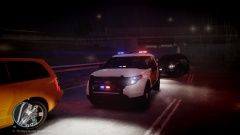 Looking really nice. Can't wait for the release
 -
I would love to make this for you good sir http://m.flickr.com/photos/special-fx/7609198100/lightbox/
-
ice 2.0 isn't made for eflc. 2.1 is coming out soon and it will be fully compatible with all versions including elfc
-
is it enterable?
-
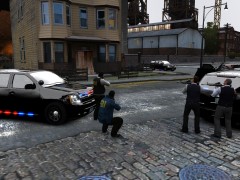 gotta share it man its beautiful. maybe a bit of a tone down on the glass reflection though
 -
hey EVI how do you arrange the cols on your command model so that you can enter inside the model?
-
bought two gtx 680's about 2 weeks ago and now there's a brand new 690 available. fml
-
is window_lf and door_dside_f actual dummies? and if so are they the correct dummy?
-
it would be something to do with your dummys and naming. double check them and make sure they are named correctly

