Skip to content
View in the app

A better way to browse. Learn more.

LCPDFR.com

A full-screen app on your home screen with push notifications, badges and more.

To install this app on iOS and iPadOS
  1. Tap the Share icon in Safari
  2. Scroll the menu and tap Add to Home Screen.
  3. Tap Add in the top-right corner.
To install this app on Android
  1. Tap the 3-dot menu (⋮) in the top-right corner of the browser.
  2. Tap Add to Home screen or Install app.
  3. Confirm by tapping Install.

RINGISKONG

Members
  • Joined

  • Last visited

Everything posted by RINGISKONG

  1. are you able to get the green and yellow stripes on the back?
  2. Anyone able to shoot radar while in a car? So far I haven’t had any luck doing this
  3. anyone know where we can get the radar gun he was using in the video?
  4. any plans of adding a 14 fpiu to this?
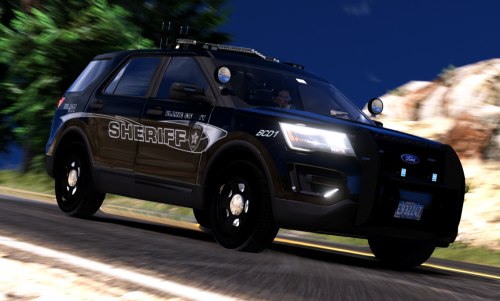
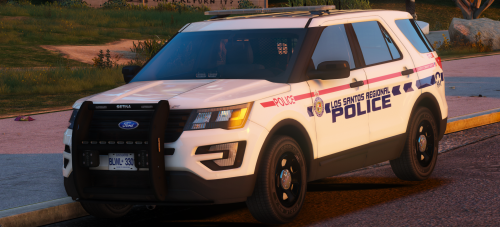
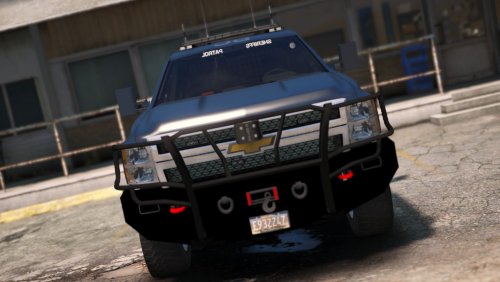
  5. touche, I did notice a couple bugs. Both with the explorer. The antennas are not attached to the top of the car and the push bar is physically inside of the front of the car, not attached to it.
  6. will you be adding any other cars to this pack?
  7. oh my, did not see this coming. Any chance of a 14 explorer
  8. Plus having a backup game file is a good idea as well
  9. Yeah I realized that after i already asked lol
  10. we shall see soon enough
  11. what cars are you planning on adding?
  12. Any plans to add a 2016 explorer to this pack?
  13. is there anyway to have a completely clear lightbar both front and back?
  14. Noice, sorry for the bad description
  15. Recently a new explorer model has been used by other modelers
  16. Did you use he newer explorer model?
  17. okay i figured out the issue. well i changed a lot of things. I deleted my mods folder which had visualv in it. Took that out and also changed my popcycles back to vanilla and so far no issues
  18. also i have my gta on a hhd, would putting it on a ssd make a huge difference?

Account

Navigation

Search

Search

Configure browser push notifications

Chrome (Android)
  1. Tap the lock icon next to the address bar.
  2. Tap Permissions → Notifications.
  3. Adjust your preference.
Chrome (Desktop)
  1. Click the padlock icon in the address bar.
  2. Select Site settings.
  3. Find Notifications and adjust your preference.