
Caffeinated
Members
-
Joined
-
Last visited
Everything posted by Caffeinated
-
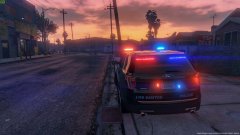
From the album: Caffeninated W.I.P Pics
© Caffeine Driven
-
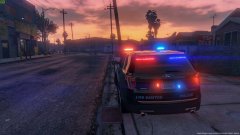
From the album: Caffeninated W.I.P Pics
© Caffeine Driven
-
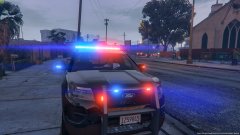
From the album: Caffeninated W.I.P Pics
© Caffeine Driven
-
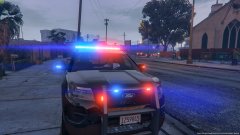
From the album: Caffeninated W.I.P Pics
© Caffeine Driven
-
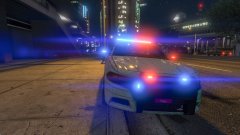
From the album: Caffeninated W.I.P Pics
© Caffeine Driven
-
From the album: Caffeninated W.I.P Pics
© Caffeine Driven
-
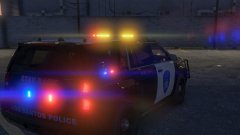
From the album: Caffeninated W.I.P Pics
© Caffeine Driven
-
From the album: Caffeninated W.I.P Pics
© Caffeine Driven
-
From the album: Caffeninated W.I.P Pics
© Caffeine Driven
-
From the album: Caffeninated W.I.P Pics
© Caffeine Driven
-
From the album: Caffeninated W.I.P Pics
© Caffeine Driven
-
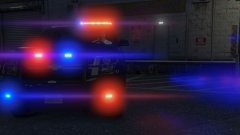
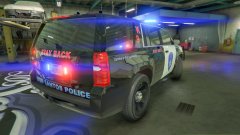
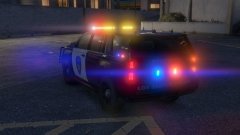
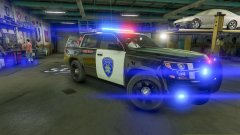
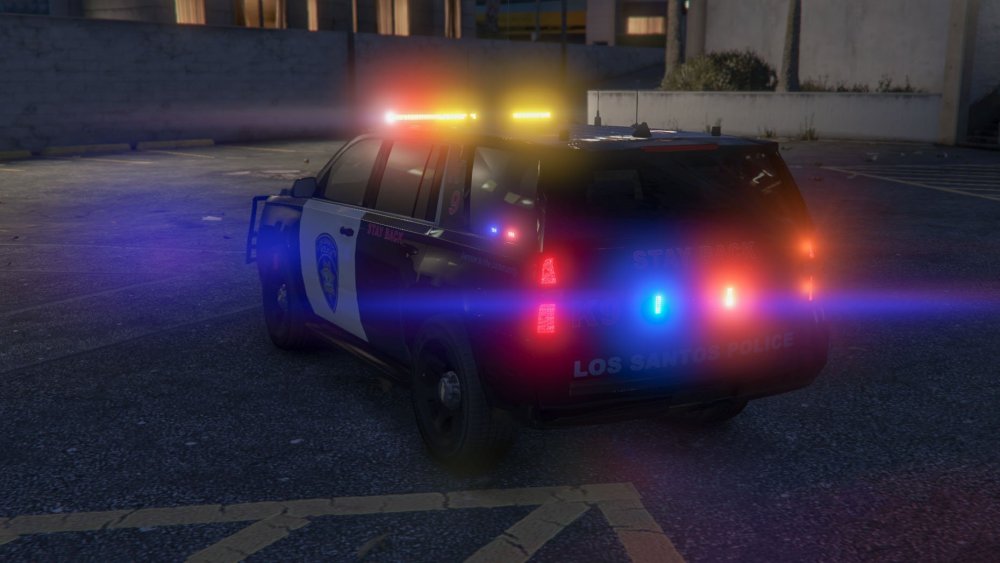
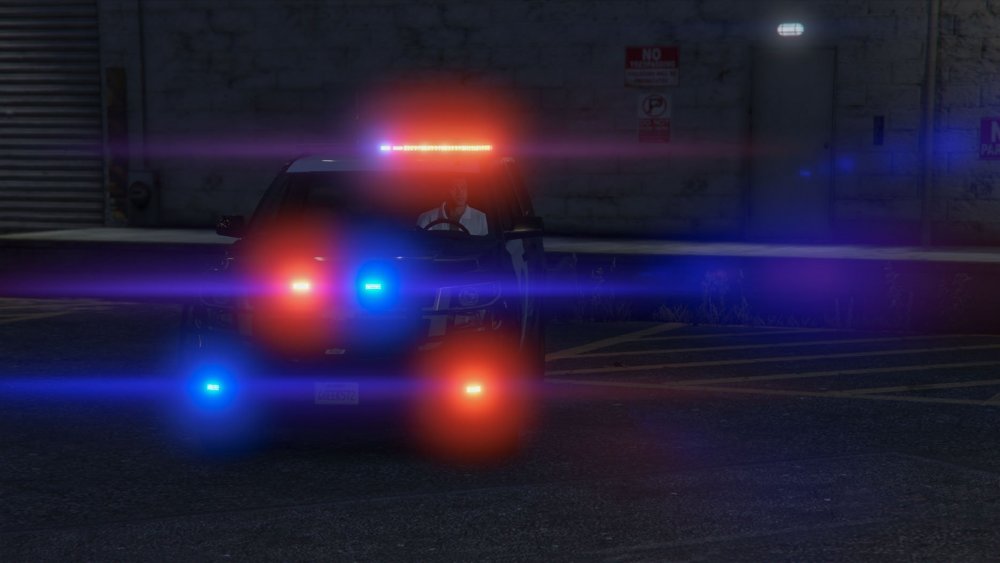
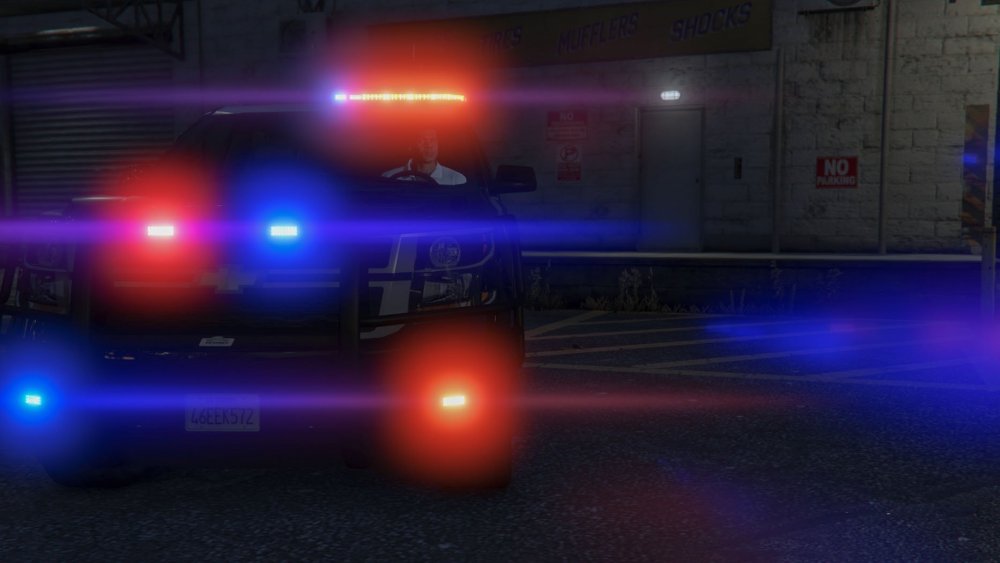
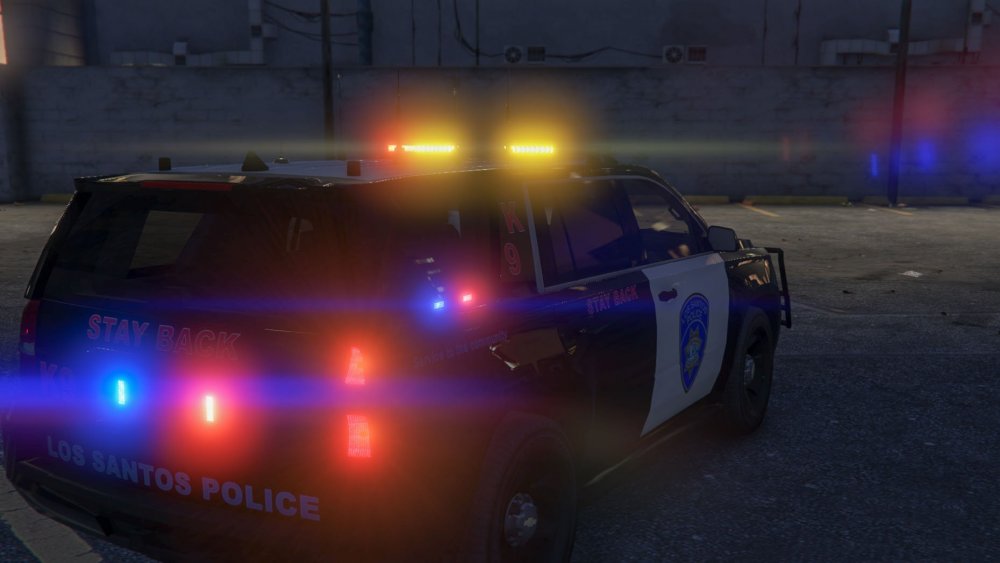
I've been dreaming of a K9 Tahoe. The exterior is complete. I just need to finish the interior.
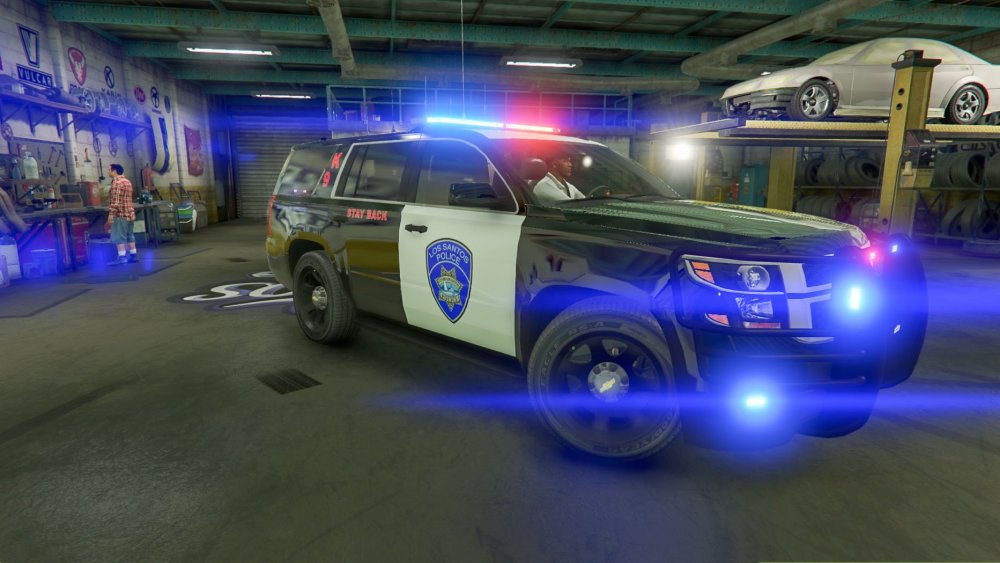
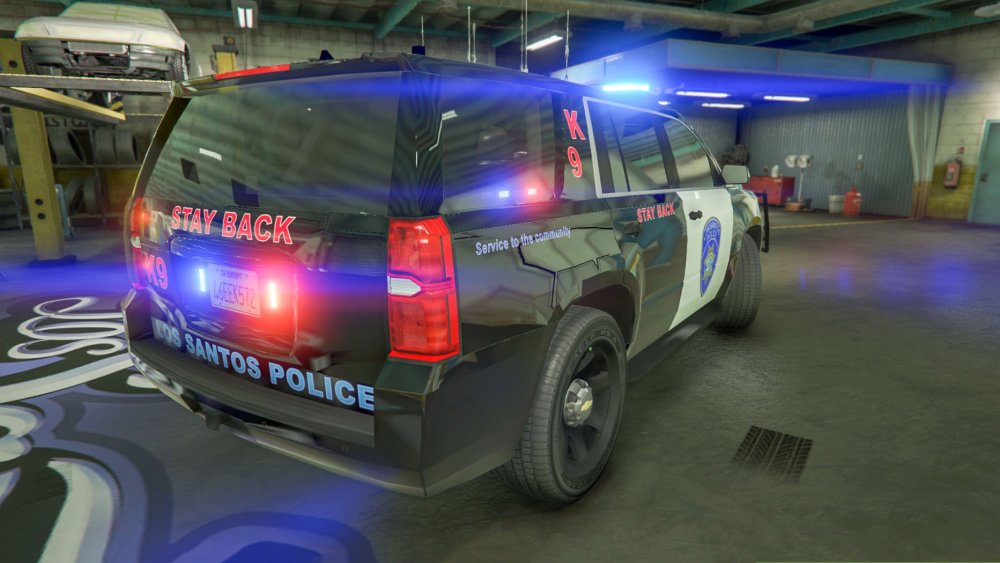
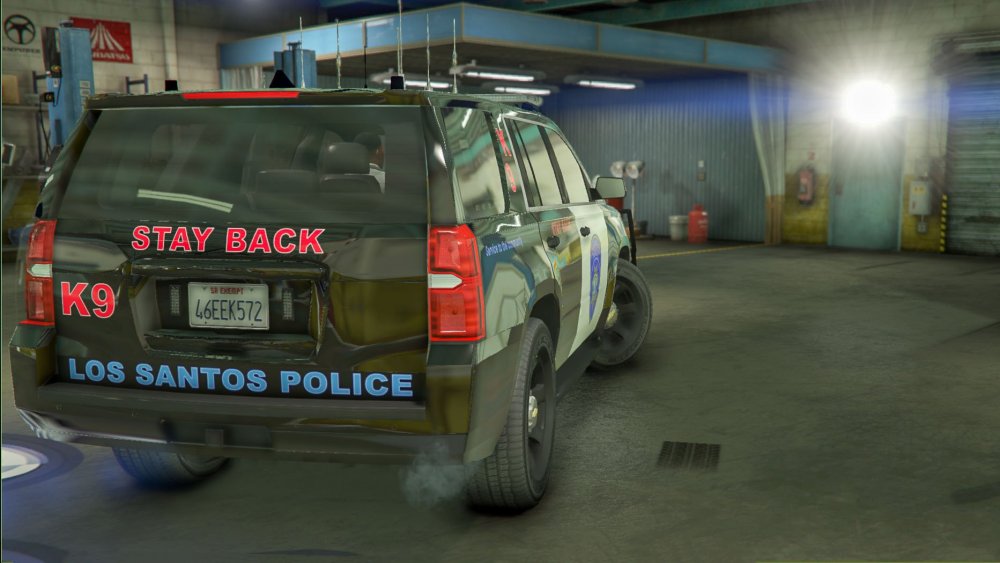
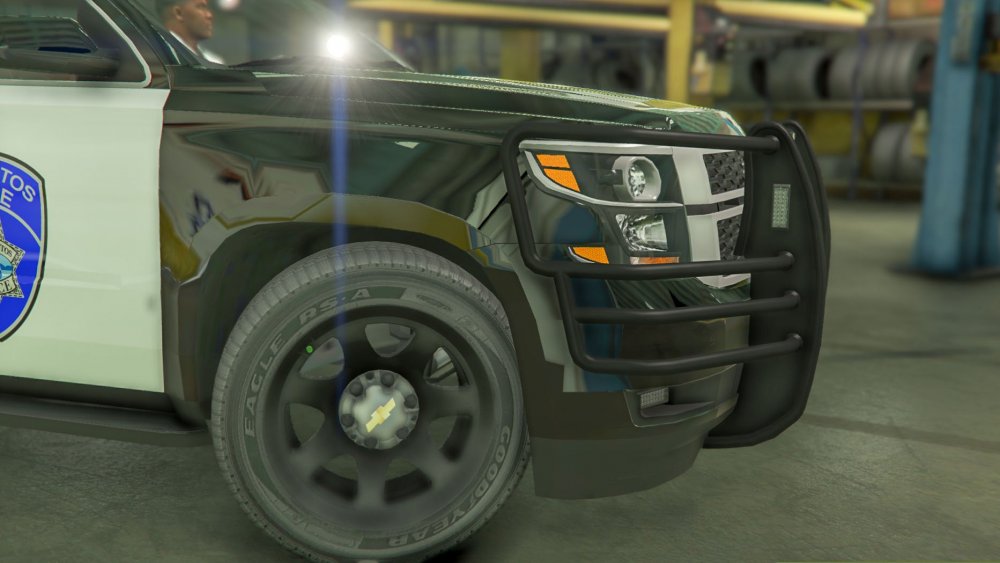
-
Little bump because I have a gorgeous K9 Tahoe that is doing the same thing
-
 What he said x2 ^ Pictures for reference
 -
Hey would look at that, would you look at it.
-
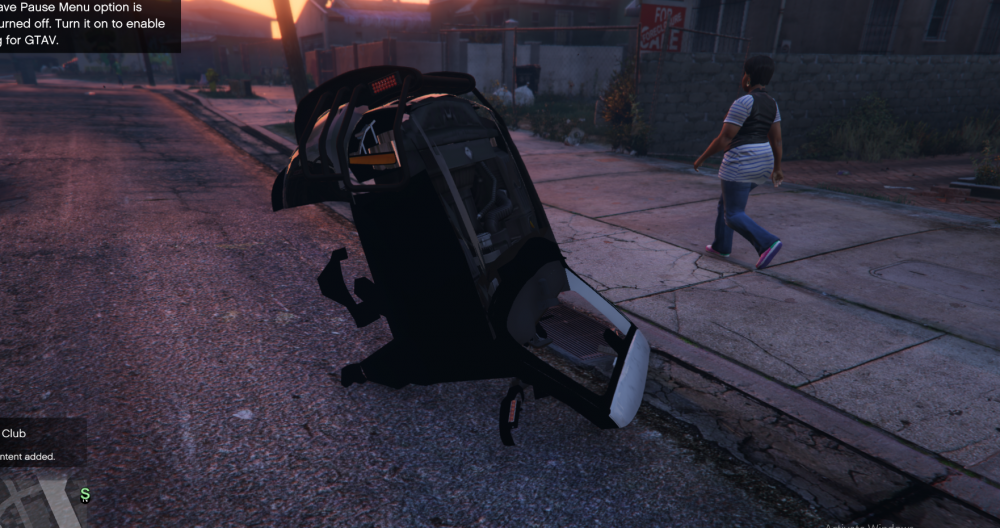
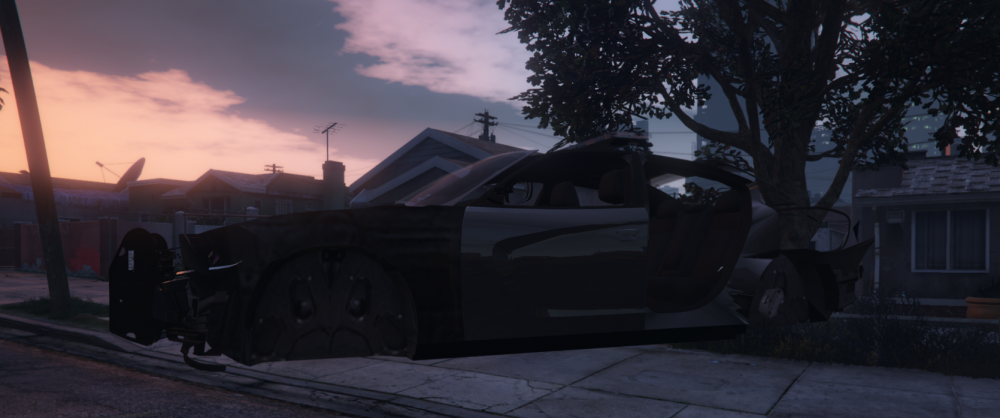
I've been running into this issue lately where I'll build a car, but it spawns in the air broken and missing parts. What are the troubleshooting steps for this? Or does anyone know why it happens?
-
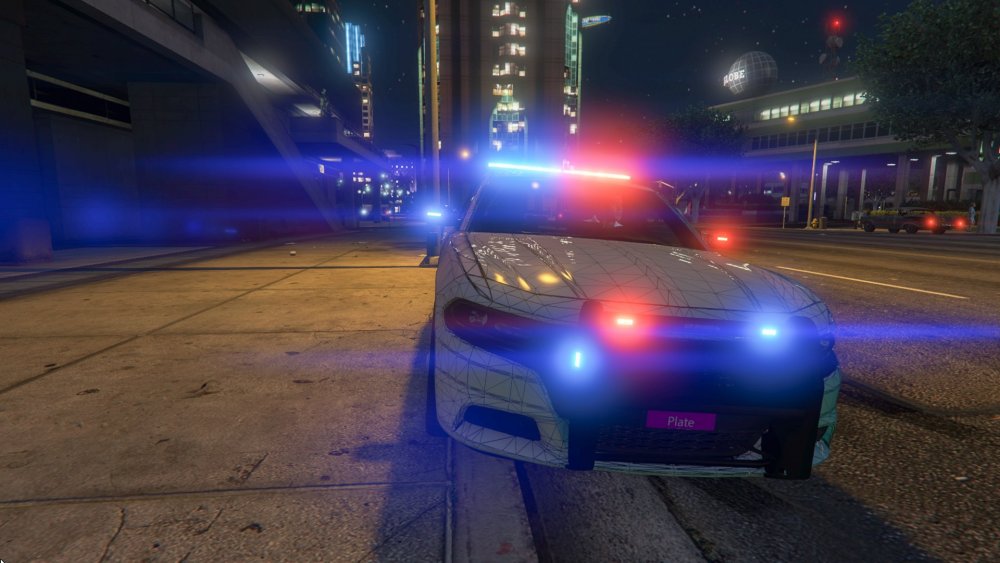
I'm having a similar issue. My FPIU worked before I added takedowns and alley lights. I added take-downs and alley lights and now all of the lights are stuck on. If I find the issue I'll let you know.
-
No it isn't here is the credit information for the model pictured. It was released on GMC by Jasonct203 Link and Credit Info
-
Update: I've been playing around with the idea of a 2016 FPIU
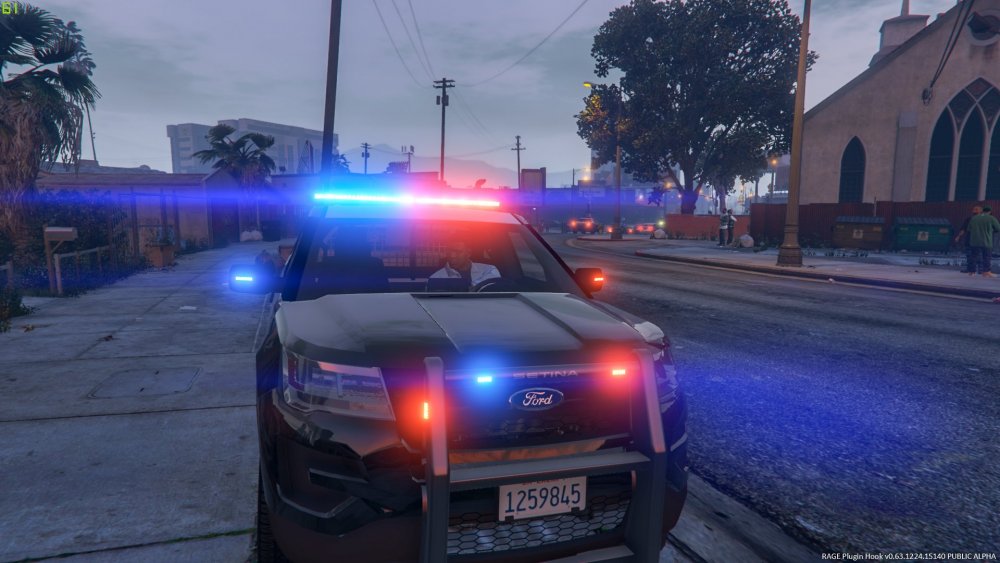
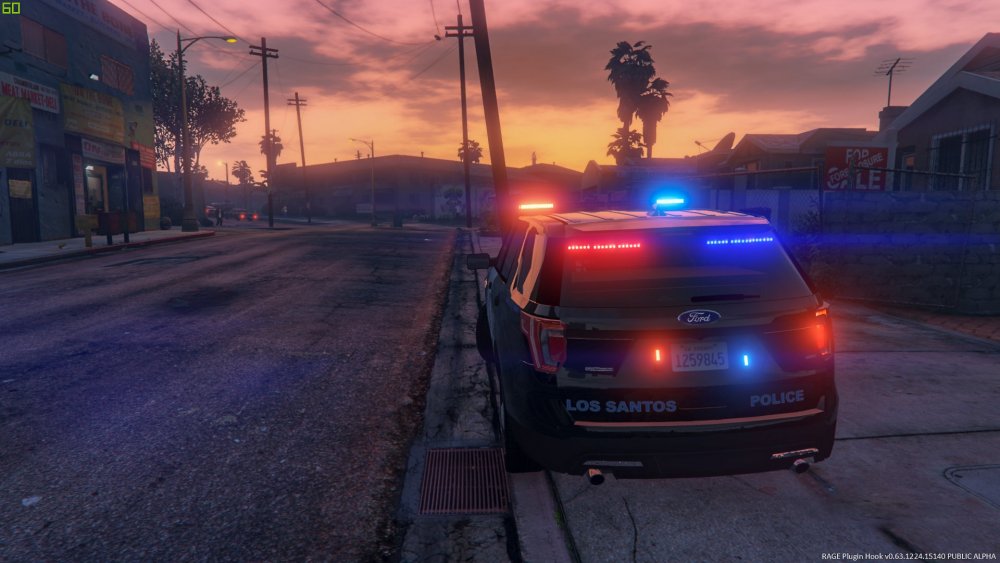
-
The problem is connected to how I configured the lightbar on its own/am applying it to the model. The same issue occurred with a charger. I'll work on a solution and post if I figure it out.
-
@majorpaine2015 It only shows up on level of detail High in open IV which should be L0 correct ? With that being said at any of L(x) conditions the emmisives that appear in open IV don't seem to show up in Zmoddler.
-
Just as the titles states. I have a valor emissive that is somehow attached to the headlight_r. I can see it in open IV; however, it doesn't show up in zmoddler3. Does anyone have an idea what the issue is? Thank you in advance!
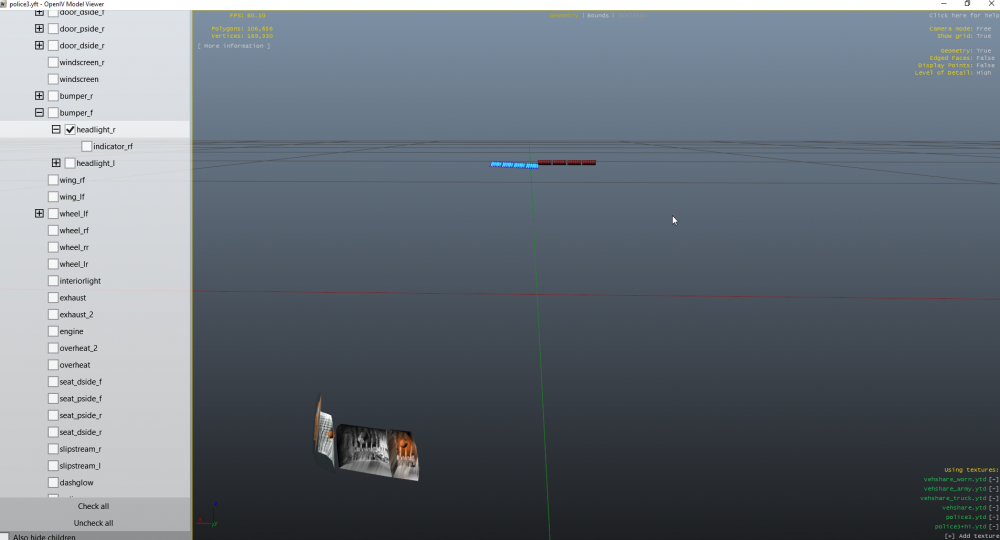
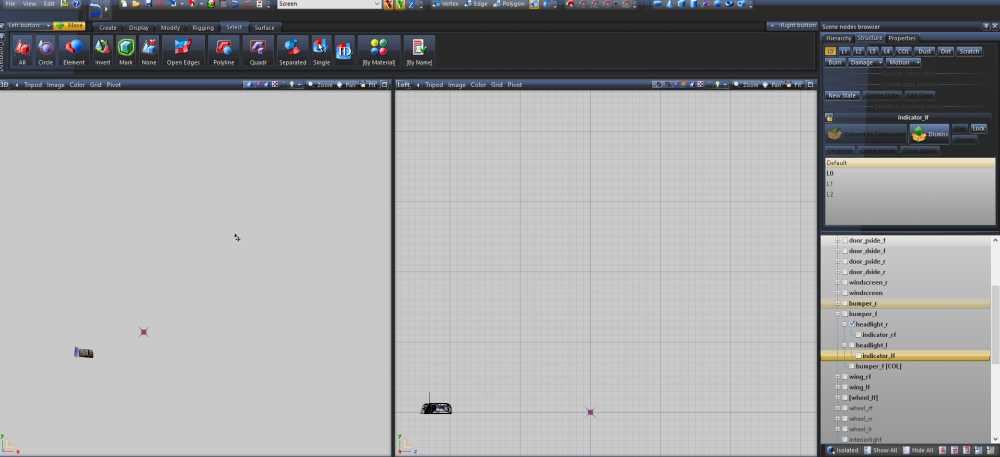
-
Thank You ! it has been an interesting learning process.
-
Good point, Thanks. I'll update the screenshots EDIT: The photos have been fixed.
-
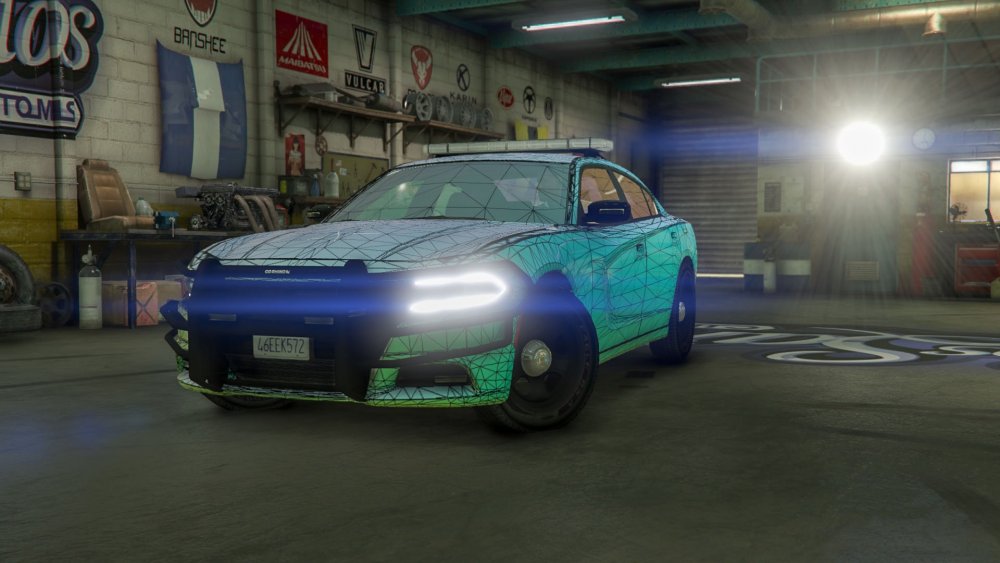
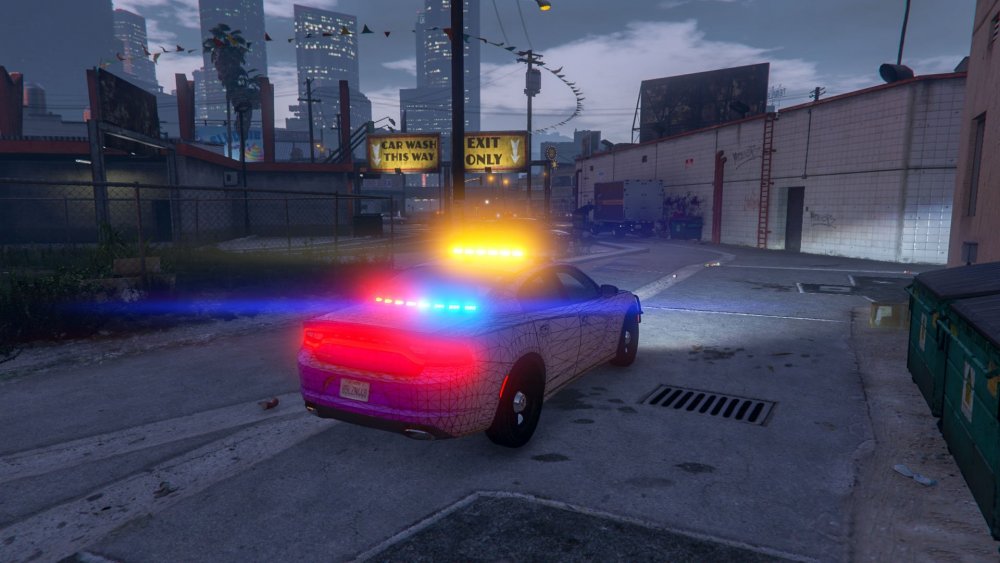
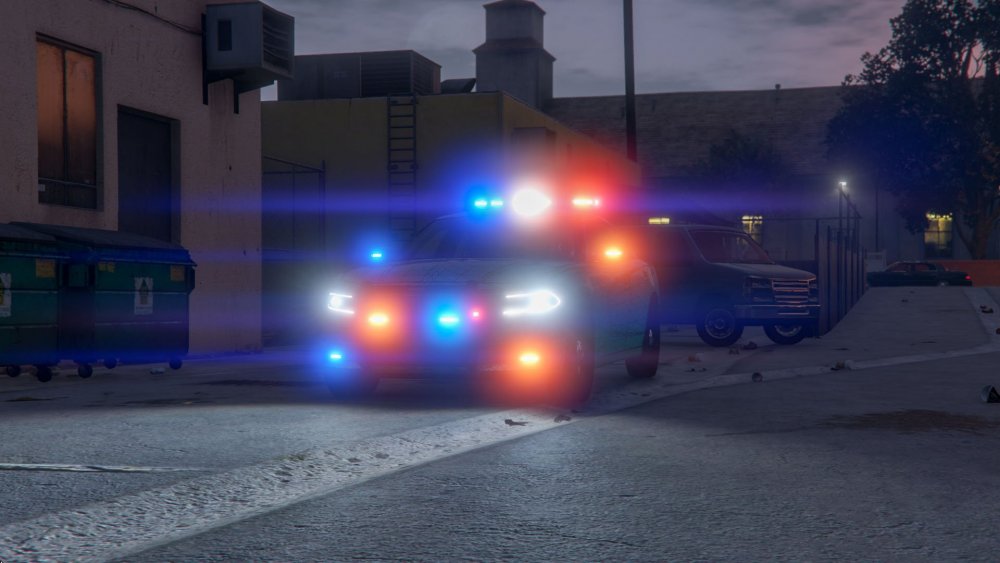
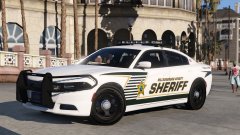
Well, the time has come, and I have taken the dive into the modeling world. Constructive Criticism is always welcome! I'm still new to Zmoddler, and without the help of others who I am exceptionally thankful for I wouldn't even be this far. I've been working on a marked 2015 charger based on my imagination primarily.