



AlexBraun
Members
-
Joined
-
Last visited
Everything posted by AlexBraun
-
 Have you made sure that both OpenIV and the ASILoader are activated (not RAGE PluginHook)? When one of them fails, it will result in modified files not loading properly. Also, please post any issues you have in the Support thread, not in the comment section.
- 2,342 comments
- 236 reviews
-
To spawn in AI officers with the uniforms, you'd need to edit the backup.xml to spawn in multiplayer character models with specifically set drawable variations, which as far as I know, is impossible.
-
Since RageNativeUI 1.3.1 was only connected to bug fixes, EUP should still be compatible with it.
- 2,342 comments
- 236 reviews
-
-

- 1
-
-
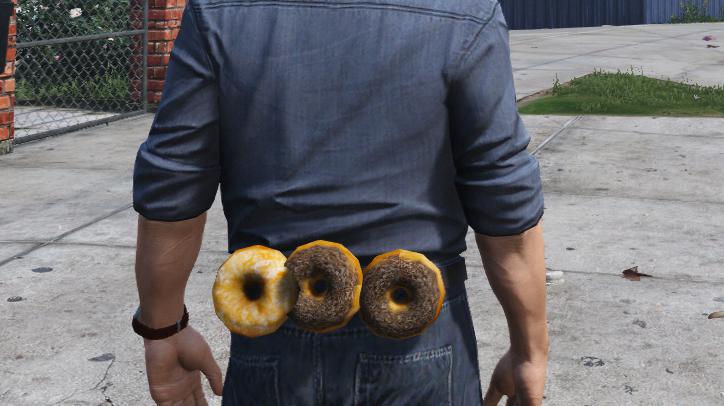
 You can see the daily squats are paying off
 -
 Delicious!
 -
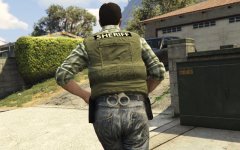 Only to attach and to detach the prop.
 -
 suh
suh -
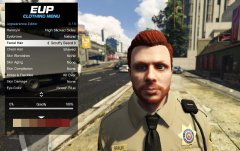 Yeah, I agree. Skin Controls system with numbers for features also is just horrible.. GUI over numbers any day for me ;)
 -
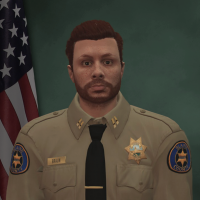
![something huge is coming [WIP]](//s3-gallery.int-cdn.lcpdfrusercontent.com/monthly_2016_03/small.test2.png.b70f1239e37c301c0efa402d41ac5468.png) The garage will be customizable, allowing every character access to 2 personal vehicles and 3 patrol vehicles. But the details of that are not fully worked out yet. I'm currently busy working on the character creator, which in my eyes will be one of the highlight of this script. :) (very debug overlay, such green, wow)
The garage will be customizable, allowing every character access to 2 personal vehicles and 3 patrol vehicles. But the details of that are not fully worked out yet. I'm currently busy working on the character creator, which in my eyes will be one of the highlight of this script. :) (very debug overlay, such green, wow)
![something huge is coming [WIP]](http://s3-gallery.int-cdn.lcpdfrusercontent.com/monthly_2016_03/small.test2.png.b70f1239e37c301c0efa402d41ac5468.png)