


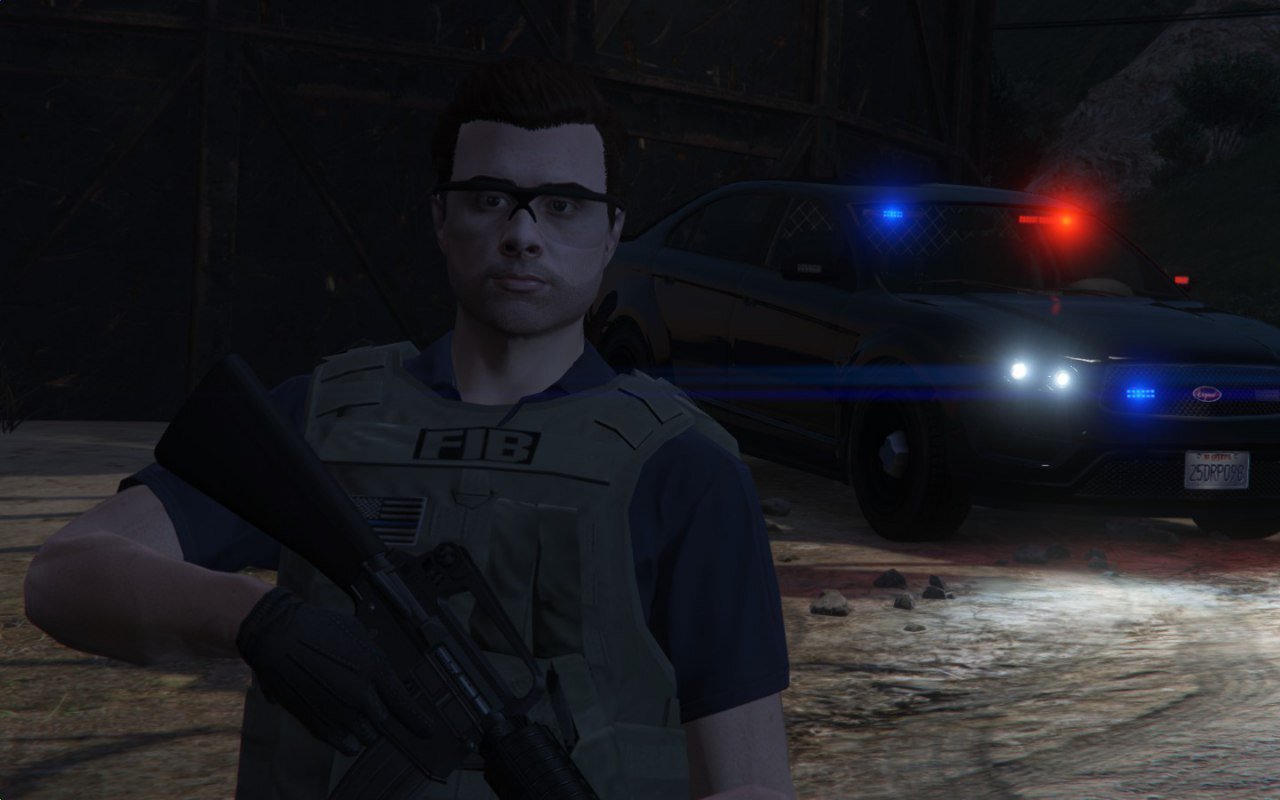

Rollins
Members
-
Joined
-
Last visited
Everything posted by Rollins
-
It uses the existing one. We're currently figuring out a version for FiveM which will probably use it's own model.
-
Yes, that is how it looks for everyone. The vests are made for male peds so it looks a bit off for the female peds. Something we may or may not fix in the future, not sure.
-
That's what it is by default, though PieR (and others I think) are currently working a way so whenever you draw your handgun it's held with both hands. Installing the new version should override the old files and work correctly without having to uninstall 7.4.
-
Well, the big update is being released this month and afterwards Alex is going inactive for a while (To attend boot camp as he enlists in the Royal Canadian Navy). There probably won't be much EUP clothing-wise development for a while.
-
No, there isn't a military version.
-
Well if you're using multiplayer peds, you use some sort of trainer. With regular npcs, the faces are premade so you either have to make something yourself in a 3D modeling program like ZModeler 3 or just stick with what you have.
-
Define "custom skins". If you mean custom NPCs, no. You would have to retexture clothing in EUP since NPC skins and EUP use completely different peds.
-
It depends, really. Certain clothing items in EUP are formatted differently compared to the vanilla NPC components, you'll probably have to resize a lot of the textures and import them individually one by one. It might even be easier to just edit EUP files to look resemble that pack. However if you do make your own pack (Using someone else's textures), don't upload it unless you get permission from the original author.
-
Yes, you would have to look through the mp_freemode files in (mods) > update > x64 > dlcpacks > eup > dlc.rpf > x64 > models > cdimages in order to find a specific clothing piece. Note that the components for uniforms are very broken up, you won't find the full outfit in one folder. Also, here's a list showing what components are named what. (Thanks to PieRGud).
-
Never really heard of that, doubt it would make any difference but it's always worth a try. Do you mean Emergency Apparel or Services Apparel? Services Apparel is currently in development at the moment and isn't available to the public. If you mean Emergency Apparel (LSPD, LSSD, BCSO, SAHP, ect) then EUP is broke obviously (._.) and if that's the case, it would be helpful if you could post a screenshot of your dlclist.xml. Also attempt to go inside the dlc.rpf in your dlcpacks > EUP folder to ensure the mod files aren't corrupt.
-
EUP uses the multiplayer models, which are very limited as for body shapes, height, ect. I know that in Menyoo trainer you can adjust the height of your character but it also adjusts the width of your character (And it looks very wonky), so besides that the answer is no.
-
According to PNWParksFan, it will probably be released by 2020, and definitely by 2069.
-
I know you've already mentioned a few of these but I'm still posting them anyways to make sure you didn't miss anything.. 1. Make sure you're using the latest version of EUP (7.4). 2. Ensure you're using the latest version of EUPMenu (2.1.1.0). 3. Also make sure you're using the latest version of RagePluginHook (0.51.1056.10373). 4. Don't tab out of your game while waiting for it to load. 5. Try loading EUPMenu manually: Launch RagePluginHook. After launching RagePluginHook click the cog to configure your settings (Your current RPH version is shown on the bottom left). Click on the "Plugins" tab and select "Don't load any plugins on startup". Click "Save and launch" on the bottom right. Once GTA V has loaded up open the RPH console (Default F5). Type "LoadPlugin EUPMenu.dll" 6. Try loading all plugins at startup. Launch RagePluginHook. After launching RagePluginHook click the cog to configure your settings (Your current RPH version is shown on the bottom left). Click on the "Plugins" tab and select "Load all plugins on startup". Click "Save and launch" on the bottom right. Hope this helps, reply to this comment if you need any further assistance.
-
Type in LoadPlugin EUPMenu.dll without the space and ensure EUPMenu.dll is in your Grand Theft Auto V > Plugins directory.
-
So this mostly depends on what version of EUP you're using, different versions use different slots for the holsters. The latest version (7.4) should work with the config you posted, though I cannot confirm that as I'm currently using the beta version. If you're not using 7.4, you should upgrade, it's a lot better than the previous versions. If you're already using 7.4 or wish to not upgrade and that config doesn't seem to work, you might need to do some trial and error (explained below). I also have this old config that may or may not work that you may try as you wish. [Ped:MP_M_FREEMODE_01] FuncHolster=True FuncIntim=True FuncIntimMesh=7:8,7:9,7:7,7:6,9:13 [Ped:MP_F_FREEMODE_01] FuncHolster=True FuncIntim=True FuncIntimMesh=7:8,7:7,7:6,9:13 Cop Holster explained: Hope that helps, if it doesn't just reply to this thread again so I can further assist you. P.S. I love Heros of Escambia, greetings from Okaloosa.
-
Not quite sure if EUP Clothing Menu is an older version or what but you should have EUPMenu.dll in your GTAV > Plugins, along with an EUP folder (in the same file path) filled with ini's. So basically, just use EUP Menu, they're probably the same thing but different versions, EUP Menu being the newer one.
-
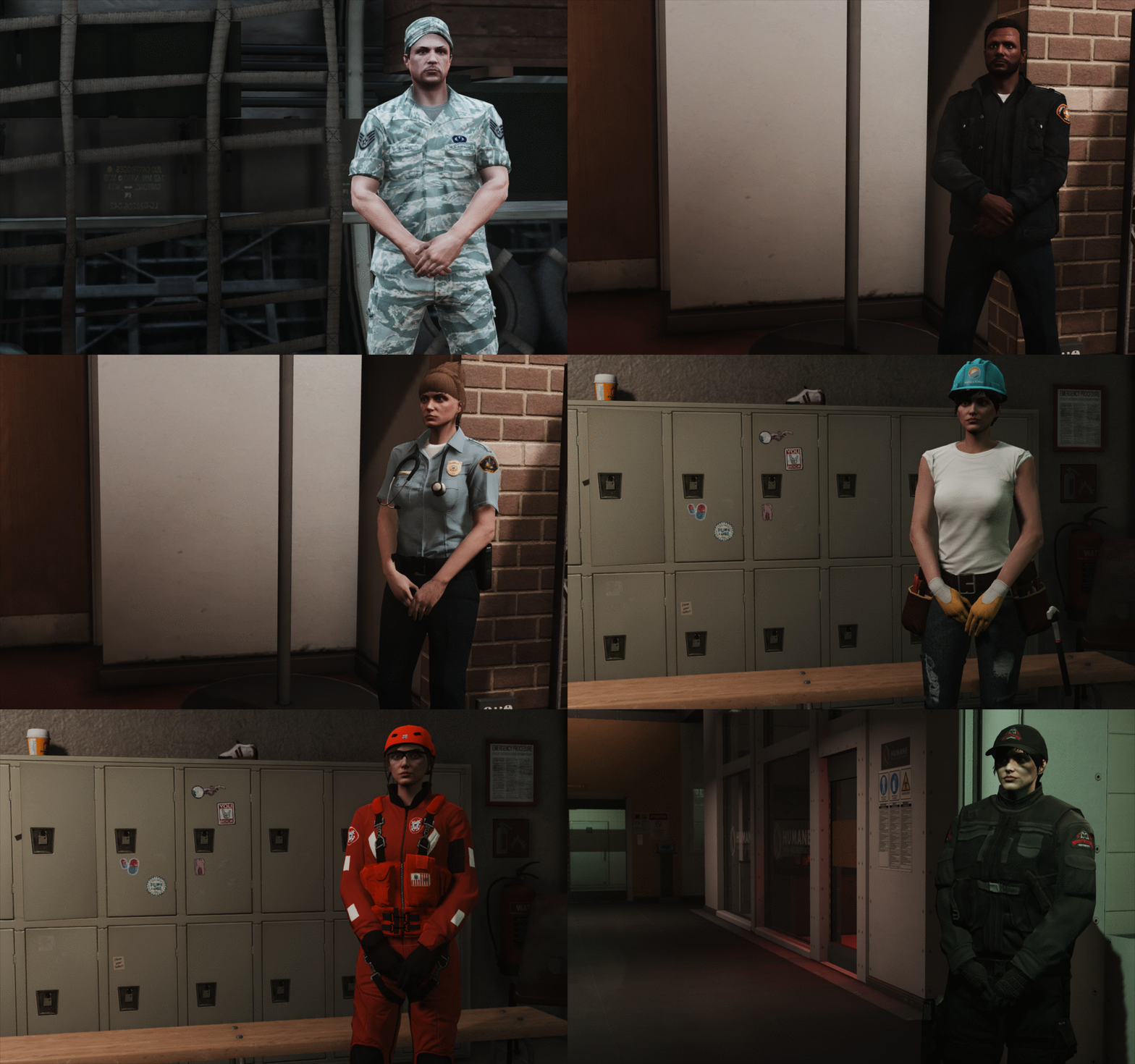 I wonder who this sexy beast is..
 -
He's mostly focusing on SUP at the moment.
-
Althought I cannot give you a definitive answer right now (As I'm not on my pc), I believe you can scroll through the texture of that tie. It should be that same model but with a different texture number, while the shoulder radio should be an armor layer.
-
EUP Menu could use a few tweaks here and there, I'll pass it on to the developers.
-
You can put on the shoulder radio manually by using a trainer, it should be under Armor or Undercoats.
-
For the duty belt you would need a third-party trainer such as Menyoo (Just scroll through undercoats). Same goes for service stripes but instead you would want to scroll through the shirt textures.
-
Try editing the dlclist.xml in another text editor (Like Notepad or WordPad), sometimes it displays correctly in OpenIV and Notepad++ but in reality there's a space off. Also, just in case that doesn't work, are you using the latest version of EUP (7.4) with the latest version of EUP Menu (2.1.1.0)?
-
Hi xxnypdofficerxx, this is a really simple fix: 1. Launch OpenIV for Grand Theft Auto V.2. Ensure the eup folder is in (mods)/update/x64/dlcpacks.3. Check your dlclist.xml in (mods)/update/update.rpf/common/data/ for the following line:<Item>dlcpacks:\eup\</Item>It should be towards the end of the file. If you don’t see it, add it. You can't edit xml files in OpenIV so you will have to drag the dlclist.xml to your desktop and edit it there, make sure the new line matches all the other dlcpack lines like so shown below. Once you've added the new line to your dlclist.xml, drag the edited version into (mods)/update/update.rpf/common/data/ while in edit mode.
-
 Bit early for the Halloween update, isn't it?


