


HEIMINFLUGER
Members
-
Joined
-
Last visited
Everything posted by HEIMINFLUGER
-
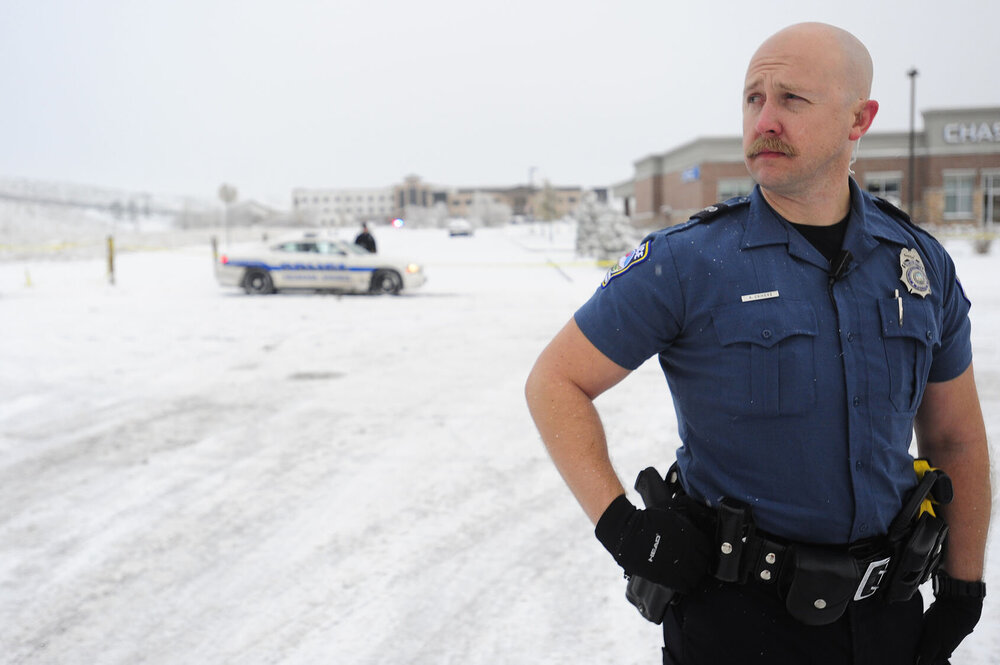
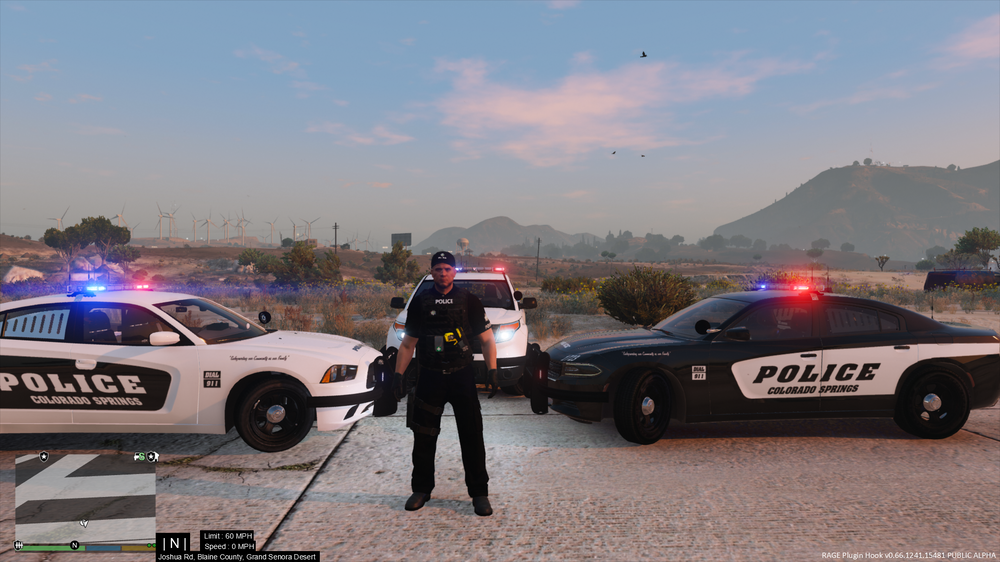
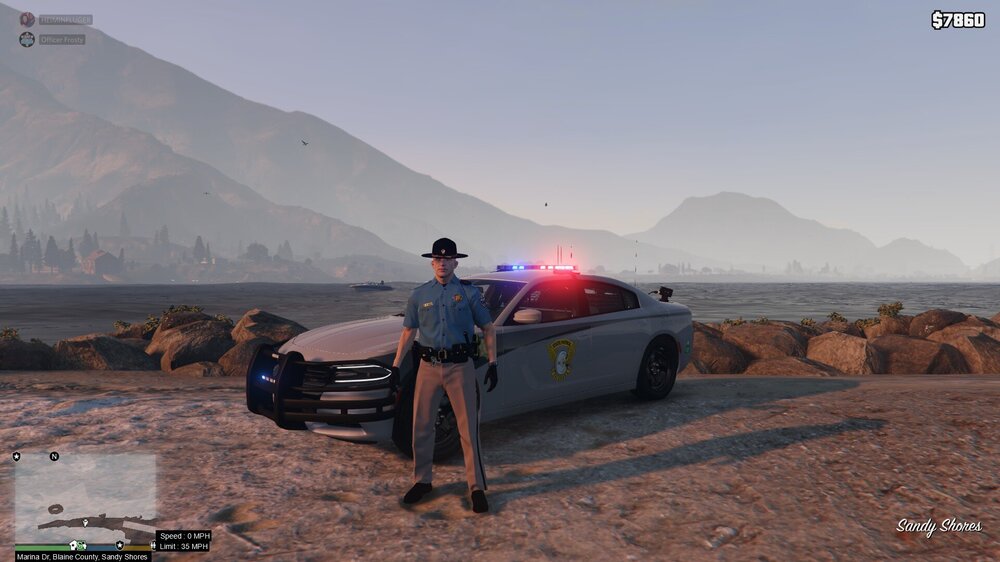
Greetings, I am looking for someone that enjoys makings ped skins (non-EUP) for Colorado Springs Police Department. I have attached a photo of their uniforms. This is the last thing I am missing for a Colorado Law Enforcement Pack. So if anyone is willing to help me out I would greatly appreciate it! Thank you in advance!
-
I had this issue as well, I had to disable my windows firewall and virus scan. I tried making exceptions but that was not working. Best of luck!
-
From the album: Colorado Law Enforcement (2019)
-
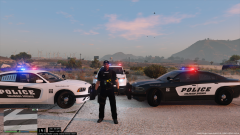
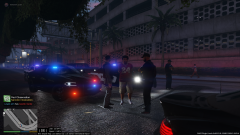
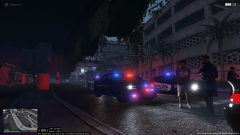
I will be getting more screen shots over time and adding them to the gallery. If you have any questions let me know!!
-
 Beautiful pack! I am really going to enjoy having these in my game! Keep up the great work.
 -
 I'll have to ask the creator about the skins if I can give them to you.
 -
From the album: Colorado Law Enforcement (2019)
-
From the album: Colorado Law Enforcement (2019)
-
From the album: Colorado Law Enforcement (2019)
-
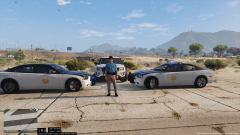
From the album: Colorado Law Enforcement (2019)
-
Your ped is awesome. Great job. Why aren't you releasing it if you dont mind me asking?
-
Hello, I am looking for a non EUP ped that looks like the one attached. I am unable to find it on LSPDFR.com. Any help?

-
This looks wonderful! A few other call outs that might be a good addition could be; Amber Alert, Overdose and keys locked in vehicle with child/animal. Can't wait to give your call outs a try! Keep up the great work!
-
Yes sir, I haven't had an issue with it anyway.
-
Here is a list of everything I use ELS Traffic Policer Arrest Manager Ultimate Back-Up Assorted Call Outs Rage Show My Location Simple Trainer PeterUCallouts EUP Stop the Ped K9 Partner Wilderness Callouts United Callouts LSPDFR+ LSPDFR Computer + Police Radio I've had to modify some of them due to scripts having issues with each other. I was crashing for a bit until I sat down and dug into everything to make sure it was set up correctly, once I did that no issues.
-
Outstanding, glad you are able to play now! Have fun! If you get a response from avast let me know please, I love avast as well.
-
I actually deleted my avast because it was causing my game to crash even with the exception.
-
Oh jeez, okay and your virus protection as well as firewall have exceptions for rph or are set too off?
-
Dang,, hmm I would uninstall everything gta v everything.. delete the gta v folder after uninstall, reinstall it, install LSPDFR then RPH. Open rage run the plugins on start up then go to the other tab I can't remember what its called but it has a drop down menu and start it as windowed mode. Once the game is completed started up press alt+enter to go to full screen. Other than that, this one is out of my league. I apologize.
-
Hello Everyone, I see that a lot of people are having RPH crashing issues, here are some steps I do to fix my game when I am having this issue. Uninstall GTA V and delete the folder itself. Install gta v and run the game to make sure its working correctly. Install LSPDFR then Install the latest version of RPH Launch RPH click the settings icon on the pop up window Click the plugins tab and make sure the plugin is running on start up This is the step that always fixes mine, there is another tab I cant remember the name but it has a drop down menu and it says start game in windowed mode. I click that then let the game completely start up via RPH. Once the game is started I press alt+enter this takes me to full screen mode and no more problems. Also ensure your virus protection and or firewall has an exception added for RPH so it will run or just turn them off. I hope this helps everyone!!! Cheers!
-
Outstanding, good job! I am glad you are able to play now!
-
Good morning, So I have had this issue happen to me plenty of times. These are the steps I did to fix it. Uninstalled GTA V and deleted the folder, reinstalled it, installed LSPDFR then installed RPH. I then launched RPH clicked the little settings icon that pops up on RPH start so I can run the plugins on start up. I then had to go to another setting on RPH I forgot what tab it is but it has a drop down menu and I have to run RPH in window mode. I let it completely start up then press ALT+Enter to go to full screen mode. This worked for me I hope it does for you as well! Good Luck
-
First off, it's not a dumb mistake lord knows I've had plenty of problems caused by yours truly lol. Some steps to check out would be, do a fresh install of gta v, run the game make sure its working fine. Install LSPDFR first then install the latest RPH after LSPDFR. This is because LSPDFR comes with RPH but it is outdated. Try that and let me know!
-
Sounds like you have something conflicting with the scripts. I haven't used United Callouts or UK Callouts, so I am not exactly sure if they will conflict with others. I would delete everything then install script by script to see which one is causing the issues. I found this out the hard way, I was excited to have an awesome LSPDFR setup but I went way to fast and installed to many scripts without modifying any of them so the scripts were fighting each other. I hope you can figure it out bud.
-
My problem is, I run tooooooo many scripts lol. But yeah, once I installed PeterUCallouts nothing works now so I wonder if there is something conflicting going on between the scripts.


