



Chris B.
Members
-
Joined
-
Last visited
Everything posted by Chris B.
-
 Hey buddy. Love the pack. Used on my suburban and now on the explorer for sheriff 2. Only one thing. It says in the info up top the carper/bugs 2014 charger is included but every time i download the file I never see the 2014 version.. I only see the 11' and 15' charger skins. Am I missing something? I really would like to figure this out so I can have my sheriff vehicles all lined up. Cheers and well done on the pack.
- 101 comments
- 17 reviews
-
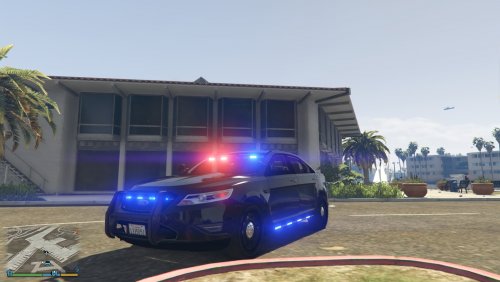 Is the possibility of making side-runners optional available? Up here we don't use side-runners. I'm a big fan of the unmarked Taurus, hugely popular, but side-runners aren't. Otherwise very nice work. Thank-you. Edit: Also, any possibility of fitting the car to replace Police4?
- 23 comments
- 14 reviews
-
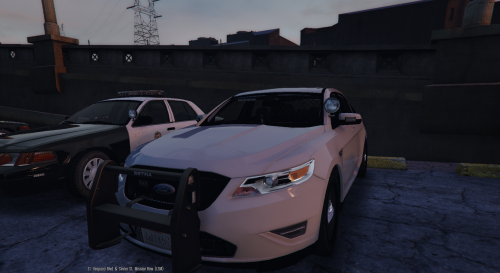 I know a few people would love to see this particular model have an upgrade. It was one of my favourite unmarked vehicles before things got more complicated with the latest updates. I still feel in terms of quality it was the best. Just a few more interior/exterior blue and red LED's (please no side-runners, or at least make them optional). This is the kind of car I'd happily reimburse your time for if it was upgraded. Best Regards.
- 68 comments
- 14 reviews
-
-

- 1
-
-
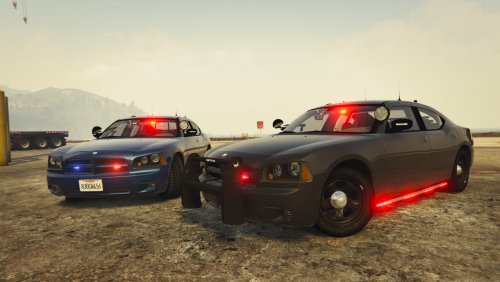 I don't know if I'm retarded, I hope not because I've installed dozens and dozens of models, but for some reason this car only comes in white in my game. Everything else is perfect and the model my friend is fantastic. I love it, But I can only seem to get it in white. Any suggestions??
- 64 comments
- 16 reviews
-
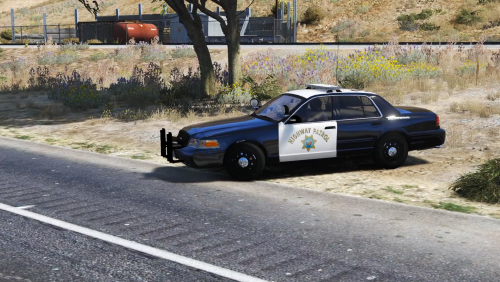 I didn't know that. Interesting. Living in 6ix (Toronto) I don't know too much about California and Siren function. Thanks for posting this though. Sounds awesome. Back to Youtube and LSPDFR for me. :)
- 32 comments
- 11 reviews
-
Hey Polcat. Big fan. Love the CHP siren. Just one question. The main and secondary siren work fine, but the phaser does not appear at all. Did I miss something. I know since OpenIV 2.7 came out, audio files are a lot more challenging but seems weird that most of the file uploaded just not the phaser. Keep up the great work mate.
- 32 comments
- 11 reviews

