NicholasCage
Members
-
Joined
-
Last visited
Everything posted by NicholasCage
-
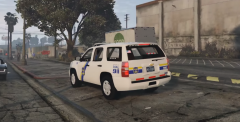
From the album: Philadelphia Police Department
-
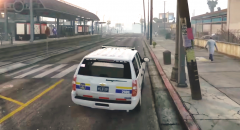
From the album: Philadelphia Police Department
-
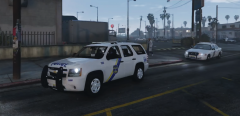
From the album: Philadelphia Police Department
-
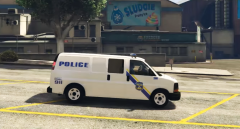
From the album: Philadelphia Police Department
-
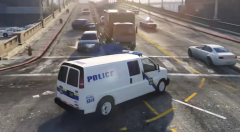
From the album: Philadelphia Police Department
-
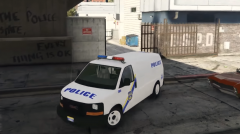
From the album: Philadelphia Police Department
-
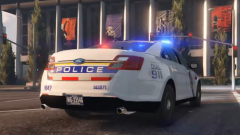
From the album: Philadelphia Police Department
-
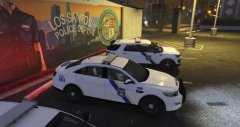
From the album: Philadelphia Police Department
-
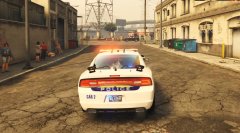
From the album: Philadelphia Police Department
-
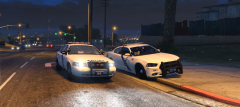
From the album: Philadelphia Police Department
-
-
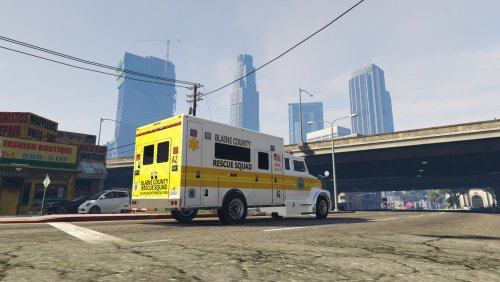 I'm guessing it's not possible to have custom plates on this right? I can't locate them in the texture files.
- 26 comments
- 1 review
-
I will be joining the military in just a few months, and after bootcamp I will be deployed or at my duty station for the majority of my time. Thus, I feel for my situation I would be better off buying a laptop which I can bring to duty stations & deployments over the next 4-5 years, and when I eas I can build my own. Plus I don't have a home in the US, I have only just moved there.
-
Yea that 1060 is temping me, damn.
-
I should have mentioned my reasoning for a laptop. I'm currently enlisting into the military so I need something portable. That way I can bring my laptop on deployments. I plan on building a pc in the future, but that will be once I've graduated police academy (5-6 years in the future).
-
I'd like a laptop that can run GTA V on high settings and run mods. This one is currently on sale, with a GTX 980M: http://www.xoticpc.com/gigabyte-p37xv5-sl1.html Any advice or comments on this laptop would be appreciated. If you know of a better value one, lower or equal price, let me know.

-
-
-
-
-
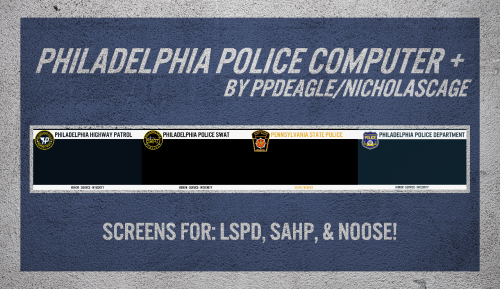 I was actually planning on it, I have some more screens I could add to this. Will do that right now! Update: Done!
- 2 comments
- 2 reviews
-
-

- 1
-
-
Discovered not too long ago, and continues to be one of my favorites, especially the music video. This thread needs some Slipknot..
-
Replace the 512x512 png logo in: update/update.rpf/x64/textures
-
I misunderstood, apologies.
-
https://www.google.ie/search?q=gta+v+logo&espv=2&biw=1366&bih=643&source=lnms&tbm=isch&sa=X&ved=0ahUKEwiZ7f22yvTOAhXCLcAKHYF5BzQQ_AUIBigB#tbs=simg%3Am00&tbnid=kccHSnNpW1m_vM%3A&docid=l_uFwqrl5yte9M&tbm=isch Plenty to choose from, hope it helps.