


NicholasCage
Members
-
Joined
-
Last visited
Everything posted by NicholasCage
-
-
 Awesome show, great addition!
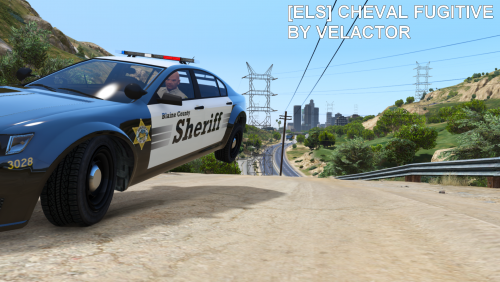 Cool looking car dudebro, great job 10/10Here's a sexy Range Rover: https://www.gta5-mods.com/vehicles/police-range-rover-vogue-els-enabled (like really sexy, check it out ) And here's an pretty nice Land Rover Discovery: https://www.gta5-mods.com/vehicles/portuguese-protection-civil-land-rover-add-on All you need is an Essex skin!Ladies and Gentlemen, Mr Conway Twitty.
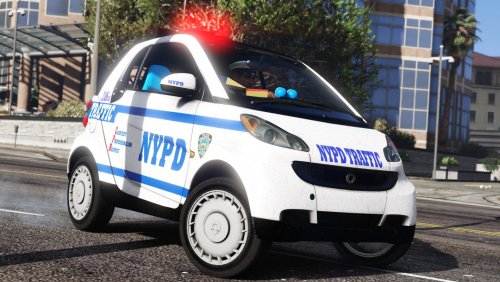 I love the detail of this car, you did an amazing job! 5/5 An awesome addition to anyone's game.
- 22 comments
- 17 reviews
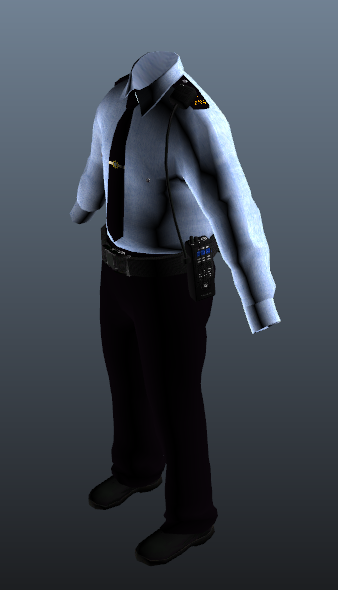
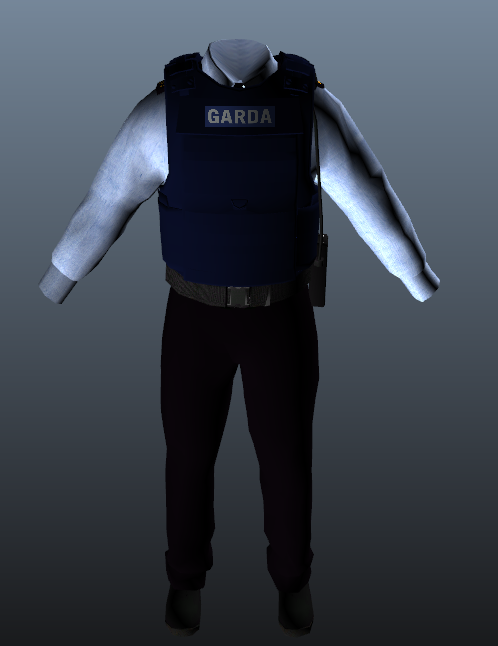
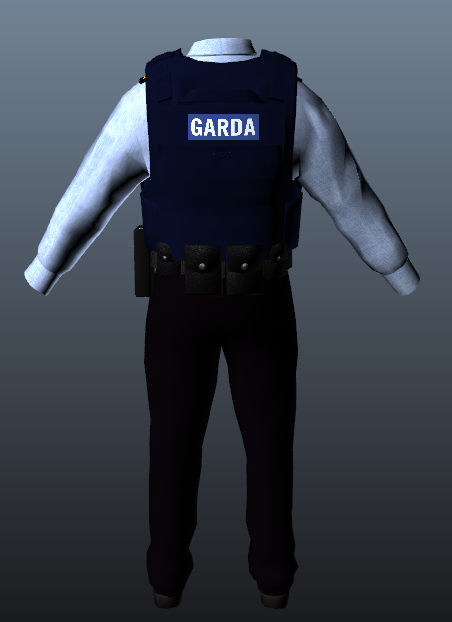
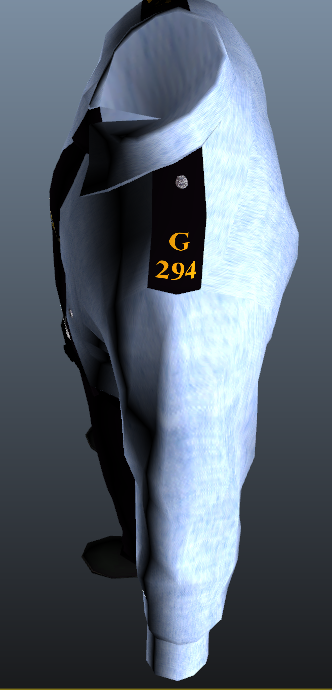
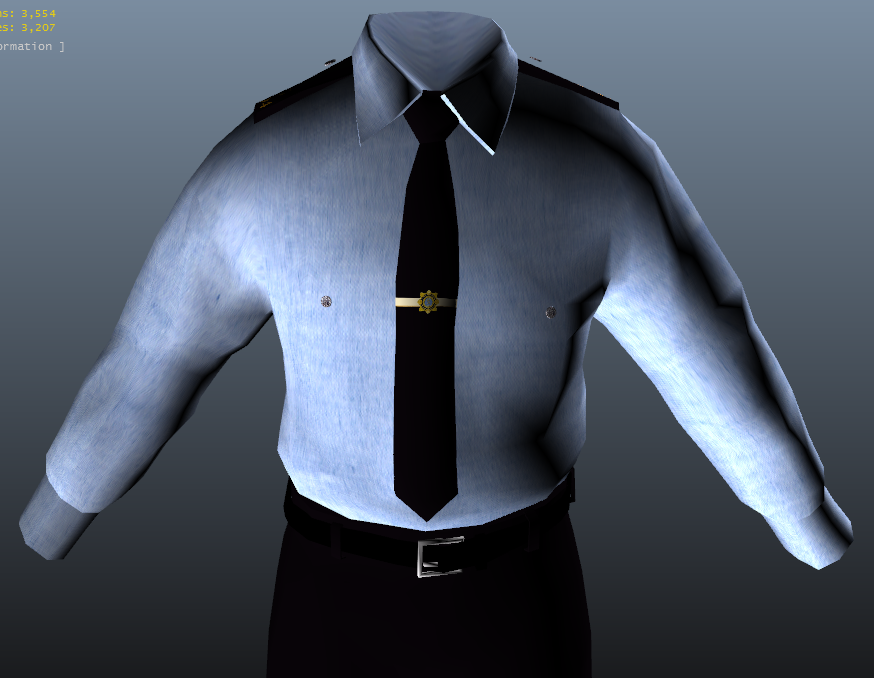
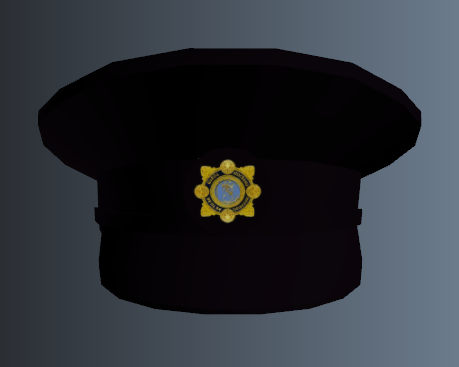
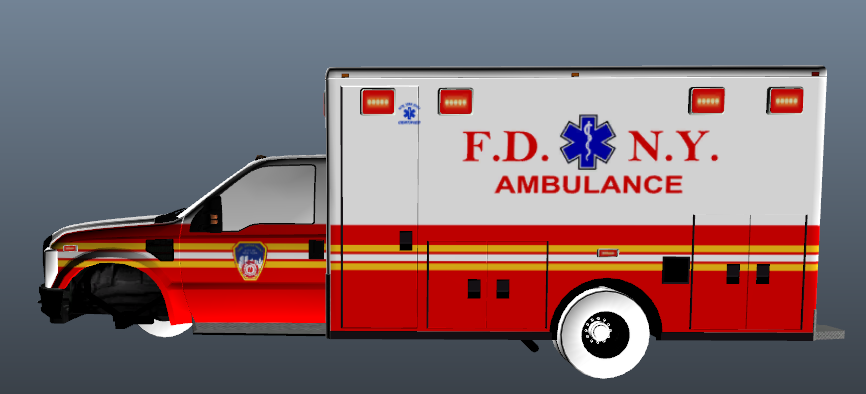
Looks like an easy job. I might have a go at it when I get the time. Would this model suit?@Nikopol Don't tempt me lolA showcase of my textures that are currently in development. Philadelphia Fire Department Paused FDNY Ambulance (Rescue Medics / Haz Tac) Paused An Garda Síochána Peds (National police force of Ireland) In Progress FDNY Ford F350 Ambulance In Progress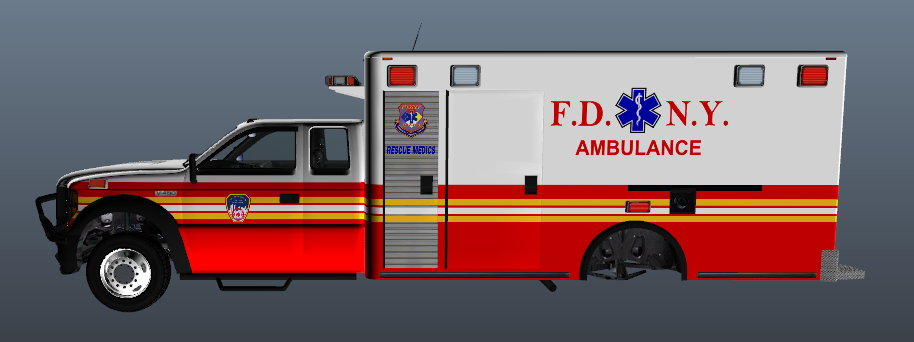
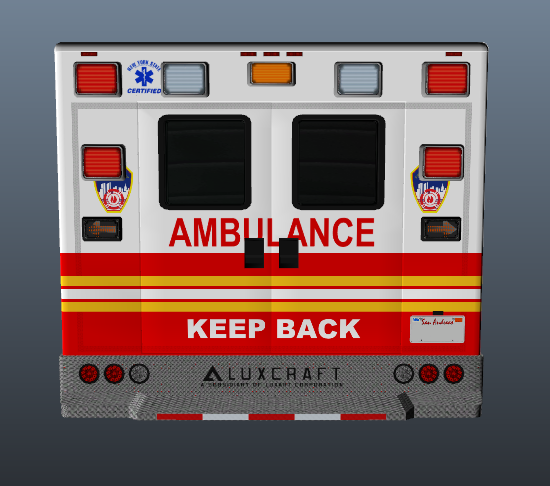
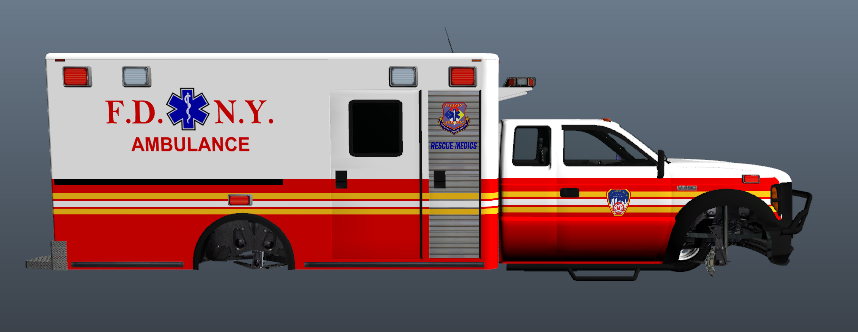
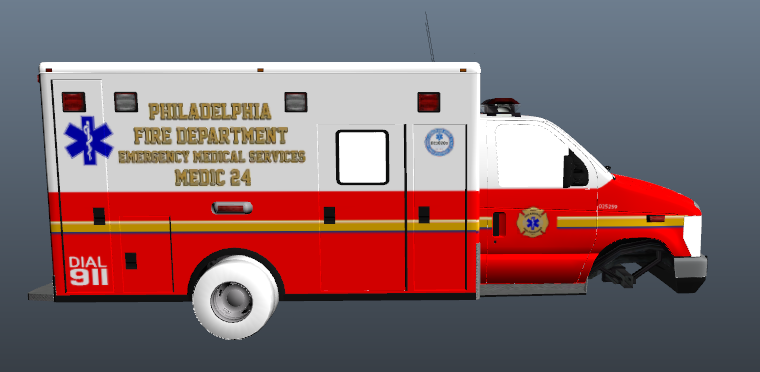
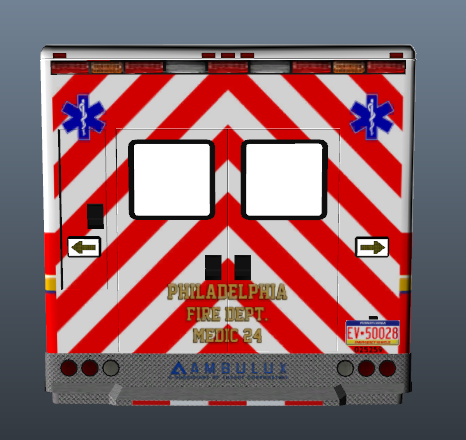
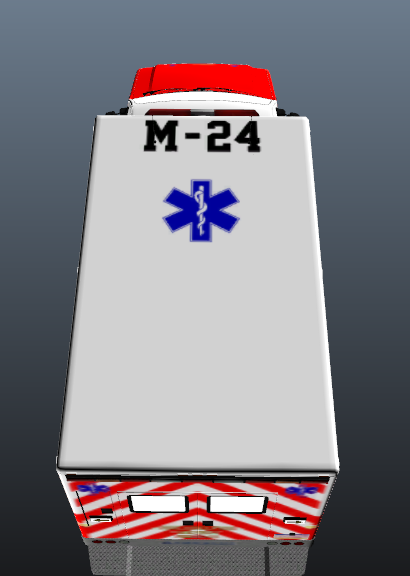
 I have the same problem with some of the vehicles that I use. I always assumed it was because there was a missing file or the fact that my computer is the equivalent of a potato with a monitor attached Hopefully this issue can be resolved, frustrating for texture makers.Federal Signal LED Vision SL FedSig V-Shaped Lightbars Pictures: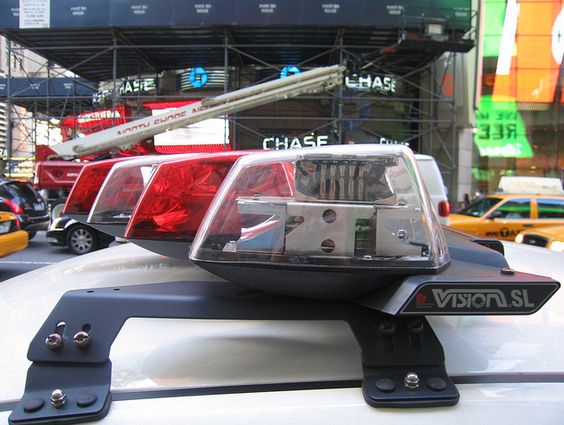
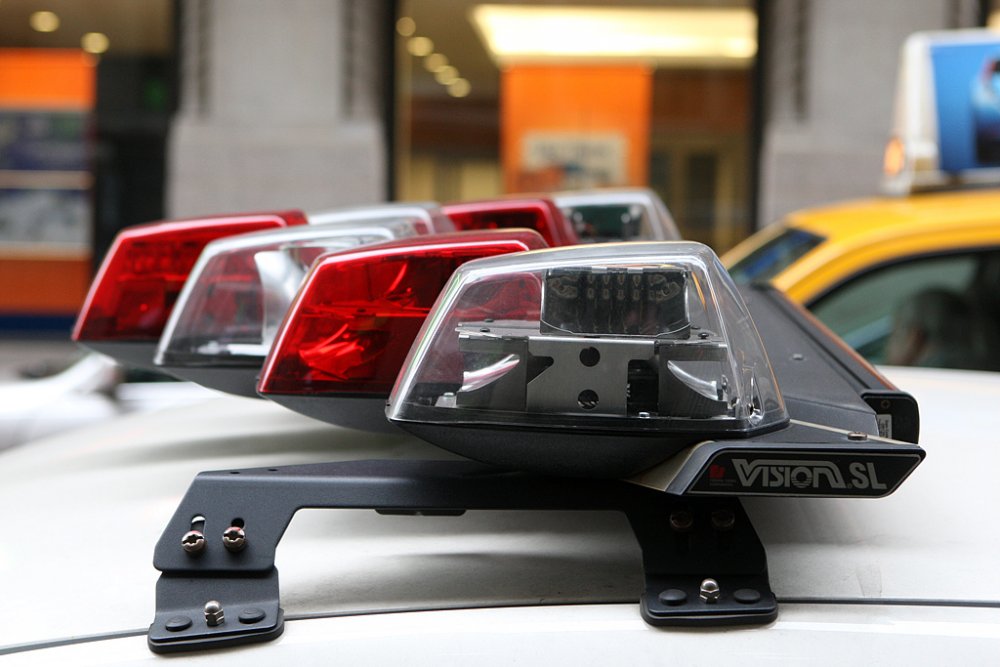
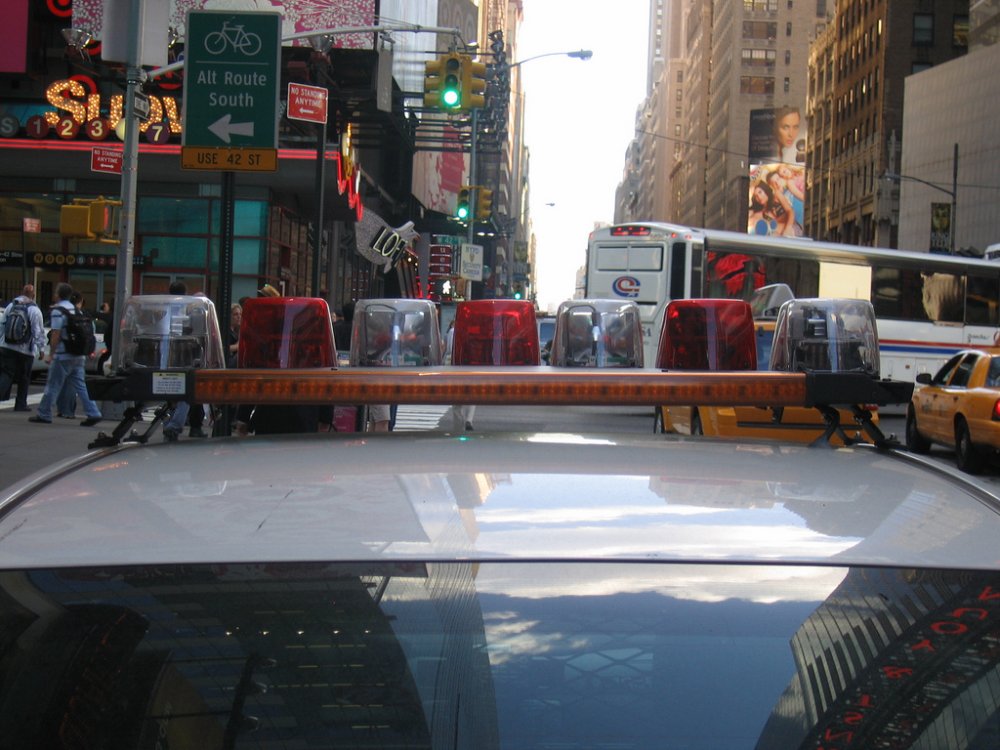
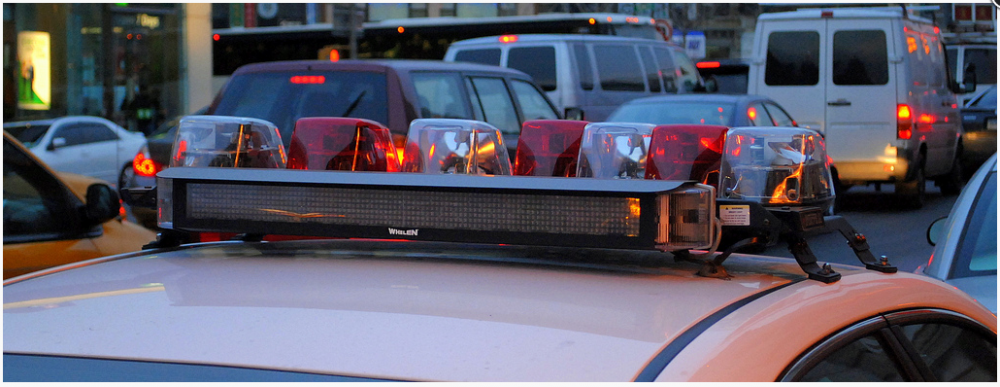
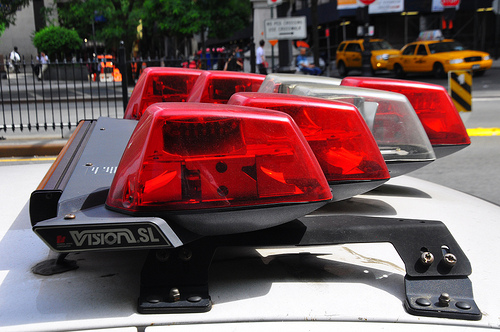
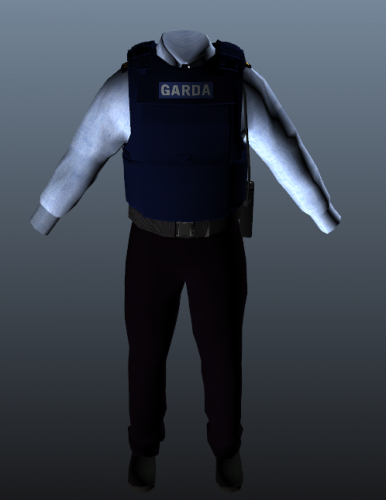 An Garda Síochána is the police force of Ireland. The service is headed by the Garda Commissioner who is appointed by the Irish government. Its headquarters are in Dublin's Phoenix Park. This pack includes: A Custom Garda Hat. Male Uniform. Stab Vest. These textures have been designed for use with Ultimate UK Police Ped Pack for RDE, or any suitable cop ped. However, Ultimate UK Police Ped Pack for RDE removes the holster and badge from officers to make it more realistic. It can also be used without RDE. If you like this file, be sure to check out my other work: - Do not edit or re-upload this file without my permission. - Remember to always backup your files. Thank you and enjoy! PLEASE DO NOT RATE THIS FILE BEFORE YOU HAVE INSTALLED AND USED IT. The review system is for rating a modification, after you have successfully installed and used it.MORE BAAAASSSSSSSSSSSSSEEEEEE!
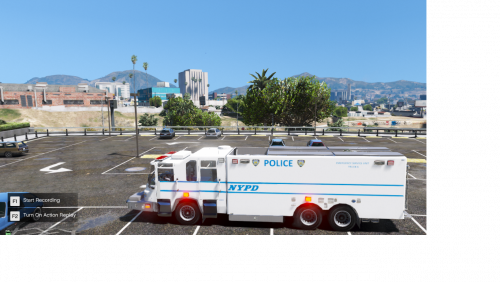 I think the model has been hidden to the public. Pierce Quantum Rescue Beta ELS Compatible.
- 8 comments
- 6 reviews
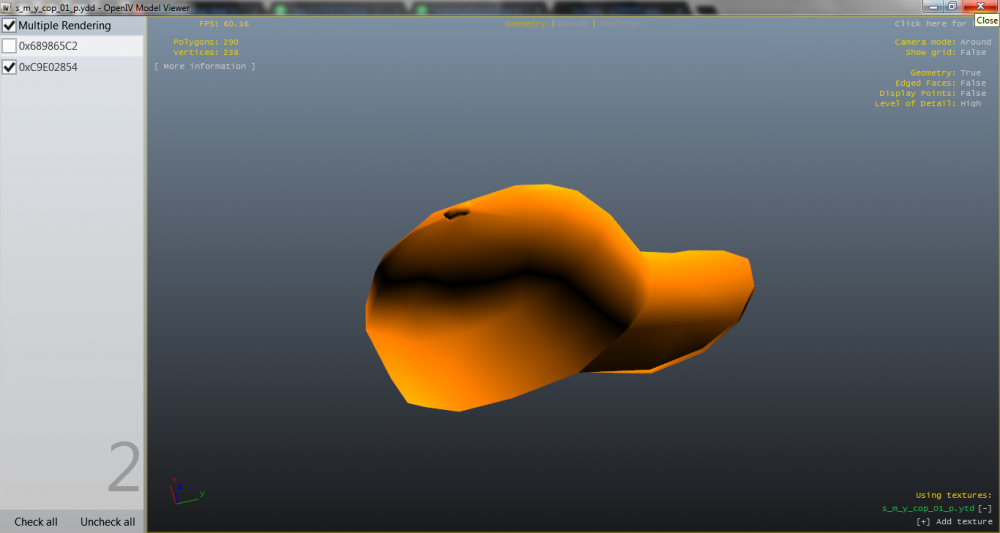
@Lundy I appreciate it, thank you!@Lundy Thank you so much!I'm trying to replace the s_m_y_cop_01_p police hat with the s_m_m_security_01_p Gruppe Sechs security guard hat. Here are the problems I am encountering: The police hat should be "0xC9E02854" in s_m_y_cop_01_p, but it is "0xC9E02854". I can't get rid of the security baseball cap. I assume a meta file has to be edited? I have no idea what I'm doing when it comes to this stuff. In short, I need to replace the s_m_y_cop_01_p police hat with the s_m_m_security_01_p Gruppe Sechs security guard hat but I have no idea how to do so. I would appreciate help with this matter, as I am eager to release a new ped file. Comment or PM me if you know how to do this, or if it's even possible. Thanks! Hat I want to use for s_m_y_cop_01_p: Hat I need to remove: @Lundy Would you know if what I'm asking is possible perchance?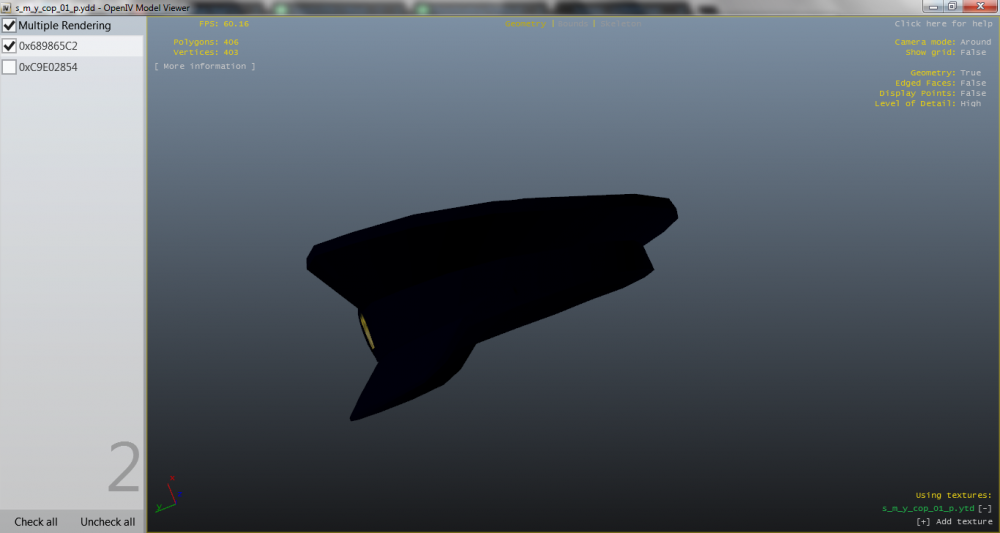
 Lookin good!
.gif.47d6b57bb7b6353fef45651d3e5ec70a.gif) 3D model available on Humster 3D if anyone is interested in porting it. I can't take smart cars seriously, but this one is really nice
3D model available on Humster 3D if anyone is interested in porting it. I can't take smart cars seriously, but this one is really nice.thumb.jpg.6a4ef098e9d6a9c3153b242de5d0dc39.jpg)

.thumb.png.2a9b51dd0b48ed59377971b5be08d0c3.png)




.gif.47d6b57bb7b6353fef45651d3e5ec70a.gif)
.jpg.d9dc5bfc86301e0ea7bddbcb1ae55c07.jpg)
Account
Navigation
Search
Configure browser push notifications
Chrome (Android)
- Tap the lock icon next to the address bar.
- Tap Permissions → Notifications.
- Adjust your preference.
Chrome (Desktop)
- Click the padlock icon in the address bar.
- Select Site settings.
- Find Notifications and adjust your preference.
Safari (iOS 16.4+)
- Ensure the site is installed via Add to Home Screen.
- Open Settings App → Notifications.
- Find your app name and adjust your preference.
Safari (macOS)
- Go to Safari → Preferences.
- Click the Websites tab.
- Select Notifications in the sidebar.
- Find this website and adjust your preference.
Edge (Android)
- Tap the lock icon next to the address bar.
- Tap Permissions.
- Find Notifications and adjust your preference.
Edge (Desktop)
- Click the padlock icon in the address bar.
- Click Permissions for this site.
- Find Notifications and adjust your preference.
Firefox (Android)
- Go to Settings → Site permissions.
- Tap Notifications.
- Find this site in the list and adjust your preference.
Firefox (Desktop)
- Open Firefox Settings.
- Search for Notifications.
- Find this site in the list and adjust your preference.