TheCanadianDream
Members
-
Joined
-
Last visited
Everything posted by TheCanadianDream
-
that helped alot now i can finally play this realistically thanks alot
-
thanks i will do that, its not that i dont want them to shoot, its just DONT BLOW the suspects up.
-
for me the local heli do not shoot no matter what only noose does. but its not very realistic because noose blows them to pieces
-
-
-
what orange and green ????
-
Intriguing assuming you know the dress I'm talking about
-
Sounds like my life lol I live in Alberta Canada the great white north and it's cold Have fun in the south best of luck
-
Down in the south get a sun tan lol
-
-
sounds like fun lol
-
-
-
-
city or sheriff
-
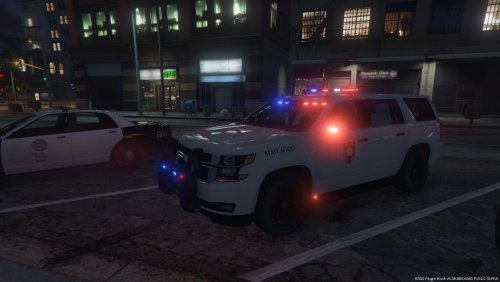 looks good nice job just take screen shots at night and day otherwise great job
 -
it probably is, try doing it in gta 4 and then do the exact same procedure in the gta 5 files
-
gta 4 and 5 in my opinon are completely different in terms of files, but ya wait and see if some one else has any other advise
-
not that i know of i dont think their is try messing around with the files a little if you want to dissable the livery i would just delete it or back it up to anther location
-
what mod ?
-
is it black or blue??????
-
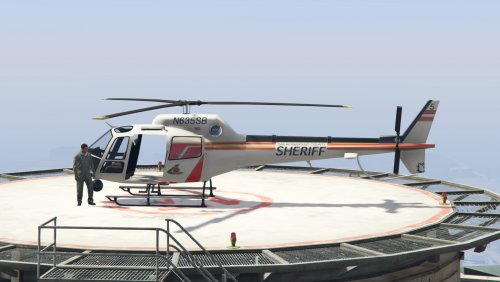 looks amazing good job crazytaxi1000 love it
 -
 what country
 -
looks good, if it doest take any unessesary time then go ahead and release it as i say "the more mods the better" so for a yes or no vote i would say YES release it nice job this will help alot
-
i dont know much about LCPDFR and scince you joined 3 hours ago i would sugest waiting for another user sorry but this is not my area of experience. if i were you i would delete all lcpdfr file and reinstal them and double check to make sure all are installed correctly