



Officer K Slimm
Members
-
Joined
-
Last visited
Everything posted by Officer K Slimm
-
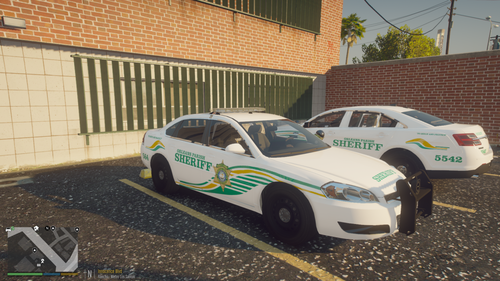 This is a newly livery texture design of the OPSO "Orleans Parish Sheriff's Office" 2016 FPIS and 2009-12 Chevy Impala Orleans Parish of New Orleans, La Upcoming - New Orleans Police Dept EUP 8.2, Orleans Parish Sheriff's Office EUP 8.2, New Orleans EMS EUP, New Orleans Fire Dept EUP AND MORE
 -
 Nps Im working on getting an updated one out soon
 -
 It looks amazing
 -
It's Cool
-
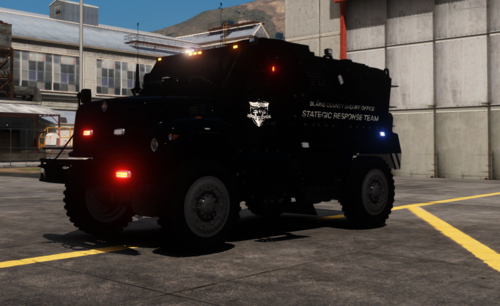 Is there a link for that swat truck
 -
Same here my game keep saying game memory error but I put a new gameconfig in open iv and install heap adjuster and packfile and it still crashes
-
-
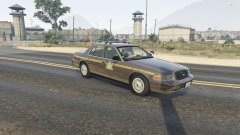 Awesome I need this 1998-1999 CVPI if you still got it please send
 -
Appreciate you Benzo Nps
-
Idk but Im having some problems to where if I try to download a vehicle, texture, plugin, or script to my desktop It's not letting me download stuff from lspdfr Can someone help me out here
-
I want to learn how to do that too someone said I need Zmodler to make the decal liveries relfect but I create my liveries in paint.net
-
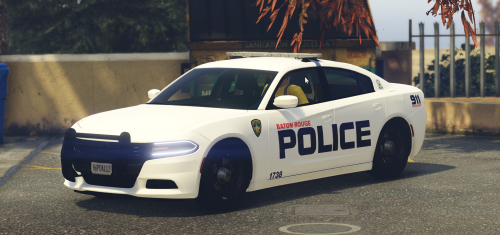 Yes Finally I can definitely do a BRPD Patrol again
 -
 Man I'm having so much fun with this callout But I took all my other callouts out my folder and Ambient is the only one that's crashing idk but will there be another update again?RagePluginHook.log
- 346 comments
- 43 reviews
-
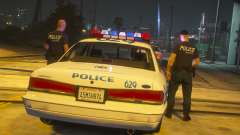
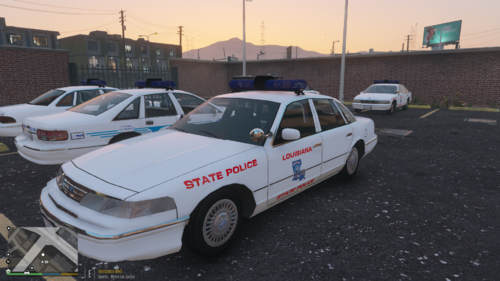
From the album: 90s retro week
-
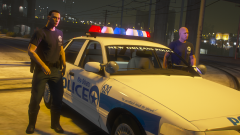
From the album: 90s retro week
-
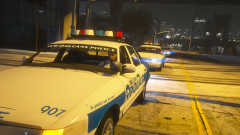
From the album: 90s retro week
-
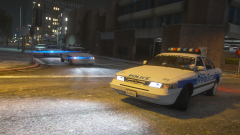
From the album: 90s retro week
-
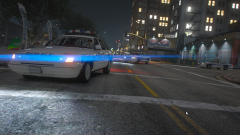
From the album: 90s retro week
-
-
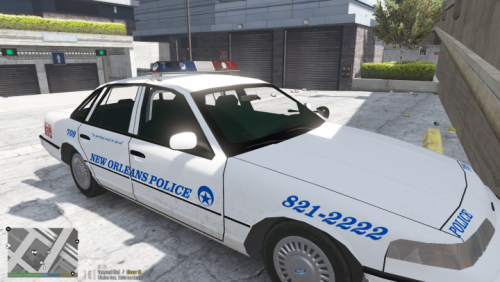
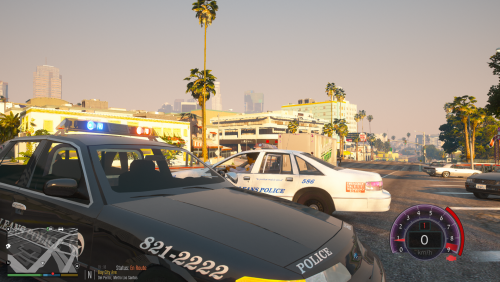 I decided to upload the actual NOPD Early 90s decals for the 1991-94 Chevy Caprice and 1992-94 Ford Crown Victoria Enjoy
 -
-
Crash I took all other plugins out and it crash while starting duty RagePluginHook.log
- 346 comments
- 43 reviews
-
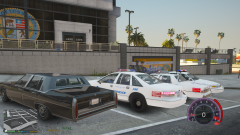
From the album: 90s retro week
-
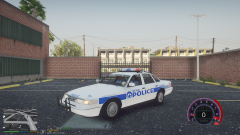
From the album: 90s retro week
-
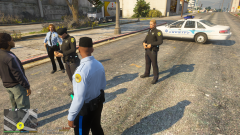
From the album: 90s retro week





