
Officer K Slimm
-
Joined
-
Last visited
Everything posted by Officer K Slimm
-
 At some point i can't do the foot pursuit callout it keeps saying Code 4 Disregard
- 191 comments
- 7 reviews
-
-

- 1
-
-
From the album: 90s retro week
-
From the album: 90s retro week
-
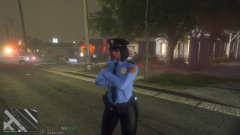
From the album: 90s retro week
-
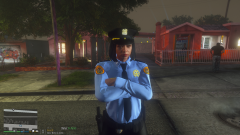
From the album: 90s retro week
-
 It's not working for me it said fail to load in manager I try to pick a call in calloutmanager it won't let me do it
- 422 comments
- 25 reviews
-
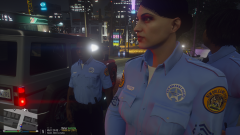
From the album: 90s retro week
-
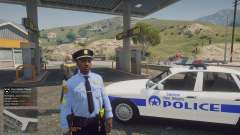
From the album: 90s retro week
-
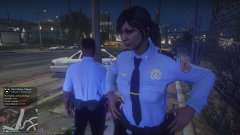
From the album: 90s retro week
-
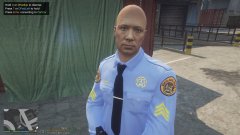
From the album: 90s retro week
-
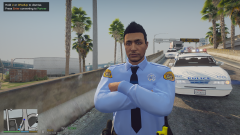
From the album: 90s retro week
-
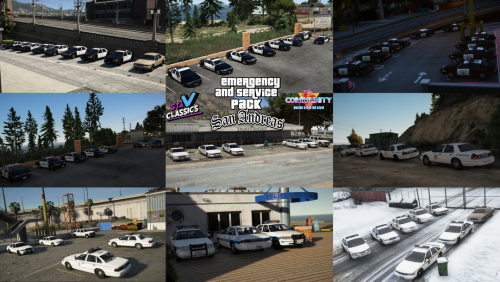 Awesome pack but could you please add the rest of the templates for other vehicles thats in this pack
- 32 comments
- 3 reviews
-
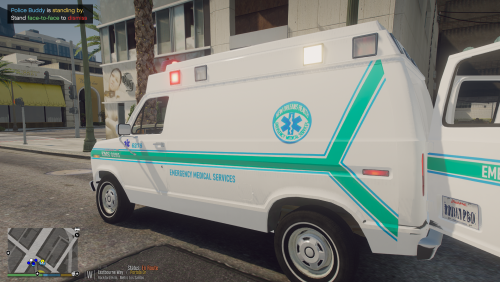 This is my design of the old school NOEMS livery known before as New Orleans Health Dept from the early 80s to the mid 2000s
 -
-
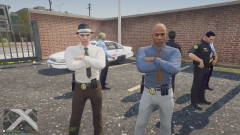
From the album: 90s retro week
-
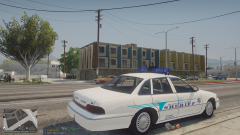
From the album: 90s retro week
-
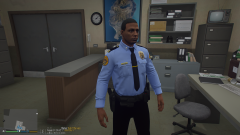
From the album: 90s retro week
-
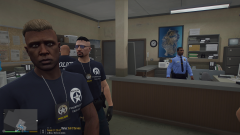
From the album: 90s retro week
-
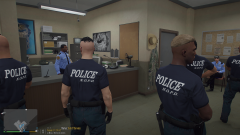
From the album: 90s retro week
-
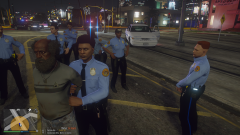
From the album: 90s retro week
-
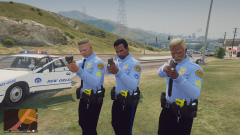
From the album: 90s retro week
NOPD Officers drawn their guns at 2 suspects for carjacking in 1991 -
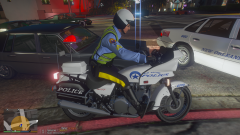
From the album: 90s retro week
-
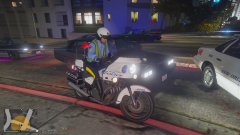
From the album: 90s retro week
-
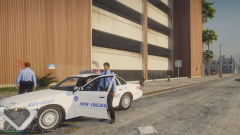
From the album: 90s retro week
-
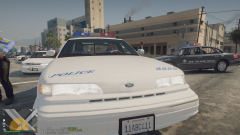
From the album: 90s retro week